Clothing Photography: The 2026 E-commerce Guide
Master e-commerce clothing photography in 2026. This guide covers technical setup, styling, post-production, and how AI tools streamline content for top brands.
Michael Pirone, Founder of Picjam & Vidico
In this guide to clothing photography, I share systems for capturing professional garment images across studio and location settings, including how to use AI tools to reduce production costs while maintaining image quality.
Every clothing image starts as a business problem: communicate fit, texture, and brand quickly enough to convert a viewer into a buyer. The solution changes depending on whether you are photographing a single product for an e-commerce listing or running a full collection shoot for a seasonal campaign. This guide addresses both scenarios with the same underlying logic.
The Author’s Perspective
I have run production for fashion brands that needed to move fast and brands that needed to look expensive. The principles that work in both cases are the same: understand the commercial goal, control the inputs, and build systems that can repeat results without starting from scratch each time.
Most guides on clothing photography focus on isolated technique. This one starts from the business outcome and works backward to the production decisions that support it.
Lighting: The One Variable That Changes Everything
Lighting determines whether your clothing image reads as product documentation or as aspirational content. Most brand teams underestimate how much work happens at the lighting stage.
Soft versus hard light for fabric
Soft light — produced by large light sources like diffused strobes, softboxes, or open shade outdoors — wraps around fabric and reveals texture without carving the garment into harsh shadow.
Industry research consistently shows that soft, even lighting helps represent fabric and fit more accurately. That aligns with production reality. Shoppers need to read surface texture, edge definition, and construction detail from a static image. Harsh shadow obscures all three.
Hard light has uses in clothing photography, particularly when you want to communicate structure and weight in categories like outerwear, tailoring, or denim. A single directional source can make a heavy canvas jacket read as substantial in a way that flat, diffused light cannot. The risk is that hard light also exaggerates wrinkles and surface imperfections, which increases post-production time.
As a default, diffused light reduces retouching needs, represents fabric more honestly, and performs better across product categories.
Studio lighting setups that work
The three setups I come back to most consistently:
- Two-light flat setup: One large softbox to the left at 45 degrees, a fill card or second softbox to the right. Clean shadows, neutral background reads as white with minimal editing. Best for product-on-white requirements.
- Clamshell setup: Two softboxes positioned above and below the subject, angled toward each other. Produces exceptionally even light with very little shadow. Best for model shots where skin tone consistency matters.
- Single key with reflector: One softbox as the primary source, a V-flat reflector as fill. More directional than the flat setup, produces slightly more depth. Useful when you want the image to feel less clinical.
Natural light for clothing photography
Natural light is free and can be excellent, but it is inconsistent. Clouds, time of day, and seasonal variation mean your results will differ across shoot days unless you control for them.
Practical protocols for natural light consistency:
- Shoot during a defined window, typically the two hours following sunrise or preceding sunset for warm light, or the middle of the day in open shade for neutral light
- Use a consistent exposure baseline and adjust to it rather than changing settings mid-shoot
- Colour-grade to a fixed reference image before exporting any final images
For most e-commerce work, studio light delivers more consistent results with less post-production adjustment. Natural light is better suited to lifestyle and editorial content where variation is acceptable or desirable.
Background and Environment Decisions
Background decisions are production decisions with direct implications for post-production time and brand consistency.
White and neutral backgrounds
White and light grey backgrounds are the default for e-commerce clothing photography for practical reasons: they make the garment the clear visual subject, they are consistent with marketplace requirements (Amazon, for example, mandates white backgrounds for primary product images), and they reduce the complexity of post-production extraction if you need to composite images later.
To achieve a clean white background in-camera rather than in post: expose the background 1 to 1.5 stops brighter than the subject, or use a dedicated white cyc wall with sufficient distance between the subject and background to prevent light spill creating colour casts.
Coloured and textured backgrounds
Coloured and textured backgrounds are appropriate for brand-building content when consistency with other campaign imagery is planned. The risk is that they age quickly and limit how long the images can be used without the background dating the content.
If you use coloured or textured backgrounds, commit to using them consistently within a campaign or collection. Mixing background styles within the same product range creates visual inconsistency that is immediately visible to customers.
Location and lifestyle environments
Location shooting introduces more variables and more post-production work, but it can produce imagery that a studio environment cannot: a sense of place, ambient light quality, and spatial scale that makes products feel real rather than staged.
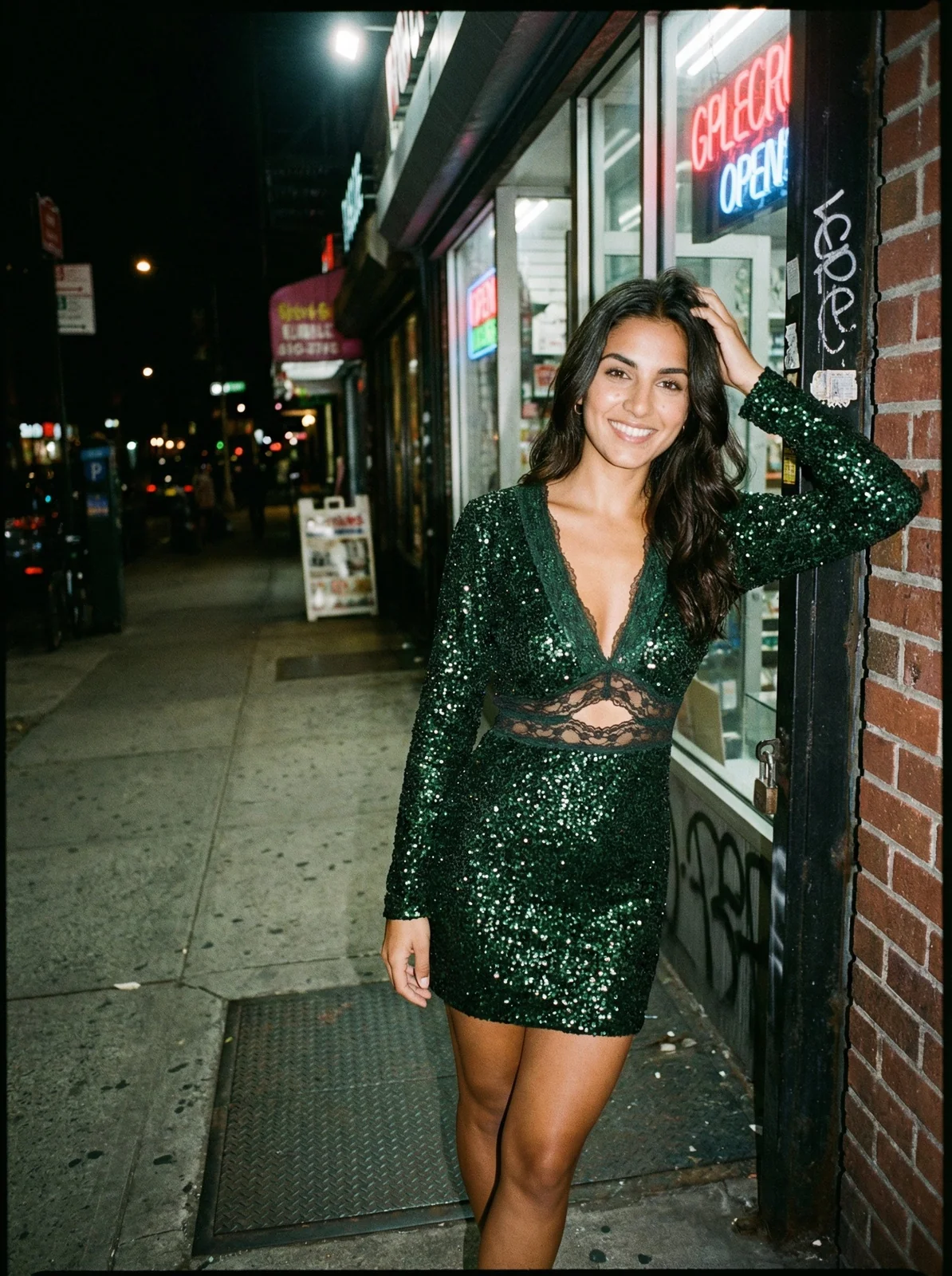
For clothing brands, lifestyle location shooting works best when the location reinforces a brand value. Outdoor gear brands in natural environments, luxury brands in architectural settings, streetwear brands in urban contexts. The location should communicate something relevant about the product, not function as decoration.
Styling and Garment Preparation
A garment on set is an argument that the product is worth purchasing. How that argument lands depends almost entirely on how the garment is prepared and styled before the camera is ever pointed at it.
Pre-shoot preparation
Every garment that goes in front of a camera should be steamed, not ironed, to remove creases without damaging fabric structure. For knits and delicate fabrics, hang in a warm room rather than applying direct heat. Check every seam, button, and detail element before the first frame is captured. Post-production correction of a dropped collar or missed button takes more time than a two-minute check on set.
Ghost mannequin and flat lay approaches
Ghost mannequin photography — where the garment is photographed on a mannequin and the mannequin is removed in post-production to create the appearance of an invisible wearer — is the standard for product-on-model-style images without the cost of a live model.
Flat lay photography removes the body entirely and presents the garment from above, folded or spread on a flat surface. It works best for accessories, knitwear, and items where silhouette is less important than texture and detail.
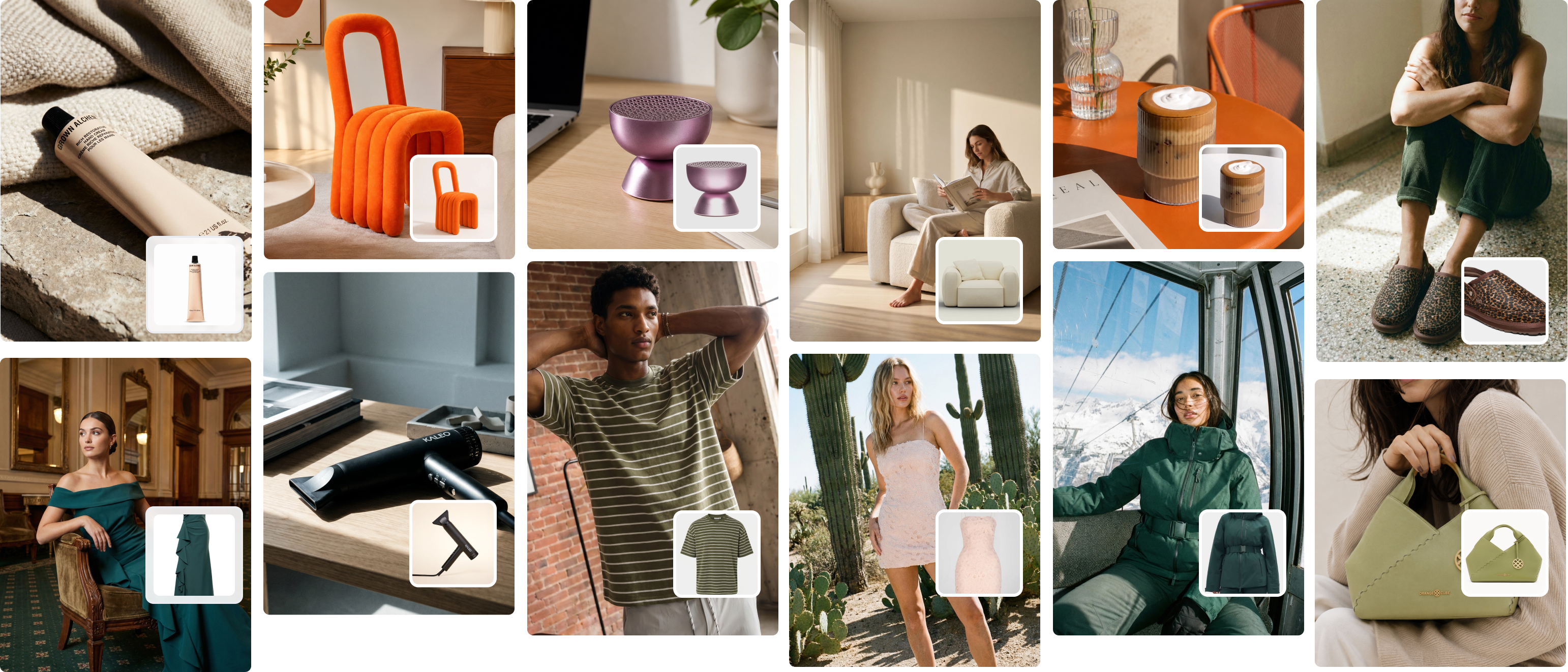
For brands where budget is a constraint, ghost mannequin images can be converted to AI-generated on-model images using platforms like Picjam. The output quality is now high enough for standard e-commerce use across most garment categories.
Live model styling
Model styling decisions are brand communication decisions. Every choice — what the model wears alongside the hero garment, how it is sized and fitted on their body, what accessories are included — either reinforces or contradicts the brand message.
The most common mistake in model styling is over-styling: adding too many elements until the image is about the total look rather than the specific product being sold. Unless you are selling complete outfits, simplify the styling until the hero garment is clearly the subject of the image.
Camera and Lens Considerations
Camera and lens choices affect the look of clothing photography, but they are secondary to lighting and styling decisions. A mediocre lens with excellent lighting will outperform an excellent lens with poor lighting almost every time.
Sensor format
Full-frame sensors produce images with better dynamic range and lower noise at higher ISO settings than crop sensors. For clothing photography, this matters most in lower-light conditions or when you are shooting lifestyle content where you cannot fully control the light.
For controlled studio work, a crop sensor camera is entirely adequate for e-commerce purposes. The resolution requirements for most digital platforms are lower than even entry-level professional cameras can produce.
Focal length and distortion
Focal length affects how garments appear on the human body. Wide-angle lenses (below 35mm on a full-frame sensor) introduce perspective distortion that elongates limbs and distorts garment proportions, particularly at the edges of the frame. This is generally undesirable for clothing photography where accurate fit representation is a priority.
50mm to 85mm is the standard range for clothing photography on full-frame cameras. 50mm produces a natural perspective similar to human vision. 85mm compresses perspective slightly and is flattering for model-focused shots. Both avoid the distortion problems of wider focal lengths.
Longer focal lengths (100mm to 200mm) compress perspective further, which can make garments look different on the body than they appear in real life. Use with caution for product documentation purposes.
The Role of AI in Modern Clothing Photography
AI-assisted production has changed the economics of clothing photography significantly over the past two years. This is not a speculative development; it is already in use at scale by major brands including H&M, Levi’s, and Zalando.
What AI does well in clothing photography
- Generates on-model imagery from ghost mannequin inputs at a fraction of live shoot costs
- Produces consistent backgrounds and environments that would require expensive location shoots to achieve traditionally
- Creates variation sets (multiple models, multiple backgrounds) from a single input image
- Enables colorway variants without reshooting when colours are similar enough for automated generation
Where human production remains essential
- Brand-defining hero campaigns where bespoke creative direction is the differentiator
- Complex styling interactions that AI tools cannot yet render reliably
- Video content
- Situational or experiential content that requires real-world context
The production model that works
The most effective approach I have seen for brands at scale is a tiered production model:
- Core hero shoot: One to two seasonal shoots producing the flagship creative used for brand-building campaigns. High investment, high quality, limited volume.
- AI-generated volume: Product-level imagery for e-commerce and performance channels, produced from ghost mannequin inputs using platforms like Picjam. Lower cost per image, consistent quality, scalable volume.
- UGC and community content: Customer-generated images amplified through owned channels. Zero production cost, high authenticity signal.
This structure means the hero shoot budget is invested where it has the most brand impact, while the volume requirements of e-commerce and performance marketing are met at a sustainable cost.
Building a Repeatable Clothing Photography System
The difference between brands that consistently produce strong clothing imagery and brands that struggle is almost never equipment. It is process.
Pre-production checklist
- Shot list completed and approved before shoot day
- Garments received, checked, and prepared at least 24 hours before shoot
- Lighting setup documented from previous shoot (photograph the setup for reference)
- Background and set elements confirmed and available
- Model or mannequin confirmed and briefed
Shoot day protocols
- Capture a reference frame at the start of each lighting change and save it separately
- Review images on a calibrated monitor, not the camera screen, if the shoot environment permits
- Cull selects on set rather than after: eliminates the review bottleneck
Post-production standards
- Develop a single colour grade applied to all images before individual adjustments
- Establish a file naming convention before the shoot starts
- Document the final retouching standard so that any retoucher can match it
Common Mistakes and How to Avoid Them
These are the errors I see most frequently in brand clothing photography, and the corrections that fix them.
Inconsistent colour across a product range
Cause: Images shot across multiple sessions without a consistent colour grade applied before delivery.
Fix: Apply a base grade to all images in a collection before individual colour correction. Use a colour reference card on set to calibrate post-production to actual fabric colours.
Poor garment presentation
Cause: Inadequate pre-shoot preparation, rushed steaming, or incorrect sizing on mannequin.
Fix: Designate preparation time as a non-negotiable part of the production schedule. Steam all garments the day before where possible. Size mannequins to match the garment’s intended fit, not a standard size.
Background inconsistency within a collection
Cause: Shooting across multiple locations or studio setups without a documented standard.
Fix: Photograph the set and exposure settings at the start of each shoot. Replicate exactly at subsequent shoots. Apply background consistency in post-production if minor variations occur.
Focal length distortion on model images
Cause: Using lenses below 50mm for full-length model shots, particularly at close distances.
Fix: Establish 50mm to 85mm as the standard range for all model shots. Step back from the subject to maintain framing rather than widening the focal length.
Planning for AI Integration Without Sacrificing Quality
Brands that have integrated AI into their clothing photography workflow most effectively treat it as a production tier, not a replacement for all photography. The practical steps for integration:
- Identify the image categories where AI delivers adequate quality for your channels: Typically e-commerce product images and performance ad creative. Start there.
- Establish your ghost mannequin capture standard first: AI tools produce better outputs from better inputs. A strong ghost mannequin image produces stronger AI-generated on-model results.
- Test outputs against your quality benchmark before committing to scale: Run a controlled test across 10 to 20 products before committing to a full integration.
- Document the results and share them with decision-makers: Cost per image, time from input to delivery, quality benchmark pass rate. Specific numbers build the business case better than general claims.
AI clothing photography is not the future of fashion content production. It is the present, being used now by the brands investing in production efficiency. The question for most teams is not whether to integrate it, but how to do so without compromising the image quality that drives commercial results.
Explore how Picjam can reduce your clothing photography production costs while maintaining the image quality your brand requires. Use our savings calculator to model the impact on your production budget.

Picjam team
The Picjam team blends AI, product, and creative expertise to eliminate the cost and delay of traditional photography for modern eCommerce brands.