
Business Card Mockup: How to Create Photorealistic Brand Assets
Learn to build a photorealistic business card mockup in 2026 with simple design tips, AI generation, and export steps that boost impact.
When fashion brand Allbirds wanted to reinforce its clean, eco-conscious identity, they didn't just focus on shoe design. They ensured every brand touchpoint — from packaging to digital assets — communicated the same minimalist aesthetic. A business card mockup serves this exact purpose: it's a digital template showing your design in a real-world context, acting as a critical first impression for your brand.
It’s the final dress rehearsal before a print run or, more commonly, the primary way you showcase your brand's quality in portfolios, pitch decks, and on your website.
Why a Perfect Business Card Mockup Is Non-Negotiable
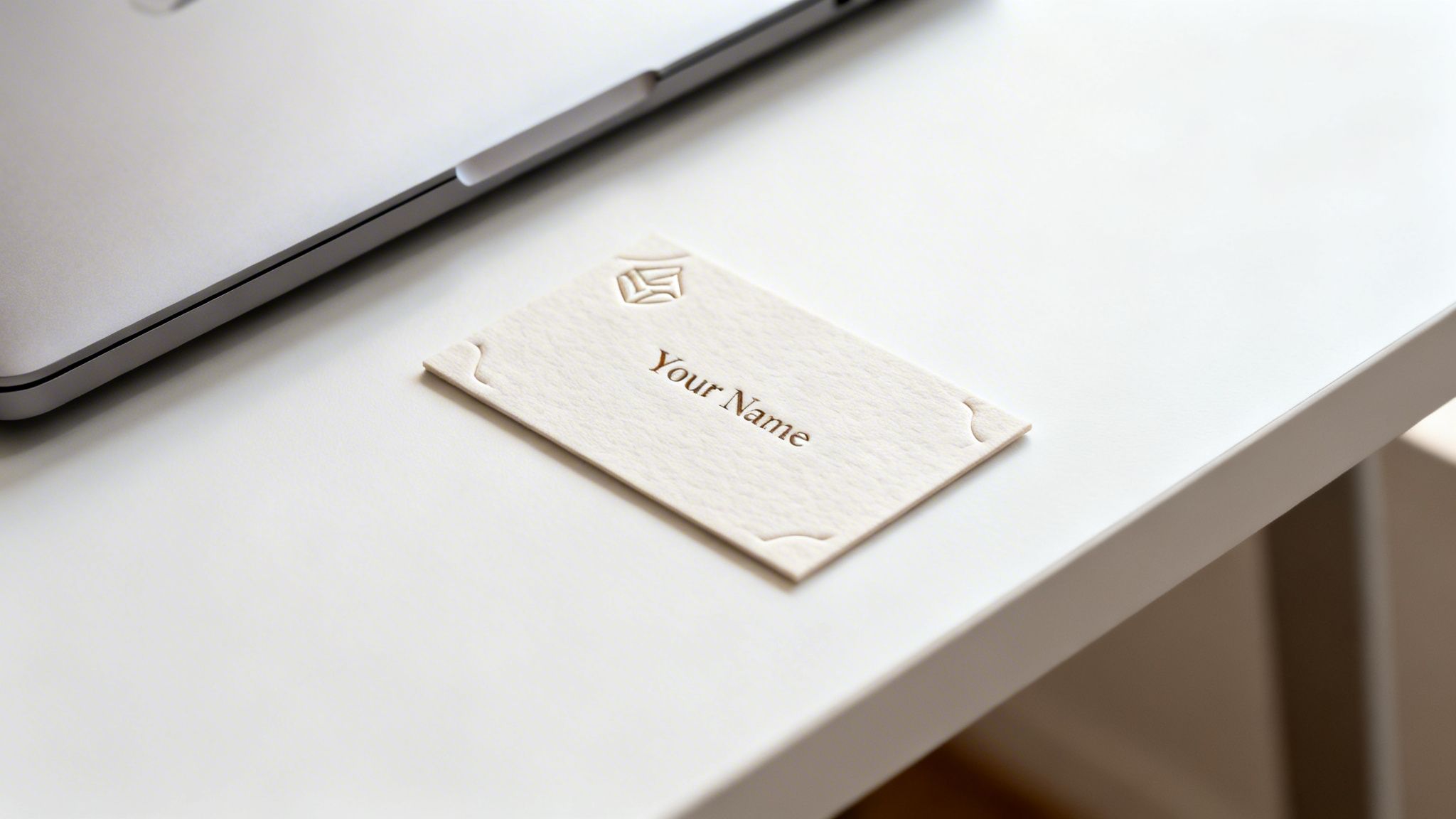
Before anyone reads your name, your business card has already made a statement. A high-quality business card mockup ensures your brand looks professional and detail-oriented, whether it’s on a screen or in a client’s hand. It sets a standard of quality that people notice instantly.
This is where AI tools create a practical advantage. Platforms like Picjam allow brands to generate a complete and cohesive visual identity from scratch, including perfectly staged branding assets like the mockups we're discussing, saving significant time and budget.
The Shift to Digital-First Impressions
Physical business cards haven't disappeared, but their role has evolved. While over 10 billion cards were printed annually in the U.S. before 2020, the market has pivoted to digital-first introductions where a mockup does the heavy lifting.
Even with this shift, the stakes are high. A this detailed analysis reveals that 72% of people still judge a company by its business card quality, and 39% will choose not to do business with a company if they think the card looks cheap. This proves how vital a high-quality digital version is.
Mockup Impact: How Digital Saves Time and Money
Digital mockups offer flexibility and immediate impact that printed cards alone can't match. They allow you to control your brand's first impression across every digital channel, ensuring consistency without the high costs of print.
How to Plan a Mockup That Reflects Your Brand Identity
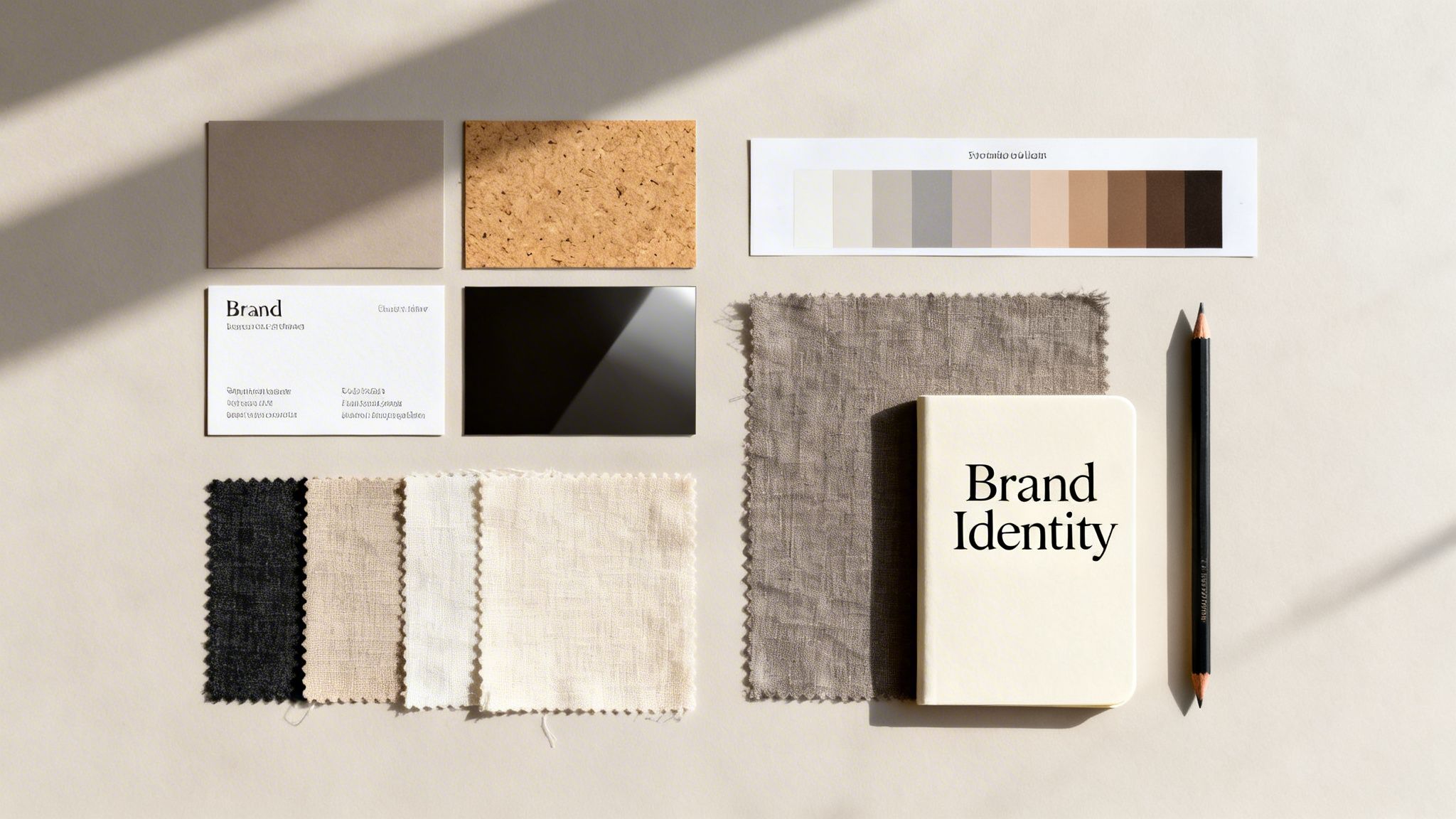
An effective mockup isn’t just a pretty picture; it’s a strategic branding tool. Before you open a design program, your vision should be rooted in your brand’s core aesthetic.
Are you channeling the clean, neutral tones of a minimalist brand like Everlane? Or are you aiming for the vibrant, expressive energy of a brand like Farm Rio? Nailing this down first makes every other decision — from paper texture to the scene it’s placed in — fall into place.
Define Your Brand's Visual Language
Your brand's visual identity speaks volumes. When creating a mockup, you must translate abstract brand concepts into tangible, digital elements.
- Materials and Textures: Would your brand feel more at home on sleek, glossy cardstock or natural, recycled paper? Digitally recreating these textures adds realism that reinforces your values.
- Finishes and Embellishments: Details like embossing, debossing, or foil stamping communicate a premium feel. Showing these finishes in a mockup elevates how people perceive your brand.
If you’re struggling to pin down these details, professional brand design services can help build a strong identity. This groundwork creates a consistent and memorable impression.
Build a Cohesive Mood Board
A mood board is your non-negotiable North Star, ensuring every piece of your mockup aligns with the personality you’re building.
A sustainable fashion label might pull together a mood board with earthy tones, raw linen textures, and shots of natural light. A futuristic streetwear brand would lean into images of concrete, neon signs, and metallic finishes. This visual collection directly informs the scenes you create for the final mockup.
Storyboard Your Mockup Scenes
Finally, storyboard a few scenes where your card might naturally live. This is where AI tools can generate environments without the cost of a full-blown photoshoot.
Visualize your card in its element:
- Resting next to fabric swatches and a measuring tape in a design studio.
- Tucked neatly into the pocket of a well-tailored blazer.
- Styled in a flat-lay with other branded collateral like hang tags and packaging.
Storyboarding these vignettes helps build a compelling narrative, showing your business card as a key player in a well-defined brand world.
How AI and Photography Can Generate Your Base Images
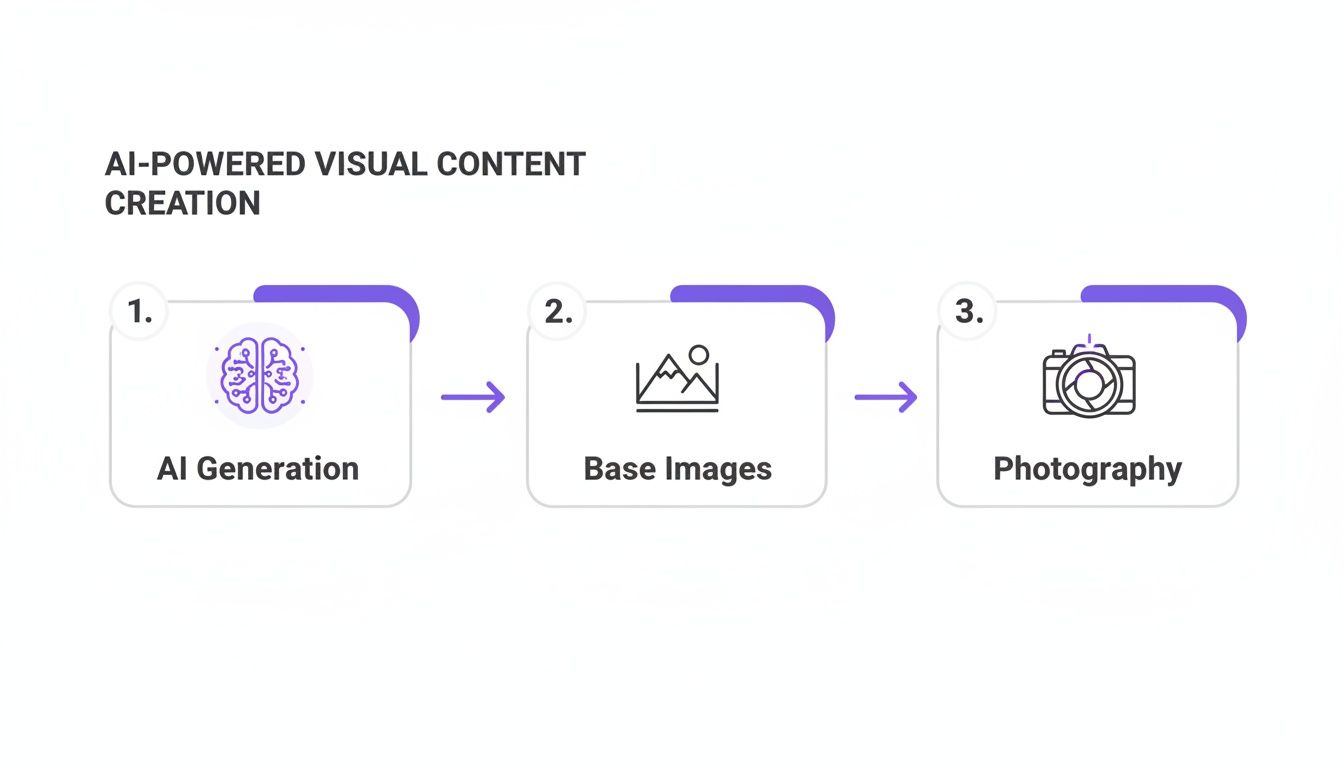
A great business card mockup lives or dies by its background scene. To get there, you have two main paths: traditional photography or AI image generation. The right choice depends on your brand, budget, and timeline.
The Hands-On Approach: A Mini-Studio Setup
Traditional photography offers absolute control. This is the way to go if your brand has a specific, tangible aesthetic that must be precise. For a fashion brand like Tory Burch, you’d want to capture the business card alongside its signature leather and hardware — a look that demands hands-on styling.
- Good lighting is everything. Soft, diffused light from a large window or a single softbox creates gentle shadows that add depth.
- Play with your angles. A top-down "flat lay" is a classic, but try a 45-degree angle to see what feels most natural.
- Style with purpose. Place the card in a context that tells your brand’s story, surrounded by relevant props like fabric swatches or design tools.
The AI-Powered Alternative for Speed and Cost Savings
For brands that need to move fast, AI image generation is a game-changer. Instead of a physical shoot, you can conjure a hyper-realistic scene with a text prompt. The cost savings are immense — no budget needed for a photographer, stylist, or studio rental.
A direct-to-consumer brand like Mejuri might want its business card shown in dozens of lifestyle settings. With an AI tool like Picjam, you can generate all these custom backgrounds in minutes, matching the aesthetic of your latest AI-generated campaign.
This approach creates a cohesive brand world. For a deeper dive, check our guide on generating high-quality product photos.
How to Build a Reusable Photoshop Template
Once you have a high-quality base image, build a reusable template in Adobe Photoshop. Using Smart Objects, you can create a non-destructive workflow to swap designs in seconds while keeping the scene's realistic perspective and lighting.
This technique is how top-tier fashion brands maintain consistency across marketing assets or A/B test new branding concepts without reshooting.
The Magic of Smart Objects for Mockups
Think of a Smart Object as a protective container for your design. When you place your art inside and warp the container to fit the scene, your original artwork stays untouched. This is the secret to a convincing business card mockup.
Start by creating a placeholder shape on its own layer. Use Photoshop’s Transform tools (Ctrl+T or Cmd+T) to distort the shape, matching its corners to the perspective in your base photo. Once it fits, right-click the layer and convert it to a Smart Object. Now, just double-click its thumbnail to replace the placeholder with your design.
Pro Tips for a Flawless Fit
Getting a mockup to look natural means going beyond a simple corner-pin transformation.
- Handling Curves: If the card in your photo has a slight bend, use the Warp tool to create subtle curves, making it look like it belongs in the scene.
- Layer Organization: Name your layers clearly (e.g., "DOUBLE-CLICK TO EDIT," "Shadows," "Background"). It makes the template intuitive.
- Saving Your Template: Save the file as a .PSDT (Photoshop Template). A .PSDT file opens as a new document, protecting your master template from being overwritten.
For a brand like Ganni, known for dynamic visuals, this technique would let them quickly drop their branding into dozens of energetic scenes. Our guide on how to insert an image in Photoshop provides more steps.
How to Add Realistic Shadows and Highlights
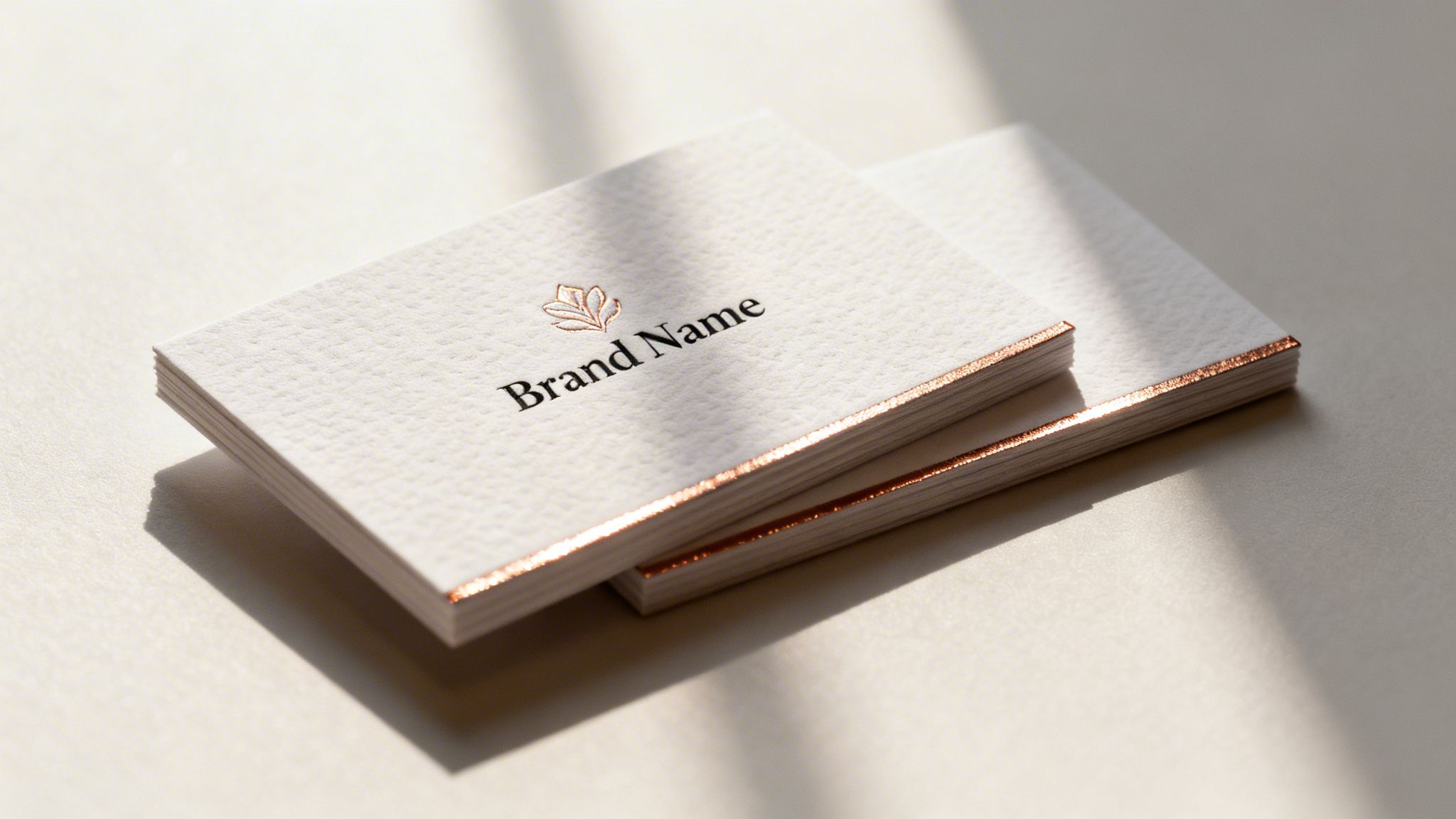
The difference between an amateur and a professional mockup is in the details — specifically, how you handle light and texture. This is what makes a digital business card mockup feel tangible.
Think about how a luxury brand like Chanel photographs its packaging; every catch of light and soft shadow is deliberate. We’ll apply that same care to give your mockup a high-end feel.
Mastering Shadows for Depth and Realism
Shadows anchor an object to its surroundings. A harsh, poorly placed shadow is a dead giveaway of a composite image. To get it right, shadows need to be soft and directional.
Create a new layer underneath your business card's Smart Object layer. Grab a soft, black brush with low opacity and gently paint where the card would naturally cast a shadow, opposite the light source. Never use Photoshop’s default Drop Shadow — painting shadows by hand is essential for realism.
Adding Highlights and Surface Textures
Highlights show where light hits the surface, giving the card dimension. They can make the difference between a flat design and one that appears to have a real-world finish.
Add a new layer above your Smart Object. Using a soft white brush with a very low opacity — around 5–10% — gently brush along the edges facing the light source.
To sell the effect, you can add a texture overlay:
- Paper Grain: Find a high-resolution photo of paper texture. Drop it onto a new layer, change the blending mode to Multiply or Overlay, and pull the opacity way down.
- Glossy Reflections: For a glossy finish, use the Gradient tool to draw a soft, white-to-transparent gradient over the card. Set the layer’s blending mode to Screen or Soft Light and drop the opacity to 5–15%.
These adjustments stack up to create a powerful sense of realism, transforming a flat graphic into a compelling three-dimensional object.
How to Export Your Mockup for Print and Web
The final step is preparing your mockup for its intended use. A mockup for a print portfolio needs to be handled differently than one for a website.
Get Your Files Ready for Any Platform
Print versus digital boils down to color mode and resolution. Getting these right ensures your mockup looks crisp and loads fast.
For Print: Use the CMYK color profile and export at 300 DPI (dots per inch). This ensures images are sharp when printed. The best formats are TIFF or high-quality PDF. Knowing artwork submission tips will save you headaches.
For Web: Use the RGB color profile and drop the resolution to 72 DPI. This shrinks the file size for fast-loading websites. Your go-to formats are JPEG for photos or PNG for transparency.
If you’re working with a full e-commerce catalog, you’ll need a range of sizes. We break down the specifics in our guide on product image sizes for Shopify.
Turn One Mockup Into a Marketing Machine
Don't think of your mockup as a one-and-done asset. It’s a foundational piece of your brand’s visual identity, ready to be repurposed for email signatures, social banners, pitch decks, and digital lookbooks. This consistency builds powerful brand recognition.
Takeaway
A photorealistic business card mockup is more than a placeholder; it's a strategic asset that sets the tone for your brand's quality and attention to detail.
- Plan with purpose: Before designing, define your brand’s aesthetic — from textures to mood. Think like Everlane or Farm Rio and let your identity guide every visual choice.
- Embrace AI for efficiency: Use tools like Photoshop for realism but consider AI platforms like Picjam to generate diverse, on-brand background scenes in minutes, saving significant time and budget compared to traditional photoshoots.
- Master the details: Realistic mockups come from manually painted shadows, subtle highlights, and texture overlays. These small efforts are what make your digital assets look professional and tangible.
Curious how much your brand could save by integrating AI? Compare your current photography costs with our savings calculator.

Picjam team
The Picjam team blends AI, product, and creative expertise to eliminate the cost and delay of traditional photography for modern eCommerce brands.

