A Guide to Professional Product Photography for Fashion Brands
Master professional product photography with practical fashion-brand tips, lighting, styling, and AI-driven workflows to boost engagement and conversions.
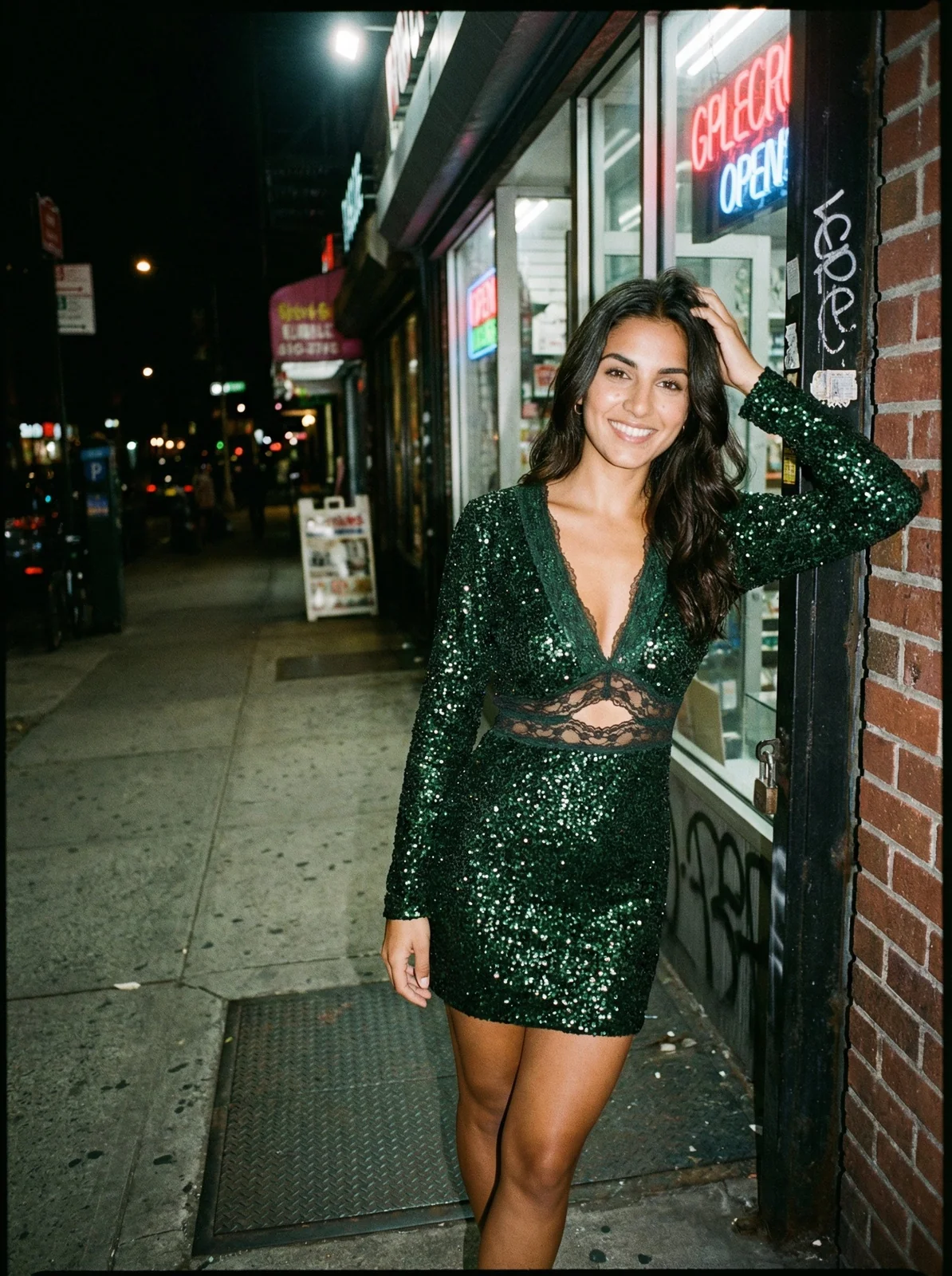
When the luxury fashion house Jacquemus generated AI imagery for its "LE SAC GIO" campaign — placing a hyper-realistic, oversized handbag on a Parisian street — they didn't just create a cool visual. They showcased how AI can streamline creative production, generating high-impact campaign assets without the logistical cost of a massive, on-location shoot. This is the new reality of professional product photography.
It's a strategic process that blends foundational photography with AI-powered efficiency to create visuals that elevate your brand and drive sales.
How to Cut Content Costs with Smarter Photoshoot Planning
For major players like Zara and ASOS, a successful shoot is locked in long before anyone picks up a camera. It’s a carefully planned process that balances creative vision with hard commercial goals.
The stakes are high. According to Statista, global e-commerce sales are projected to hit $8.1 trillion by 2026. Your visuals are what make you stand out. That’s a direct line to more revenue. If you want to dive deeper, you can read more about the value of professional photography and its real-world impact.
This pre-production stage is where you lay the foundation for images that don't just look good, but actually convert.
Develop a Compelling Shoot Concept
Every great photoshoot starts with a strong concept. Think of it as your visual North Star — the core idea that guides every single decision, from the models you cast to the lighting you use.
For instance, a campaign for a linen summer collection from a brand like Everlane would lean into concepts of airiness, natural light, and relaxed, breezy settings.
Your concept must tie directly back to:
- Your Brand Identity: Does the vibe feel authentic? Are you aspirational, edgy, minimalist, or playful?
- Your Target Audience: What kind of imagery connects with your ideal customer? Is it gritty urban street style or serene, natural landscapes?
- Campaign Goals: Are these photos for a new collection launch, a seasonal sale, or a broad brand awareness push?
Build a Meticulous Shot List
Your shot list is your photoshoot blueprint. It’s a detailed, non-negotiable document outlining every single image you need to capture.
A solid shot list for any fashion brand should always include:
- Product Detail Page (PDP) Shots: These are your workhorses. They need to be crystal clear and consistent, showing front, back, side, and detailed close-ups on a clean background.
- Lifestyle & Campaign Shots: These are your storytellers. They show the product in context, creating an emotional connection. Think of a Reformation dress captured on the streets of Paris versus one on a white seamless.
- Multi-Channel Assets: Plan ahead for specific crops and formats for social media (like vertical shots for Instagram Reels), email banners, and digital ads.
How AI Streamlines Photoshoot Planning and Slashes Costs
In the past, getting a wide variety of visuals meant booking multiple locations and hiring several models. That's changing fast.
AI tools like Picjam are creating a much more efficient path.
By bringing AI into the planning phase, brands can dramatically cut complexity and cost. Instead of scouting physical locations, a creative director can use a single, perfectly lit product photo to generate dozens of on-brand lifestyle backgrounds with AI.
Imagine taking one great shot of a jacket and, in minutes, creating campaign visuals of it in a SoHo loft, on a street in Tokyo, and in a minimalist studio. This approach transforms a single asset into a nearly limitless library, saving thousands on production costs.

A successful shoot hinges on a clear concept, a detailed plan, and the right gear — and now, that process can be supercharged with AI.
Takeaway
First, nail down a strong, brand-aligned concept that speaks directly to your customers. Second, build a detailed shot list that covers every channel's needs, from PDPs to social ads. Finally, explore how AI can generate diverse backdrops from a single shoot, seriously cutting your content production costs.
Why Styling and Fit Drive Higher Conversion Rates
A sale happens the moment a customer can visualize themselves wearing your clothes. This is why styling and fit are the cornerstones of conversion. Great professional product photography isn't just about a fancy camera; it's about making the product look perfect.
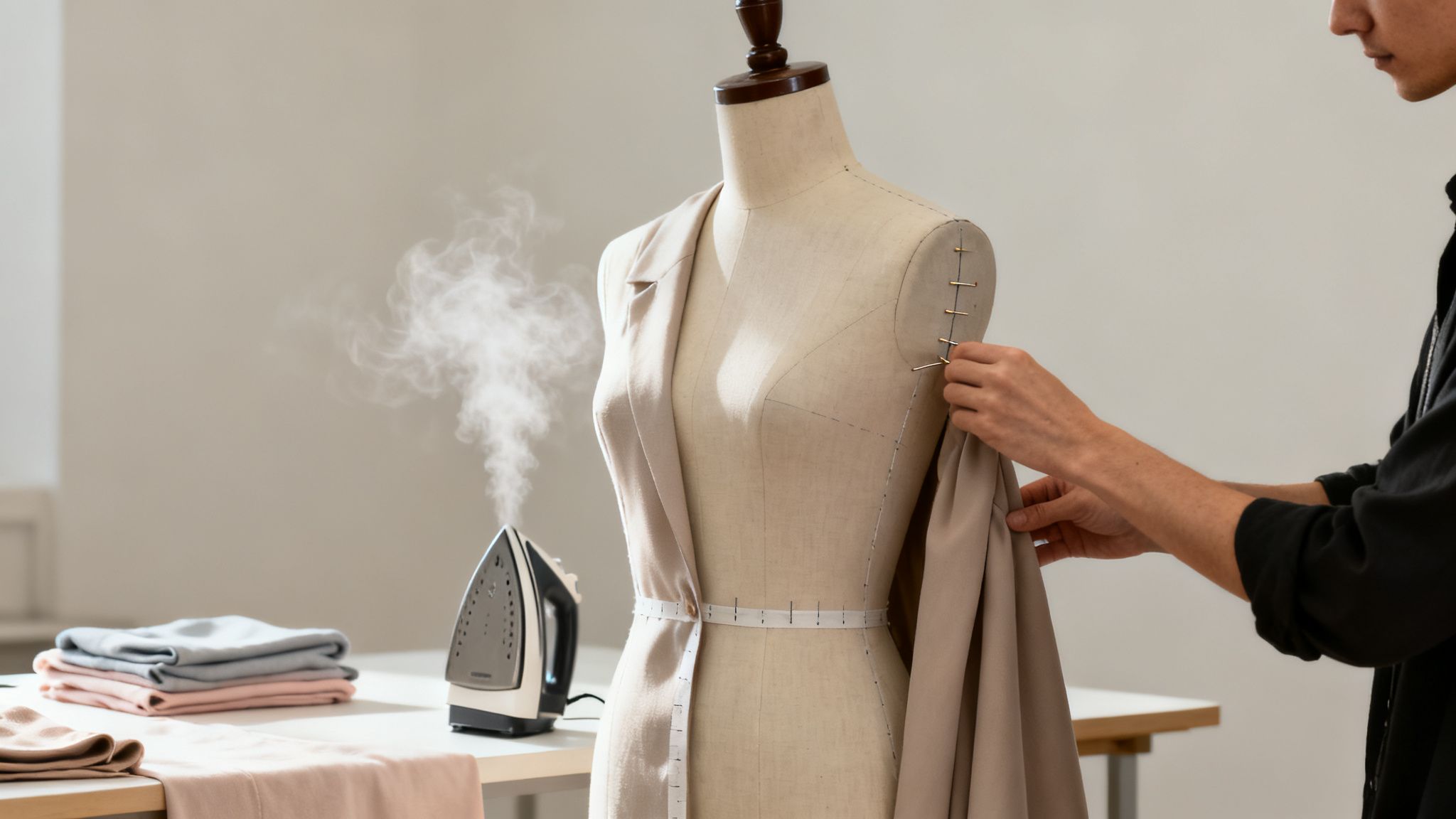
The hands-on work of prepping a garment — steaming out every wrinkle and pinning for the perfect silhouette — is what separates amateur shots from high-converting brand assets.
Master On-Model Styling for Brand Identity
Take a brand like Everlane. They've nailed on-model styling to communicate their distinct identity. Their photos feel effortless and real because every piece is styled to look exactly as it would in real life: comfortable, well-fitting, and sharp.
The goal with on-model styling is twofold:
- Showcase the Product: The garment has to be the hero. Styling should highlight its unique features, like the drape of the fabric or the cut of a sleeve.
- Communicate the Brand Vibe: The way a model is styled tells a story. That context helps customers connect emotionally and see the product in their own lives.
Getting this right is a huge piece of your overall Conversion Rate Optimization (CRO) strategy.
The Evolution to AI-Powered Fit and Diversity
Traditional modeling comes with logistical headaches. Casting multiple models to represent a range of body types is expensive and time-consuming.
This is exactly where AI is stepping in. Instead of being limited by physical models, you can now use AI to display your products on a virtually limitless range of body types, ethnicities, and styles.
According to a Vogue Business report, 37% of fashion executives are already investing in AI for content creation, pointing to cost savings and personalization as primary drivers.
Picjam's "Fit to Model" feature is at the center of this shift. You can take a single flat-lay photo of a dress, and our AI will ensure it drapes realistically on dozens of different AI-generated models, preserving the texture and details customers need to see. Our guide on selecting dresses for a photoshoot offers foundational tips for this workflow.
This approach lets you showcase products on diverse body types without the logistical nightmare, saving thousands in talent fees and studio time.
How AI Workflows Reduce Styling Costs and Time
When you compare the old way of doing things with an AI-powered workflow, the differences are stark. The table below breaks down exactly where you save time, cut costs, and gain creative freedom.
As you can see, the AI approach transforms key production steps from major bottlenecks into simple, scalable digital tasks.
Takeaway
First, remember that styling and fit are non-negotiable for driving sales. Second, while traditional on-model photography is great for brand identity, it comes with major logistical costs. Finally, explore how AI tools like Picjam can solve these problems, letting you display garments on diverse models and nail the perfect fit without the huge costs of a physical photoshoot.
How to Elevate Post-Production with AI Enhancement
The real magic in professional product photography often happens after the camera is put away. Post-production is where you transform a good shot into a polished, high-converting asset. This stage used to be a massive time-sink, but AI is completely changing the game.
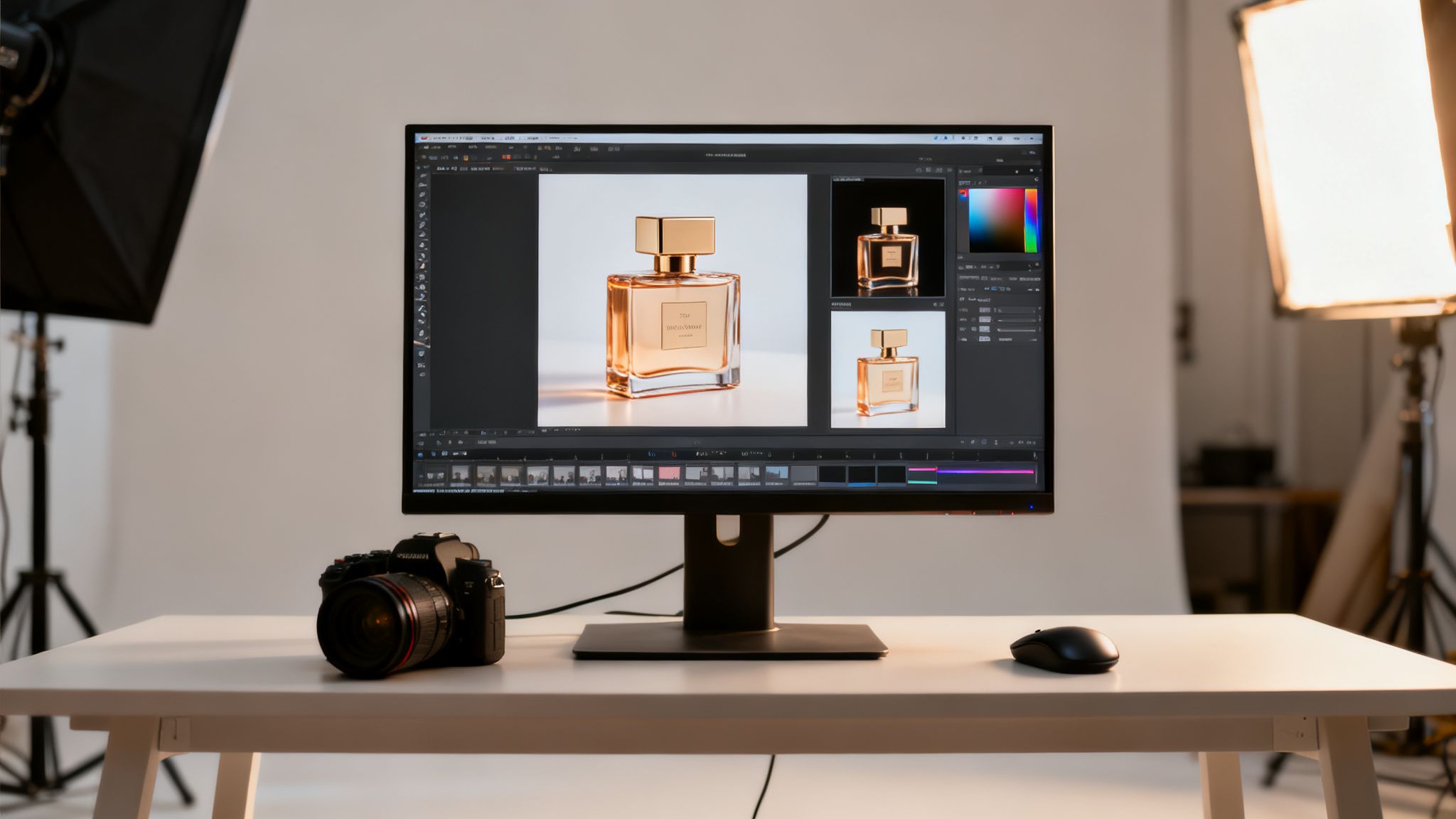
Essential touch-ups, like tweaking colors or removing wrinkles, will always be there. But it’s the heavy lifting — like background removal and placing garments on models — where AI delivers the biggest savings in time and money.
From Manual Tedium to Automated Excellence
Not long ago, cleanly cutting a product from its background meant painstakingly tracing it with Photoshop's Pen Tool, taking up to 30 minutes per image.
AI-powered platforms like Picjam now provide pixel-perfect cutouts in seconds. This frees up your team from repetitive busywork so they can focus on more strategic, creative tasks.
Think about a major fast-fashion player like Zara, which might drop thousands of new product images every week. By automating foundational edits, they get products online faster. As McKinsey has noted, speed-to-market is a massive competitive advantage, and AI in post-production makes that speed possible.
Unlock New Creative Possibilities with AI
Beyond just making old tasks easier, AI is opening up entirely new creative doors. Instead of just cleaning up an image, you can now completely reimagine it.
Let’s say you have a simple flat-lay photo of a new blouse. With a tool like Picjam, that single image becomes the launching point for an entire campaign. You could:
- Place it on a virtual model: Use the “Fit to Model” feature to see how the blouse drapes on dozens of diverse AI-generated models.
- Generate lifestyle backgrounds: Swap that plain white backdrop for a Parisian café, a minimalist studio, or a sun-drenched beach scene.
- Produce a full set of assets: Churn out variations for Instagram Stories, email banners, and paid ads in just a few minutes.
This approach flips the economics of content creation. You’re no longer limited by the shots you managed to get on one specific day.
A recent report found that 75% of online shoppers rely heavily on product photos when deciding whether to buy. AI gives brands the power to create the variety and contextual imagery needed to meet this demand, all without needing a dozen separate photoshoots. For a deeper dive, our guide on e-commerce photo editing covers these new AI-driven workflows.
How AI Slashes Post-Production Time and Costs
The savings here are incredibly measurable. By automating the most time-consuming parts of post-production, AI tools can cut editing time by over 80%. This efficiency translates directly into lower costs and a much faster content pipeline.
This acceleration means a brand can launch a new collection or campaign in a fraction of the time, letting them respond to market demands with incredible agility.
Takeaway
First, automate tedious post-production tasks like background removal to free up creative resources. Second, use AI to transform single product shots into a full suite of campaign assets for different models and settings. Finally, leverage this new efficiency to get products to market faster and test creative concepts without financial risk.
How to Scale Your Content for Every Channel
A single photoshoot can't just deliver a handful of hero images anymore. That one shoot needs to power your entire marketing machine — from the product detail pages (PDPs) that drive sales to the social campaigns and paid ads that bring people there.
The secret to making this work without breaking the bank is to scale a core set of photos into an endless library of on-brand content.
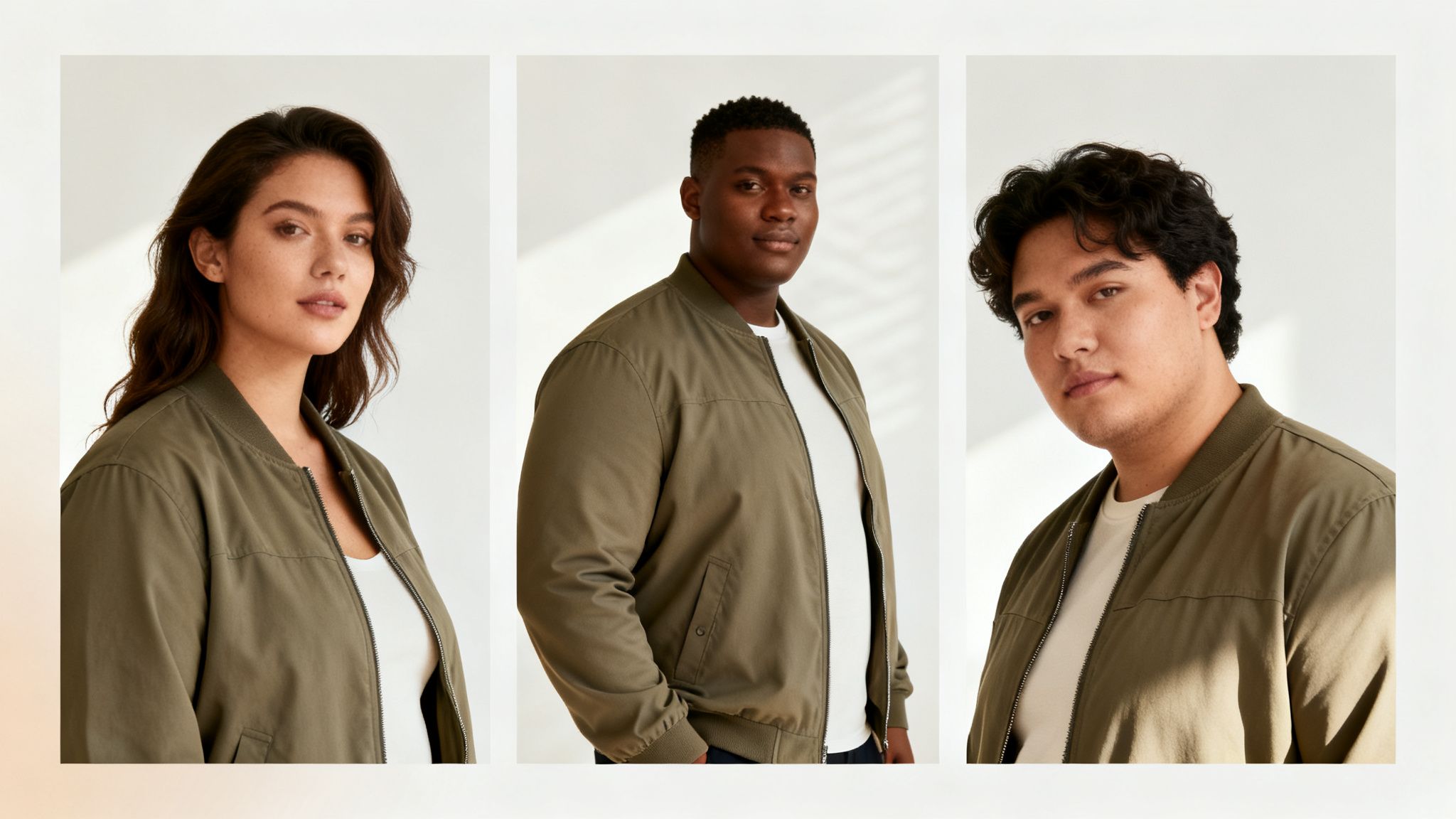
Brands like Reformation nail this. They have a cohesive, aspirational style that’s instantly recognizable everywhere. They pull this off by creating versatile image templates and a clear visual language.
The goal is to multiply your creative output without multiplying your shoots.
Create a Foundational Set of Versatile Assets
The most cost-effective way to scale is by building from a solid foundation. Concentrate on creating high-quality, flexible base images.
For any apparel brand, this core set usually includes:
- Clean On-Model Shots: Full-body, front, side, and back views shot against a simple, neutral background.
- Detailed Close-Ups: High-res shots that capture fabric texture, stitching, or other unique design elements.
- Pristine Flat-Lays: A perfectly steamed and styled garment shot from above on a clean, consistent surface.
With just these three types of images, you have everything you need to start creating countless variations.
Use AI to Multiply Your Creative Output
This is where the modern workflow really separates itself from the old way of doing things. Instead of booking another expensive photoshoot, you can use AI to spin your foundational assets into a massive collection of channel-specific content. This slashes costs tied to models, locations, and crew.
Imagine you have one great on-model shot of a new jacket. With a platform like Picjam, that single image is just the beginning.
- Target Diverse Audiences: Use the ‘Swap Model’ feature to instantly place that same jacket on dozens of different AI-generated models, creating visuals that connect with specific demographics.
- Generate Unlimited Backgrounds: Take that same image and generate a dozen different on-brand backgrounds to A/B test in your ad campaigns.
- Create Dynamic Content: Place a simple product shot into a generated lifestyle scene to show the jacket in a real-world context that forges an emotional connection.
According to BigCommerce, a staggering 75% of online shoppers rely on product photos when deciding whether to buy. AI gives you the power to create the volume and variety needed to meet that demand from a single initial photo.
Build and Deploy Channel-Specific Templates
Once you start generating variations, systematize how you use them. Create templates for each of your key marketing channels to lock in consistency and speed up your workflow.
Here are a few practical examples:
- Instagram Stories & Reels (9:16): Use AI to generate vertical lifestyle backgrounds that fill the entire screen.
- Email Banners (Varies, often wide): Create wide, cinematic scenes with your product placed off-center, leaving room for a headline and CTA.
- Paid Social Ads (1:1 or 4:5): Generate eye-catching, high-contrast backgrounds designed to stop the scroll.
This template-driven approach, supercharged by AI, transforms a fixed set of photos into a limitless, adaptable library.
Takeaway
First, focus on getting a core set of clean, versatile master images. Second, use AI tools like Picjam to multiply those assets by swapping models and generating backgrounds for different audiences. Finally, build a system of channel-specific templates to deploy your visuals quickly and consistently.
How to Optimize Images for Marketplaces and SEO
Stunning images don't mean a thing if customers never find them. Your product photos need to satisfy the search engines that help people discover them in the first place. This final optimization step is where you win on crowded marketplaces like Amazon and in Google search results.
Every platform has its own rulebook. If you're selling on Amazon, failing to meet their strict image requirements — like a pure white background (RGB 255, 255, 255) — can get your listing suppressed.
Meet Marketplace Technical Specifications
Think of marketplaces as highly structured search engines. To get in the game, you have to play by their technical rules.
Here are the non-negotiables you'll see across most major platforms:
- Resolution and Dimensions: Most require images to be at least 1000 pixels on the longest side to enable the zoom function.
- File Size and Format: Aim for files under 100KB using formats like JPEG or WebP. Optimizing website images is critical for page speed and sales.
- Background Standards: Amazon and Walmart mandate a pure white background for the main hero image.
AI makes this effortless. Platforms like Picjam can automatically resize, format, and swap in compliant backgrounds in seconds, ensuring your catalog meets every guideline. For a deeper dive, check out our complete guide to Amazon product image requirements.
Master Image SEO Best Practices
Image SEO helps search engines understand what's in your photo, which directly impacts your organic traffic. The two most important pieces are the filename and the alt text.
A camera-generated filename like IMG_8472.jpg tells Google nothing. Renaming it to mens-black-wool-peacoat.jpg gives the search engine a clear, keyword-rich signal.
Alt text is an HTML attribute that describes an image for screen readers and search engines. It should be descriptive but concise.
- Bad Alt Text:
jacket - Good Alt Text:
Model wearing a black wool peacoat with notched lapels and double-breasted buttons.
This level of detail improves both accessibility and your chances of ranking for long-tail keywords. AI offers a huge shortcut here. Picjam can analyze your images and automatically suggest SEO-friendly keywords and descriptive alt text, attracting more organic traffic without the manual work.
Takeaway
First, treat every marketplace like its own search engine with strict technical rules for resolution, background, and file type. Second, master the fundamentals of image SEO with descriptive, keyword-rich filenames and alt text. Finally, use AI tools to automate these optimization tasks, saving time and getting your products seen by more customers.
Your Takeaway: An Action Plan for Smarter Photography
Modern professional product photography isn't about replacing skilled photographers. It's about giving them smarter tools to create more content, faster, and for less money.
Adopt a Hybrid Workflow. The future is a blend of foundational photography and AI-driven enhancements. Start with a solid set of high-quality product shots, then use a platform like Picjam to scale them into hundreds of variations with different models and backgrounds. This approach slashes the high costs tied to traditional photoshoots.
Plan for Every Channel. Stop thinking about photoshoots in a vacuum. Your shot list should account for everything — the vertical formats for social media, the wide banners for email campaigns, and the square crops for paid ads. Thinking multi-channel from the start maximizes the value of every asset.
Quantify the Financials. It's time to track the real costs of your current photography process: model fees, studio time, post-production hours, and reshoots. Brands shifting to an AI-powered content strategy are seeing staggering savings, freeing up budget to reinvest in growth.
Ready to see how much you could be saving? Compare your current photography costs with Picjam’s AI-powered solution using our savings calculator.

Picjam team
The Picjam team blends AI, product, and creative expertise to eliminate the cost and delay of traditional photography for modern eCommerce brands.