Depop Photo Size 2026: Counts, Crops & Original Photos
Depop photo size: app vs web photo counts, original-photo rule, framing for feed crops, 1280 px recommendation and FAQs. Checked 7 Nov 2026.
Short answer: Depop does not publish a pixel size for listing photos. In the app you can add up to four photos and one video; on Depop.com you can add up to eight photos. Use original photos only, show faults and labels, and frame the item so it still looks complete if the feed crops toward square. Our working export is 1280 x 1280 px.
Depop photo rules checked 7 Nov 2026 on Depop Help: How to list an item, Selling on Depop and What are stock images?. Format and eight-picture API limits also checked on Depop's Selling API errors and API changelog. Depop can change these rules, so confirm in the app or Help Centre before you rebuild a shop.
If you are hunting for a Depop photo size chart, you will not find an official pixel table. Depop's Help pages focus on how many photos you can add, original photos only, and showing the item honestly. This guide covers those rules, what we recommend when Depop is silent, how to frame for the feed, a shot list that fits the photo caps and FAQs.
- Depop photo size at a glance
- App vs web photo counts
- Original photos only
- Framing when Depop crops
- Shot list inside the photo cap
- A simple phone setup
- Common mistakes
- Skip the shoot
- FAQs
Depop Photo Size at a Glance
The middle column is what Depop publishes. The right column is our working target where Depop does not give a number.
| Spec | What Depop says | Our working target |
|---|---|---|
| Photos in the app | Up to four photos and one video | Use all four slots: front, back, detail or label, fault |
| Photos on web | Up to eight photos | Add side, tags, measurements and packaging when you list on Depop.com |
| API picture cap | Maximum 8 pictures; a ninth returns too_many_pictures | Treat 8 as the hard ceiling for any listing path |
| Pixel size | Not published on the Help pages checked | 1280 x 1280 px square export, or keep the full phone photo and preview the crop |
| File formats (API) | JPEG, PNG and WebP; WebP transparency becomes JPEG with a white background | JPG from your phone camera is fine |
| Stock images | Not allowed; listings using stock images are removed | Only photos you took of the actual item |
| Faults and authenticity | Describe and photograph faults; include labels and tags | One clear fault photo beats hiding wear |
1280 x 1280 px is our recommendation, not a Depop rule. Depop's Selling API examples use 1280 x 1280 sample pictures, which is why we use that number as a practical starting point.

App vs Web: How Many Depop Photos?
Depop's Help Centre draws a clear line:
- App: up to four photos and one video.
- Web (Depop.com): up to eight photos, plus bulk listing and inline edit tools.
If you only list in the app, prioritise ruthlessly. If you list on the web, use the extra slots for labels, measurements and extra angles. Drafts saved in the app are available on web and the other way around, so you can start on your phone and finish on a laptop.

Original Photos Only
Depop's stock-image Help article says photographs are the DNA of Depop, and asks that every photo in your shop is original and not lifted from an online source. Using stock or internet photos can mislead buyers and infringes the original photographer's rights. Selling on Depop repeats the rule: always use original photos, or the listing will be removed. Also photograph faults, labels and tags so buyers can judge condition and authenticity.
How to Frame Depop Photos When the Feed Crops
Depop does not publish an official aspect ratio on the Help pages checked on 7 Nov 2026. In practice, browse cards often show a tight, phone-sized crop that behaves like a square. Protect the item:
- Centre the garment so sleeves, hems and straps stay inside a square crop.
- Leave a little space around tall items instead of filling the frame edge to edge.
- Preview the listing before you post. If something is cut off, adjust the crop or reshoot with more margin.
- Keep a full-resolution original so you can make a different crop later.
Portrait phone photos are still useful. Just check the cover preview. For another marketplace that moved to portrait covers, see our Poshmark photo size guide (Wave 4 draft until published).

Shot List Inside the Depop Photo Cap
With four app slots, every photo has to earn its place:
- Cover: full item, front on, clean background, ready for a square crop.
- Back: the actual reverse, especially prints and construction.
- Detail or label: brand tag, size, fabric label or a texture close-up.
- Fault or measurement: stains, pulls, repairs, or a tape across the chest or waist.
On web, add side or drape, hardware, packaging and a modelled or mannequin view if you have them. Depop's selling tips also say modelled shots and flat lays on simple backgrounds tend to do well, and not to skip steaming or ironing.
For clothes-specific styling, see how to take pictures of clothes to sell and flat lay for clothes.
A Simple Phone Setup for Depop
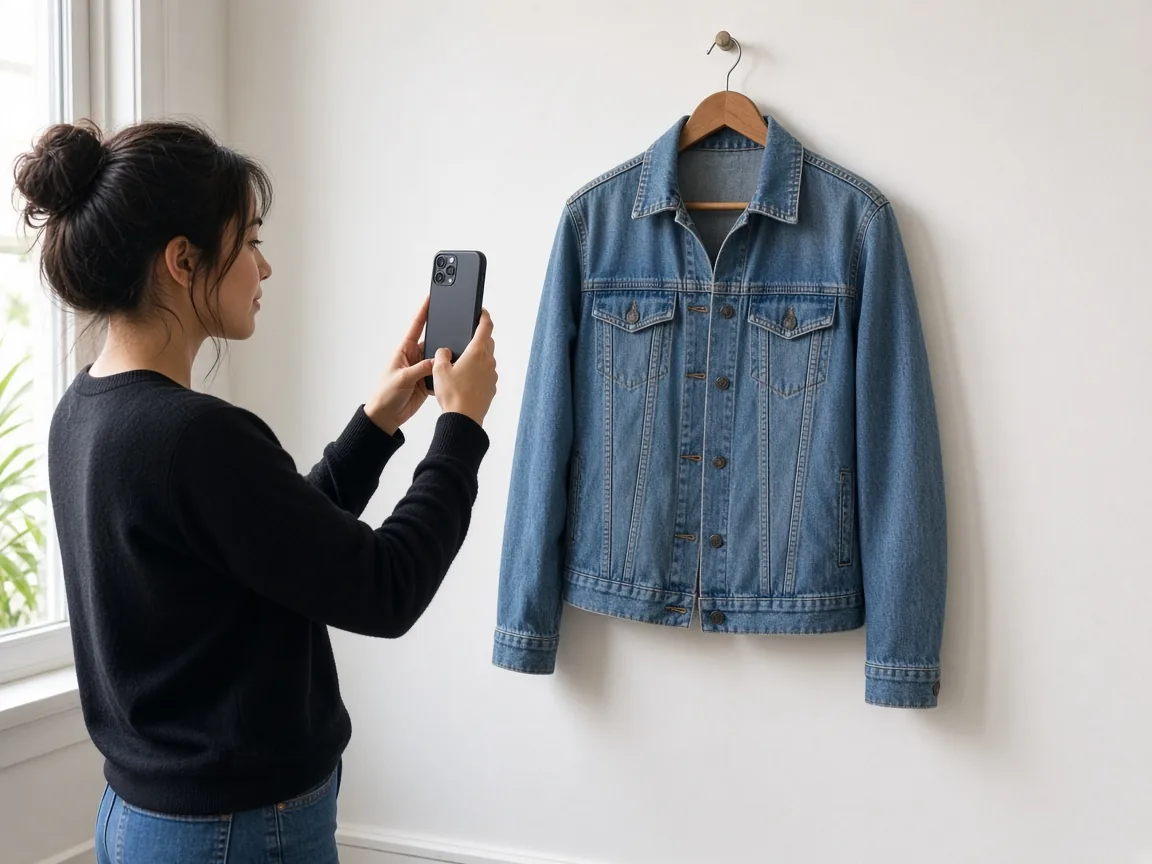
- Window light, out of direct sun, with ceiling lights off.
- Plain background: wall, poster board or a clean sheet.
- Steam or iron the item first.
- Hold the phone steady, tap to focus on the garment, flash off.
- Shoot a little wider than you need so a square crop still shows the whole piece.
- Edit lightly: straighten, crop, brightness. Avoid filters that change the colour.
Common Depop Photo Mistakes
- Using supplier or stock photos and getting the listing removed.
- Hiding faults that then trigger returns and bad reviews.
- A cover crop that cuts off sleeves or hems.
- Only one photo when you still have free slots.
- Chasing a mythical pixel rule instead of clear, honest photos.
Skip the Shoot
If you already have a clean photo of the real item, Picjam can help you build extra angles and on-model views for apparel without another shoot, with no prompts to learn. Free to start (two free turns). Keep Depop's original-photo rule in mind: the starting photo must be of your actual item. Try the AI product photography tools or the AI virtual model for clothing.

Frequently Asked Questions
What is the Depop photo size?
Depop does not publish an official pixel size on the Help pages checked on 7 Nov 2026. Frame for a square-leaning feed crop, keep the full phone photo, or export around 1280 x 1280 px as a working target.
How many photos can you add on Depop?
Up to four photos and one video in the app, and up to eight photos on Depop.com. Depop's Selling API also rejects more than eight pictures.
Does Depop allow stock photos?
No. Depop requires original photos you took yourself. Listings that use stock or internet photos can be removed.
Should Depop photos be square?
Depop does not publish a required ratio. Because browse cards often crop tightly, a centred square export or a portrait photo with margin both work if the preview still shows the whole item.
What file types does Depop accept?
Depop's Selling API documents JPEG, PNG and WebP for listing pictures. WebP transparency is converted to JPEG with a white background. A normal phone JPG is fine for most sellers.
Do I need to photograph faults on Depop?
Yes. Depop asks you to describe and include photos of faults, and to include labels and tags so buyers can check authenticity.

Picjam team
The Picjam team blends AI, product, and creative expertise to eliminate the cost and delay of traditional photography for modern eCommerce brands.