Picjam turns flat lays, mannequins, and packshots into commercial product photography for ecommerce teams. Score what’s missing on each listing, then generate the shots that convert — batch-ready for Shopify, Amazon, and marketplaces. Book a demo to see score-then-generate on your catalogue.
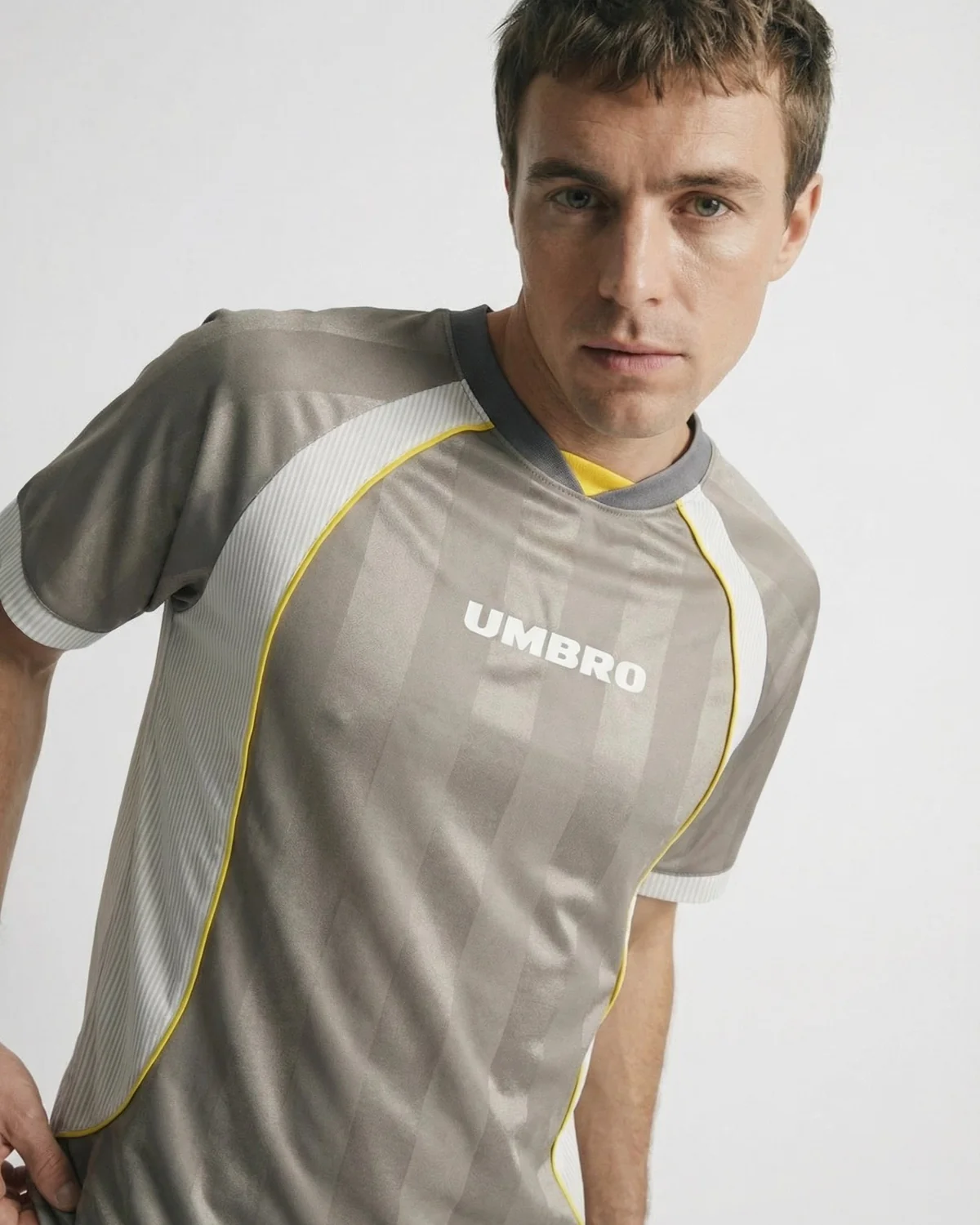
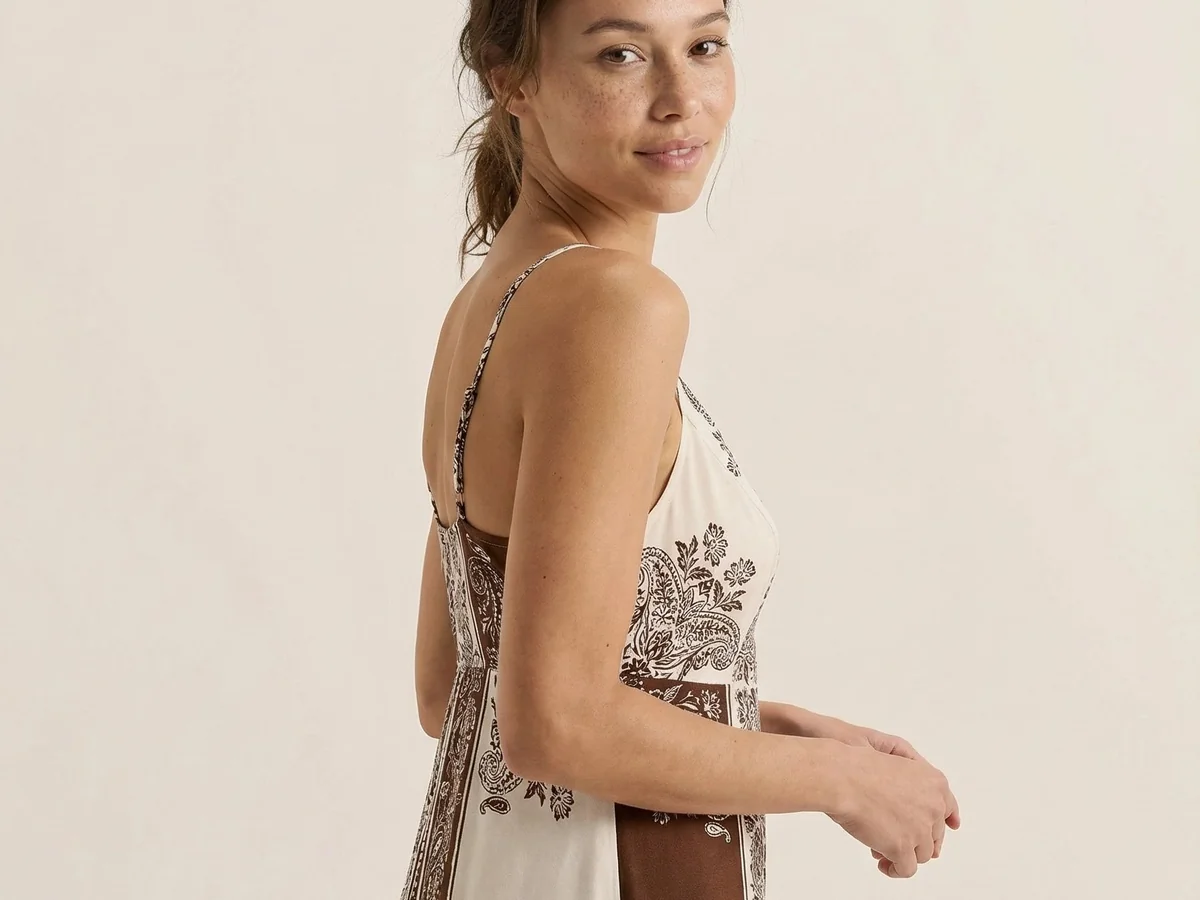
Upload a packshot, flat lay, or mannequin shot and generate the commercial product photography your listings need — clean ecommerce angles, on-model shots, and lifestyle scenes from the same asset pipeline.
Start freePicjam scores listing imagery against commercial standards, then fills the gaps. Stop generating blindly — produce the product photos that close merchandising holes on Shopify, Amazon, and marketplaces.
Start free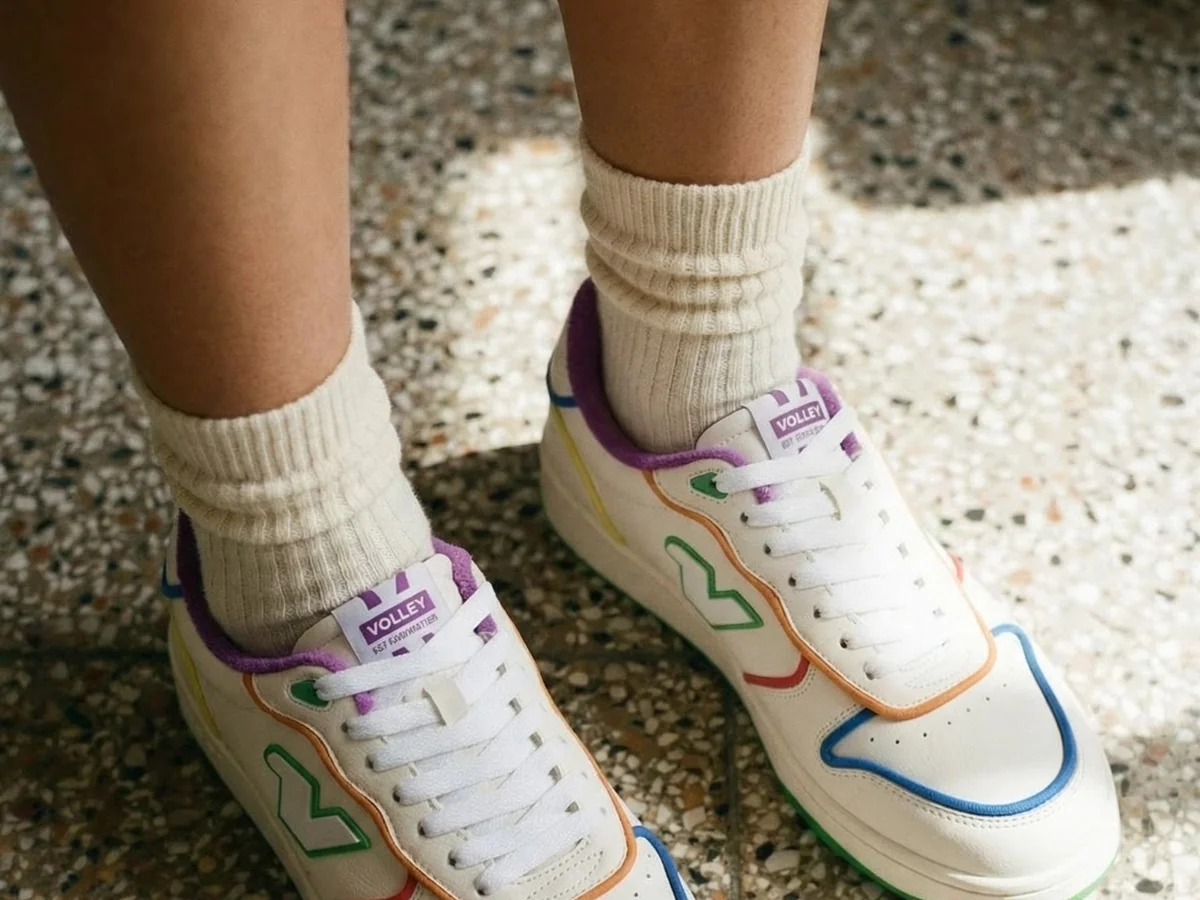
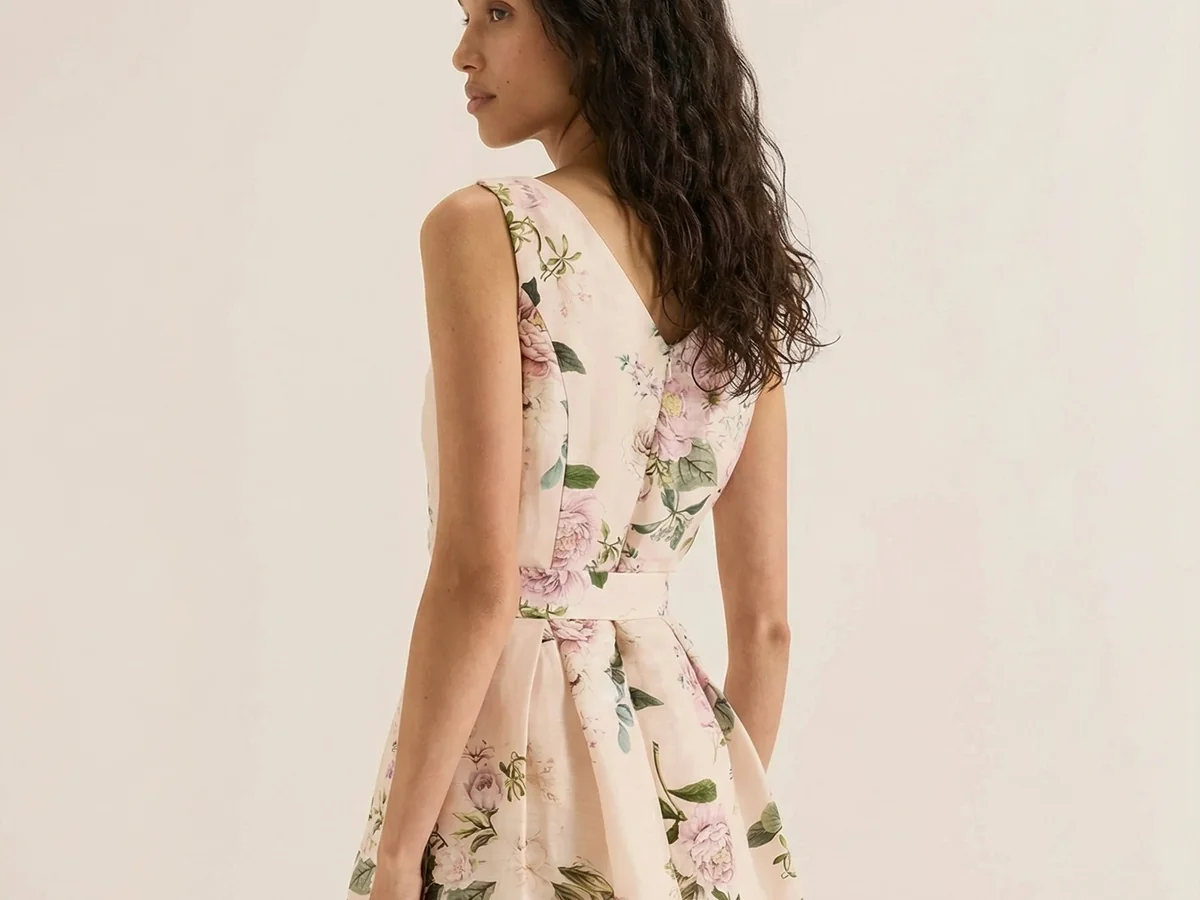
Keep lighting, framing, and brand tone consistent across PDPs, ads, and lookbooks. AI product photography that looks like one coherent catalogue shoot — not a patchwork of tools and freelancers.
Start freeBatch product photography across an entire drop. Ecommerce teams shipping real SKU volume use Picjam to keep catalogues complete without booking another studio day.
Start free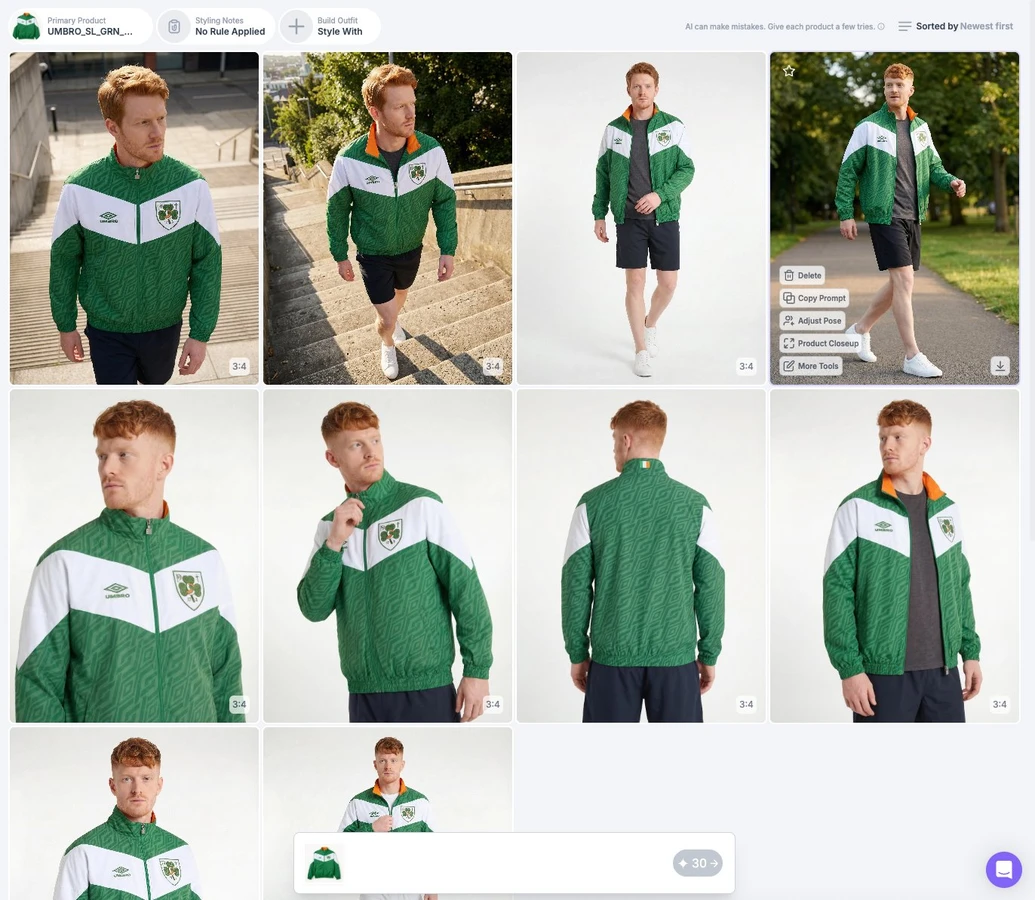
Ecommerce brands use Picjam to score listing gaps and fill packshots, on-model, and lifestyle without another studio booking.
“Picjam has leveled the playing field between us and our bigger, more established competitors.”
Steven Walsh
Founder, Twelve Twenty Eight
Lower annual product photography spend
Faster packshot-to-PDP turnaround
Visual production cost per SKU, before vs after
Upload packshots, flat lays, or mannequin shots for the SKUs you need to merchandise. Picjam works across apparel and product categories so you can feed one catalogue pipeline.
Review listing imagery scores to see which angles, lifestyle, or on-model shots are missing. Then select the commercial shot types and brand settings you want generated for each SKU.
Download product photography sized for PDPs, marketplaces, and ads. Keep lighting and framing consistent across the drop so the catalogue looks shot as one set.
What is AI product photography for ecommerce?
AI product photography for ecommerce means generating catalogue-ready product images — packshots, on-model shots, and lifestyle scenes — from existing assets like flat lays, mannequin shots, or packshots. Picjam is built for commercial catalogues on Shopify, Amazon, and other marketplaces, not one-off creative experiments.
How is Picjam different from Midjourney or generic AI image tools?
Generic AI image tools are built for creative experimentation. Picjam is built for ecommerce catalogues: it scores listing imagery first, then generates commercial packshots, on-model, and lifestyle images that match your brand settings — ready for Shopify, Amazon, and marketplace PDPs.
Can we generate packshots, on-model, and lifestyle from the same catalogue?
Yes. Upload your existing catalogue assets once, then generate the shot types each listing needs — clean packshots, on-model, and lifestyle scenes — from the same pipeline so lighting and brand treatment stay consistent across the drop.
Does Picjam score listings before generating?
Yes. Picjam scores listing imagery against commercial standards, flags gaps such as missing angles, lifestyle, or on-model coverage, then generates the shots that close those gaps — so you produce what the catalogue actually needs instead of generating blindly.
Is Picjam product photography licensed for commercial use on Shopify and Amazon?
Yes. Images you generate with Picjam are intended for commercial ecommerce use — product pages, marketplaces, and ads — with brand kits so colour, lighting, and framing stay consistent across SKUs and channels.
How does product photography connect to listing image score and other Picjam hubs?
Listing Image Score flags which SKUs need packshots, on-model, lifestyle, flat lay, or video. Product Photography fills still-image gaps; sister hubs cover Virtual Model, Flat Lay, Ghost Mannequin, and Product Video so catalogue teams score once and generate across formats.
Pair AI product photography with scoring, flat lays, video, and on-model tools so every SKU gets the commercial shots it needs.
Generate on-model shots from flat lays or mannequin photos for apparel listings.
Strip mannequins for hollow-garment packshots that sit cleanly next to AI product photography on PDPs.
Produce consistent ecommerce flat lays for catalogue SKUs — not DIY craft tutorials.
Score listing imagery gaps, then generate the packshots, on-model, lifestyle, and video you need.
Turn still product assets into listing-ready motion for PDPs, ads, and marketplaces.
See score-then-generate visual merchandising on your own catalogue with the Picjam team.
Isolate products on white or brand backdrops so packshots match marketplace listing standards.
Build full SKU image sets from a few source assets — hero, detail, and lifestyle — without restaging.
When listings need body context, route to AI Virtual Model instead of cloning try-on messaging here.
Push lighting, framing, and brand treatments across hundreds of product photos in one catalogue run.
Tighten exposure, colour, and sharpness on supplier photos before they hit the PDP.
Place SKUs in commercial lifestyle contexts that match your brand kit — not generic stock scenes.
Export Amazon, Shopify, and social crops from the same product photography master.
Generate catalogue flat lays when Listing Image Score says a SKU needs overhead merchandising shots.
Lock colour, lighting, and logo rules so product photography stays on-brand across every drop.
Pipe scored gaps and generated product photos into Shopify and marketplace workflows.
Score listing imagery, then generate the packshots, on-model, and lifestyle shots your catalogue is missing. Book a demo to see score-then-generate on your SKUs.
