Picjam generates commercial flat lays built for product pages and marketplace listings — not DIY craft tutorials. Keep colour, fabric, and layout consistent across drops so your catalogue looks shot as one set. Book a demo for ecommerce flat-lay workflows.
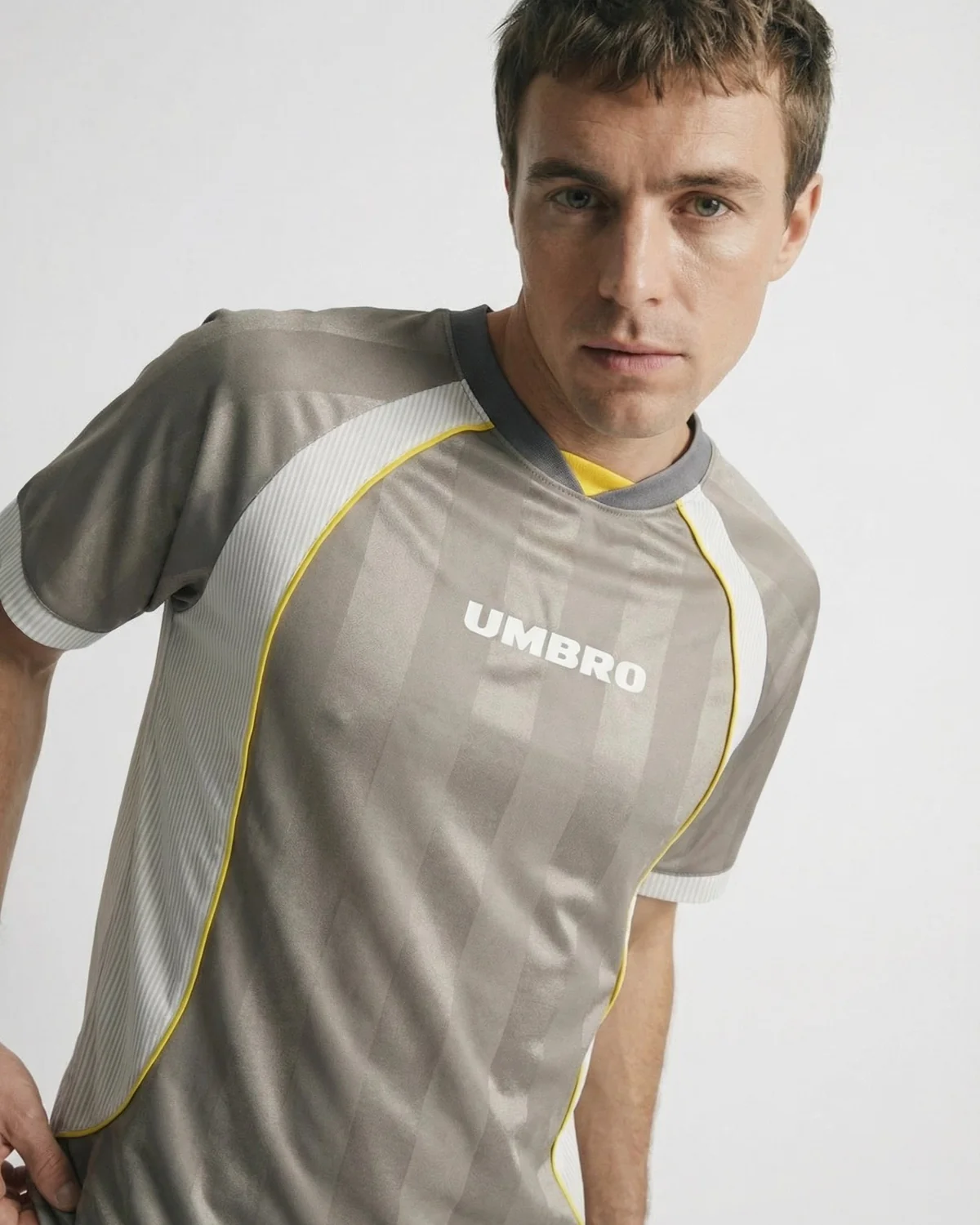
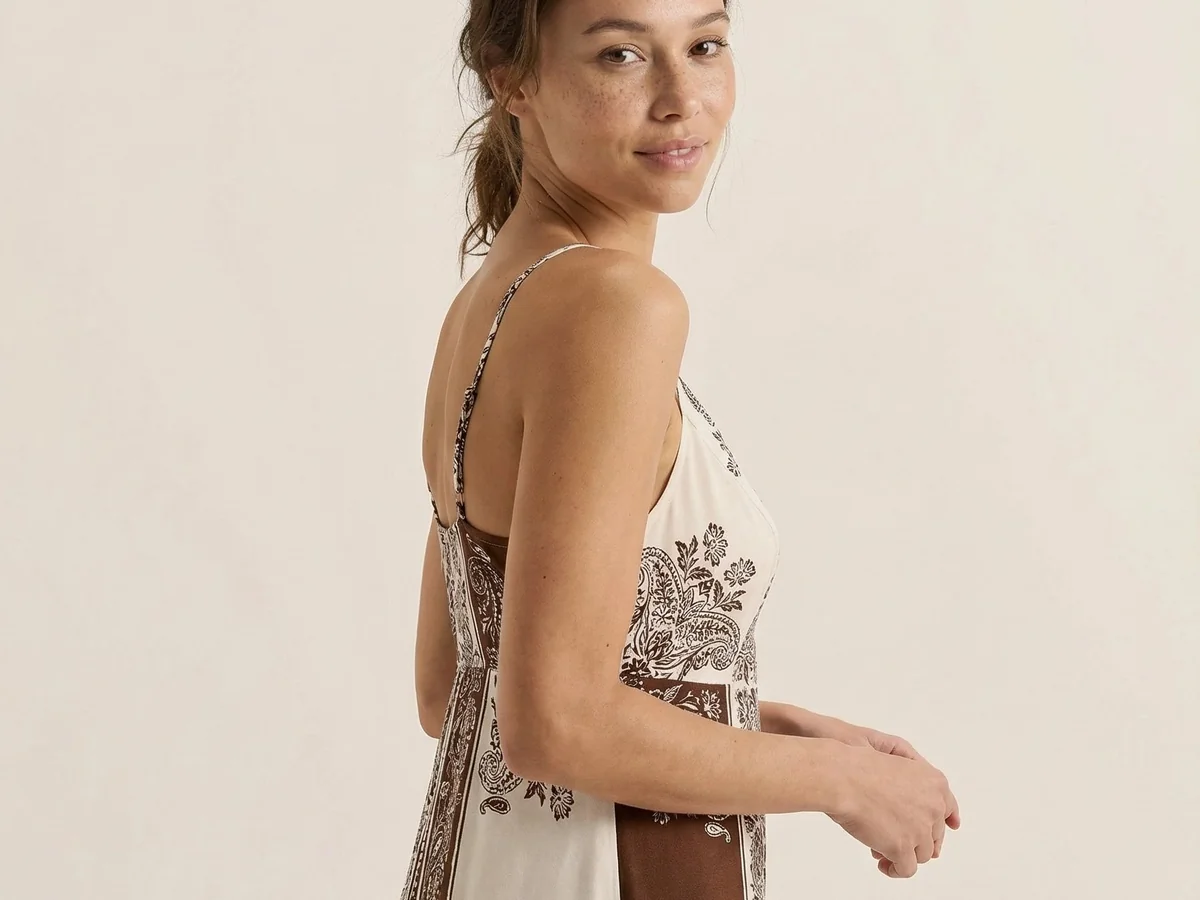
Produce ecommerce flat lays that look catalogue-shot: consistent backgrounds, lighting, and product presentation across apparel and product SKUs for Shopify and marketplaces.
Start freeStart with a commercial flat lay, then expand into on-model or ghost mannequin when the listing needs more. One visual merchandising pipeline instead of fragmented DIY shoots.
Start free
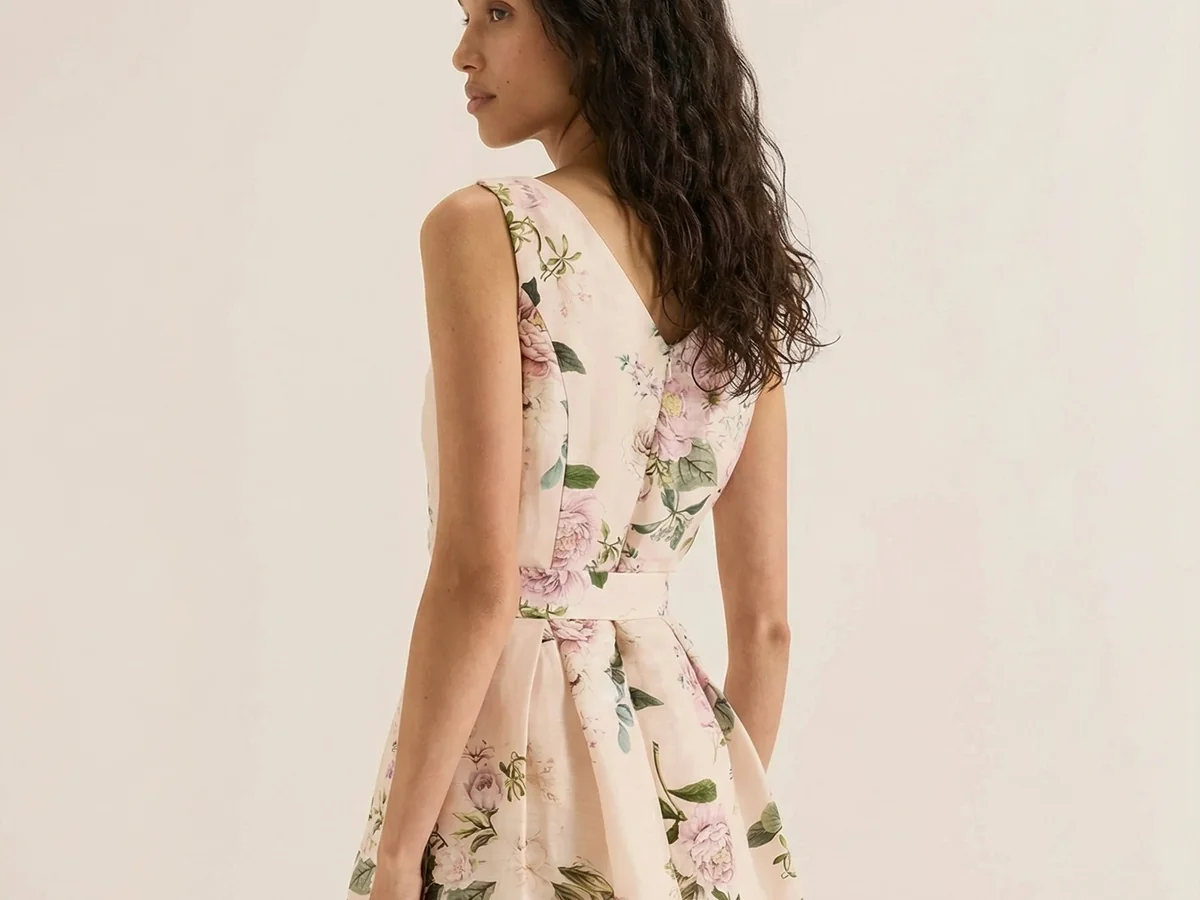
Run flat-lay generation across 100–500+ SKUs so every drop launches with complete catalogue imagery — not a handful of hero products.
Start freeDIY flat-lay content is weak commercial intent. Picjam frames flat lays as catalogue production for ecommerce teams that need SKU-scale consistency and a path to Book a demo.
Start free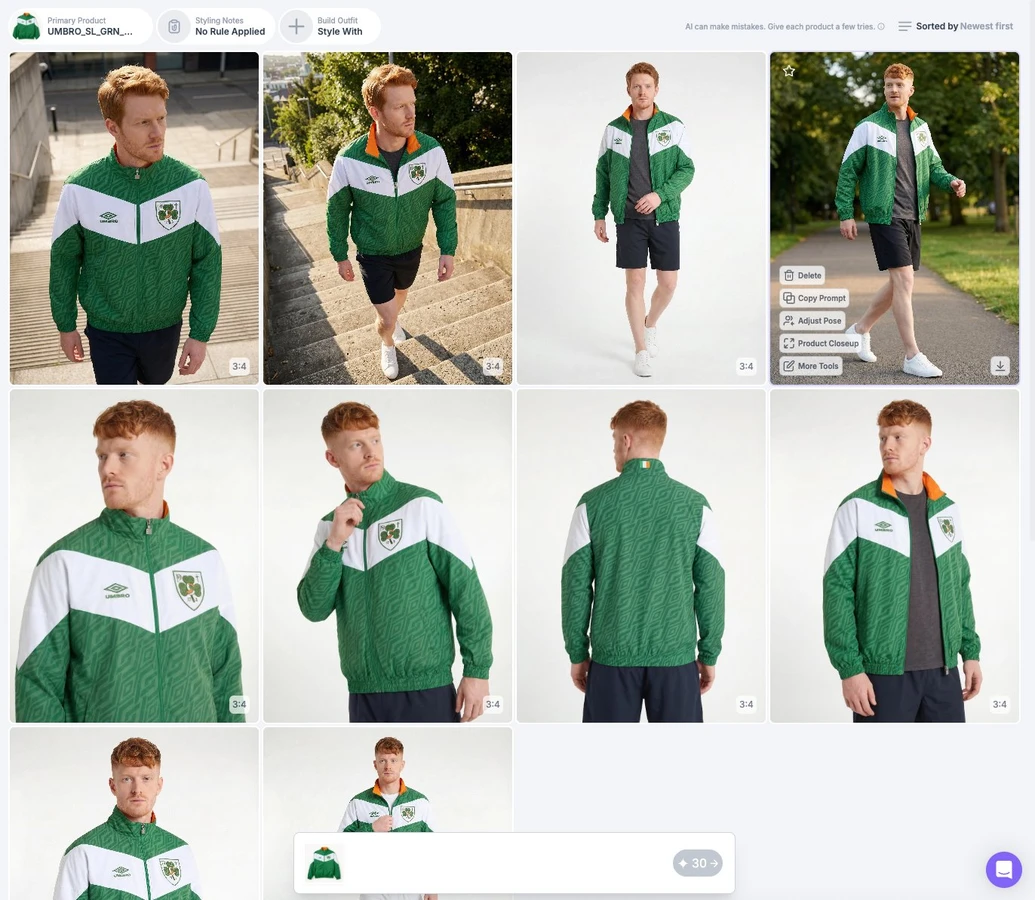
Ecommerce teams use Picjam flat lays to keep drops visually consistent across Shopify and marketplace PDPs.
“Picjam has leveled the playing field between us and our bigger, more established competitors.”
Steven Walsh
Founder, Twelve Twenty Eight
Lower annual flat-lay production spend
Faster drop-wide flat-lay coverage
Cost per flat-lay SKU, before vs after
Upload packshots, hangers, or existing flat lays for the SKUs in your drop. Picjam is built for apparel and product catalogues that need consistent merchandising imagery.
Lock brand lighting, background, and prop rules so every flat lay in the drop matches. Picjam keeps colour and fabric treatment consistent across SKUs — built for ecommerce catalogues, not DIY craft tutorials.
Download flat lays sized for PDPs and marketplaces. Use the same assets next for on-model, ghost mannequin, or product video when Listing Image Score flags those gaps.
Is this for ecommerce catalogue flat lays or DIY craft content?
Ecommerce catalogues. Picjam flat lays are built for product pages and marketplace listings — consistent lighting, backgrounds, and merchandising across SKUs — not phone DIY or craft tutorials.
Can we keep lighting and background consistent across a drop?
Yes. Save brand lighting, backdrop, and layout presets, then apply them across the drop so every flat lay looks shot in the same set — critical for marketplace catalogues and multi-SKU PDPs.
Can flat lays feed on-model or ghost mannequin next?
Yes. Flat lays are strong source assets for Virtual Model on-model shots and Ghost Mannequin cleanups. Score the listing first, then generate the next format from the same garment file.
Can we batch flat lays for many SKUs?
Yes. Picjam is built for catalogue volume — run flat lays across a full drop with shared brand settings so ops teams can merchandise hundreds of SKUs without restaging each one.
Is there a commercial license for product pages and marketplaces?
Yes. Flat lays generated in Picjam are intended for commercial ecommerce use on product pages, marketplaces, and ads, with brand controls so the catalogue stays visually consistent.
How does flat lay connect to Listing Image Score and other hubs?
Listing Image Score flags missing flat lays (and on-model, lifestyle, or video). Generate flat lays here, then move the same assets into Product Photography, Virtual Model, Ghost Mannequin, or Product Video as the score queue requires.
Use flat lays with scoring, product photography, video, and on-model hubs so catalogue merchandising stays commercial — not DIY.
Generate on-model shots from flat lays or mannequin photos for apparel listings.
Move from flat lay into ghost mannequin when listings need hollow-garment packshots next.
Generate packshots, on-model, and lifestyle product photography from catalogue assets.
Score listing imagery gaps, then queue flat lay, on-model, lifestyle, and video generation.
Turn flat lays and stills into listing-ready product video for PDPs and ads.
See score-then-generate flat lay workflows on your catalogue with the Picjam team.
Keep flat-lay backgrounds white or brand-matched so catalogue grids look uniform.
Produce matching overhead merchandising shots across an entire drop from shared brand presets.
When a listing needs body context after flat lay, continue in AI Virtual Model — not try-on tooling.
Apply shared lighting and layout rules across hundreds of flat lays in one catalogue pass.
Correct colour and fabric detail on overhead shots so SKUs match across the drop.
Add commercial prop treatments for catalogue flat lays — still ecommerce, not craft tutorials.
Export flat lays in the ratios Amazon, Shopify, and social listings require.
Compose multi-item or single-SKU flat lays that read as one merchandising set.
Save backdrop, shadow, and colour rules so every flat lay looks shot in the same set.
Send scored flat-lay gaps and finished exports into ecommerce catalogue systems.
Produce consistent ecommerce flat lays at SKU scale, then fill on-model and video gaps from the same assets. Book a demo for catalogue flat-lay workflows.
