
Raspberry AI Review (2026): Pricing, Features, Alternative
Raspberry AI review: pricing checked 30 Oct 2026, what its fashion design platform does, a Raspberry AI vs Picjam table and who each tool suits.
Short answer: Choose Raspberry AI if you are a fashion design, product or merchandising team that wants one platform from sketch to render, prints, on-body try-on and campaign imagery, priced per user. Choose Picjam if your products already exist and you need the full ecommerce gallery for every SKU, with no prompts to learn: Picjam suggests the shots.
Raspberry AI features and pricing checked 30 Oct 2026 on raspberry.ai, its pricing page, product pages and help docs. Prices change, so confirm on their site before you buy.
Raspberry AI Review: What It Does Well
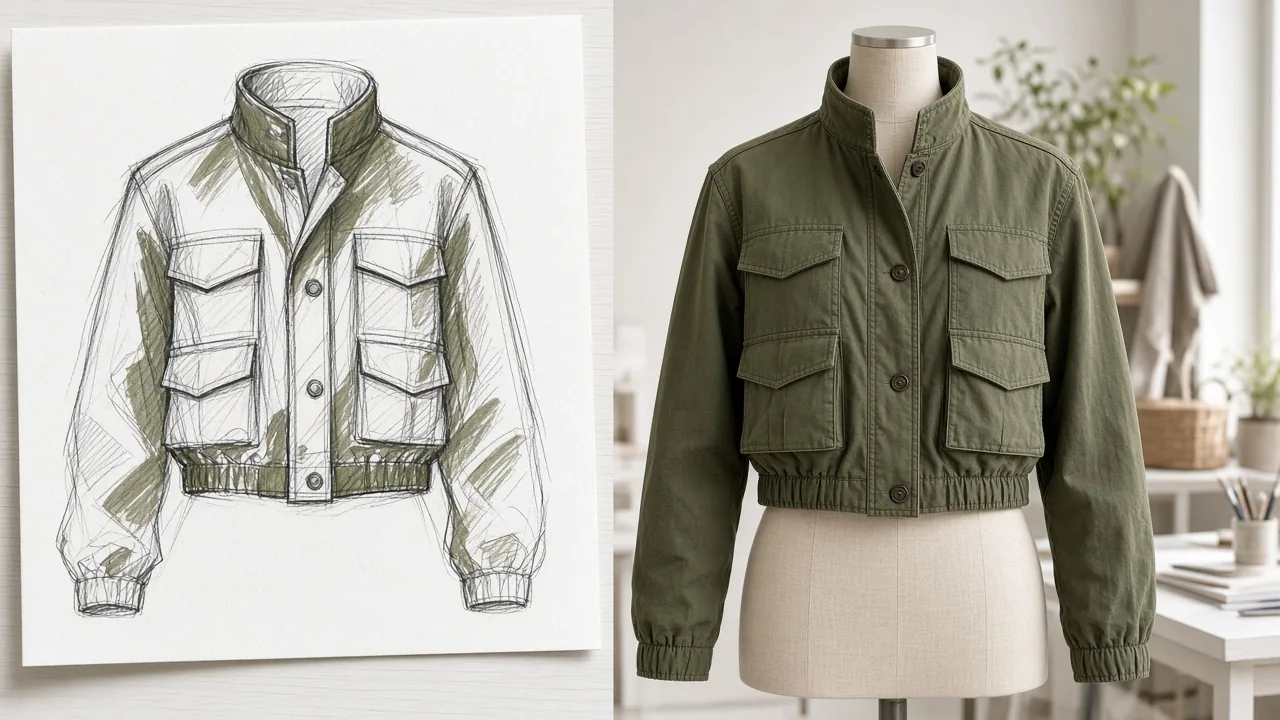
Raspberry AI calls itself generative AI for fashion creatives and an agentic platform for fashion, apparel, accessories, bags, footwear, home and sportswear. Its pitch is to unify design, product and marketing teams in one creative system, from first sketch to final campaign. What stands out:
- Design tools. Sketch to render, 3D avatar to photorealism, a design editor and a design mixer that blends several inspirations into a new design.
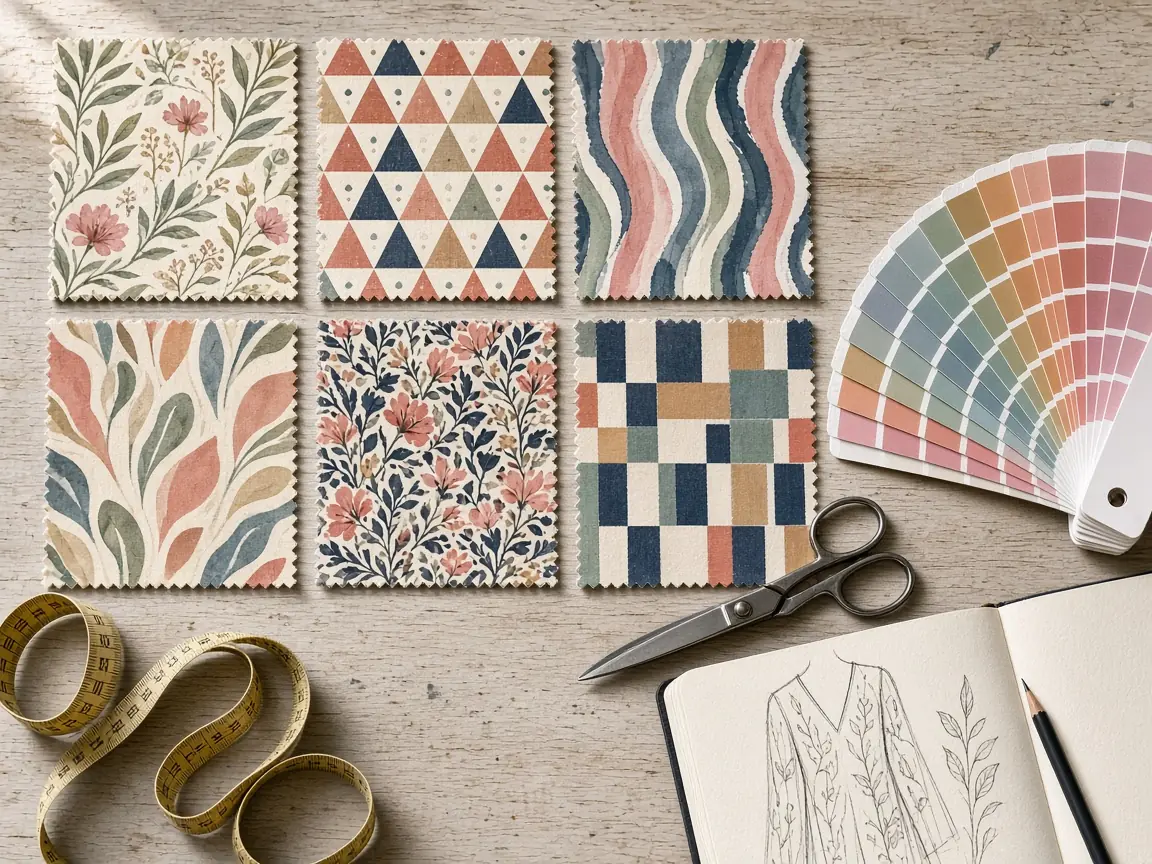
- Prints and graphics. Seamless repeating prints and patterns, plus graphics and placement prints.
- Imagery. AI product photography, lifestyle photography, a background generator and multi-view generation (front, back, quarter and side views).
- Studio. On-body try-on on realistic models, off-body product visualisation and a video studio for motion content.
- Team and enterprise features. Shared workspaces, real-time collaboration and integrations with tools such as Adobe, Figma, Bynder, Cloudinary, Akeneo, Browzwear, Pantone and Shopify. Its site says it is SOC 2 Type II certified and that you keep ownership of what you create.
Raspberry's help docs describe prompts as the way you communicate your vision, and note that it takes practice to get the images you want.
Raspberry AI Pricing (Checked 30 Oct 2026)
| Plan | Price | Listed features |
|---|---|---|
| Free | US$0 | All modules, 20 credits a month |
| Individual | US$49 per user a month | 120 credits a month, high-resolution exports up to 14K, credit overage available |
| Basic | US$198 per user a month | For teams under 5 people; 500 credits a month, bulk generation, sharing |
| Pro | US$298 per user a month | For teams under 10 people; 750 credits a month, faster generation, priority queue, shared workspace, real-time collaboration, team and admin tools |
| Enterprise | Custom | Custom AI model training, API, custom workflows, SSO, dedicated customer success |
The annual toggle shows US$588, US$2,376 and US$3,576 per user a year for Individual, Basic and Pro, the same as twelve monthly payments. Raspberry's FAQ says one credit is roughly one standard AI output, a 3D render costs five credits, failed generations are not charged, and Basic and Professional accounts can buy overage at US$0.50 per credit. Students and educators can get a free semester. Note: the Free plan card lists 20 credits a month, while the FAQ mentions 50 credits. Source: raspberry.ai/pricing, checked 30 Oct 2026.
Raspberry AI vs Picjam: Side by Side
| Raspberry AI | Picjam | |
|---|---|---|
| Core job | Fashion design and product creation, from concept to campaign | Full ecommerce galleries for every SKU in a catalogue |
| Main users | Design, product, merchandising and marketing teams | Ecommerce, content and marketing teams |
| Input | Sketches, 3D avatars, reference images, product photos and prompts | The photos you already have: phone, supplier, mannequin or flat lay shots |
| Design, prints and sketch to render | Yes, a core strength | Not offered; Picjam works from finished products |
| Packshots and lifestyle | Yes, product and lifestyle photography modules | Yes |
| On-model apparel | Yes, on-body try-on | Yes, virtual models for clothing |
| Ghost mannequin | Not listed | Yes |
| Product video | Yes, video studio | Yes, from the same stills |
| Who decides the shots | You direct the output with prompts and references | Picjam suggests the shots each product needs, based on product images and sales data |
| Listing audit | Not listed | Optional Listing Image Score |
| Pricing | Free plan; paid from US$49 to US$298 per user a month, checked 30 Oct 2026 (see their pricing page) | Free to start (two free turns for new users). Starter from US$19.99 a month, or US$16 a month billed annually. Studio, the higher tier, from US$99 a month, or US$79 a month billed annually. Checked 2 Nov 2026 |
Features are taken from Raspberry AI's own pages as of 30 Oct 2026. "Not listed" means we did not find it on those pages. Check Raspberry AI's site if a feature matters to you.
Who Each Tool Suits
Raspberry AI suits fashion, footwear and accessories brands whose design and product teams want AI earlier in the process: exploring concepts, rendering sketches, developing prints, reviewing on-body fit before samples and preparing campaign imagery, with collaboration and enterprise security for larger teams.
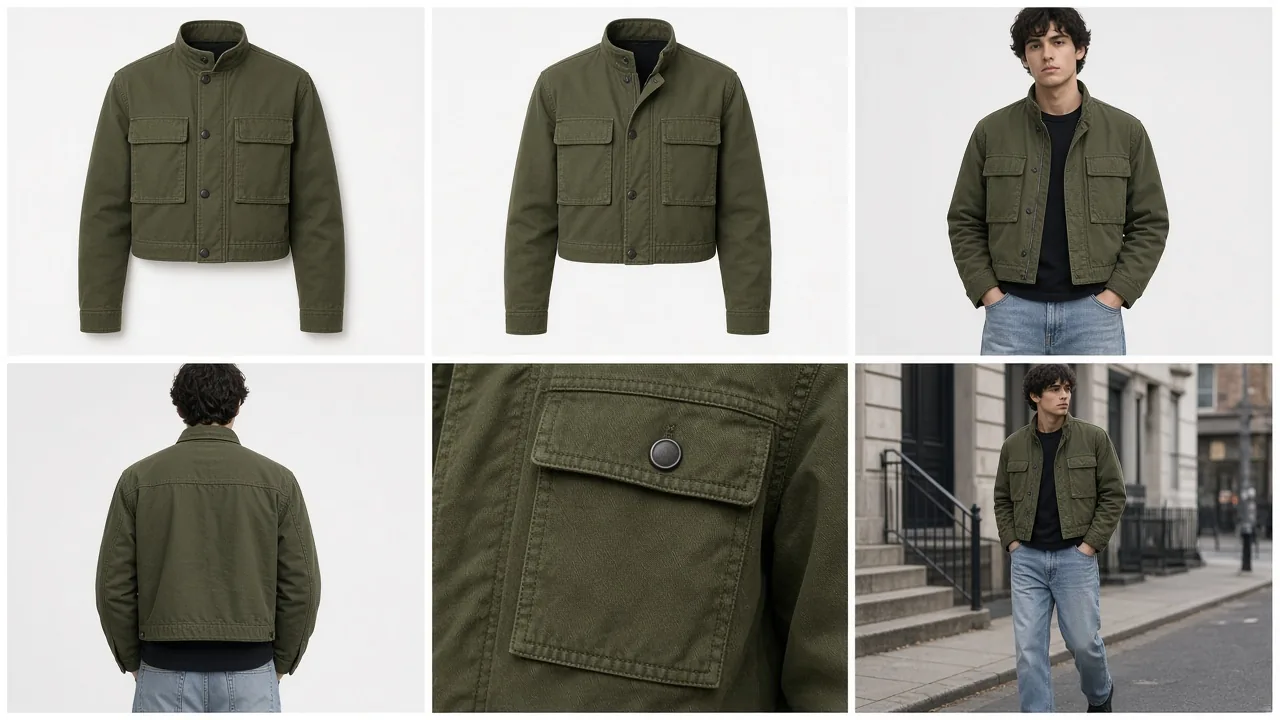
Picjam suits ecommerce teams with a catalogue of finished products, especially fashion and apparel, who need the whole gallery for each listing: packshots, on-model, ghost mannequin, flat lay, lifestyle and video, consistent across every SKU. There are no prompts to learn. Picjam suggests the shots each product needs, based on large volumes of product images and sales data, and you can score a listing first to see the gaps; scoring is optional.
The two can sit side by side: design in one tool, then build the store gallery once the product is made.

Moving Ecommerce Imagery to Picjam
- Keep Raspberry AI for design work if your design team relies on it. Picjam does not replace sketch to render or print development.
- Gather your product photos once samples or stock arrive: phone, supplier, mannequin or flat lay shots are all good inputs.
- Start with one range where the gallery is thin, such as a new drop with only supplier shots.
- Let Picjam suggest the shots. Upload the photos and generate the packshot, on-model, ghost mannequin and lifestyle images it recommends. Run a Listing Image Score first if you want to see the gaps; scoring is optional.
- Add video from the same stills, then batch the rest of the catalogue with the same brand presets.
Start with the AI virtual model for apparel, or the AI product photography and packshot generator for everything else. Comparing more tools? See our Botika alternative and FASHN AI alternative guides.
Frequently Asked Questions
How much does Raspberry AI cost?
As checked on 30 Oct 2026, Raspberry AI has a free plan, Individual at US$49 per user a month, Basic at US$198 per user a month, Pro at US$298 per user a month and custom Enterprise plans. Check raspberry.ai/pricing for current prices.
Is Raspberry AI free?
Raspberry AI has a free plan with access to all modules and a monthly credit allowance. Paid plans add more credits, high-resolution exports, bulk generation and team features.
What is Raspberry AI used for?
Raspberry AI is used by fashion and accessories teams to design and present products with AI: sketch to render, prints and patterns, on-body try-on, product and lifestyle imagery and video, from concept to campaign.
What is the best Raspberry AI alternative for ecommerce images?
If your products already exist and you need full galleries across a catalogue, Picjam is built for that. It generates packshot, lifestyle, on-model, ghost mannequin and video from your product photos and suggests the shots each product needs, with no prompts to learn.
Do I need to write prompts in Picjam?
No. Picjam suggests the shots each product needs, based on large volumes of product images and sales data, so there are no prompts to learn. Raspberry AI's help docs describe prompts as the main way to direct its output.
Sources: raspberry.ai, raspberry.ai/pricing, Product Photography, On-Body Try On, Shopify integration and the prompts help doc, all checked 30 Oct 2026. Competitor details can change; confirm on their site.

Picjam team
The Picjam team blends AI, product, and creative expertise to eliminate the cost and delay of traditional photography for modern eCommerce brands.

