Upload a flat lay, ghost mannequin, or hanger shot and get studio-quality on-model photos in seconds. Score which listing images sell on Shopify and Amazon, then generate the gaps at catalogue scale.
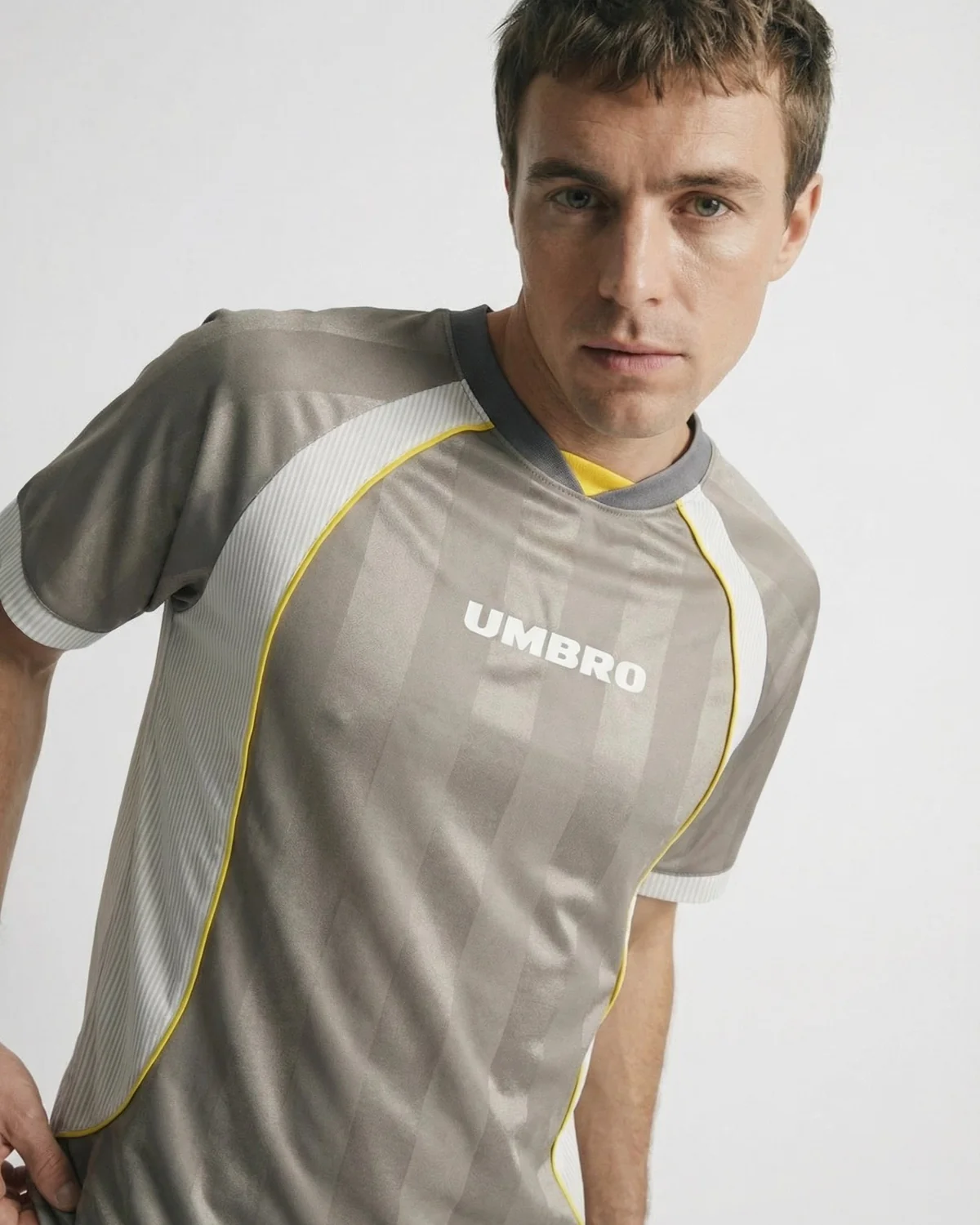
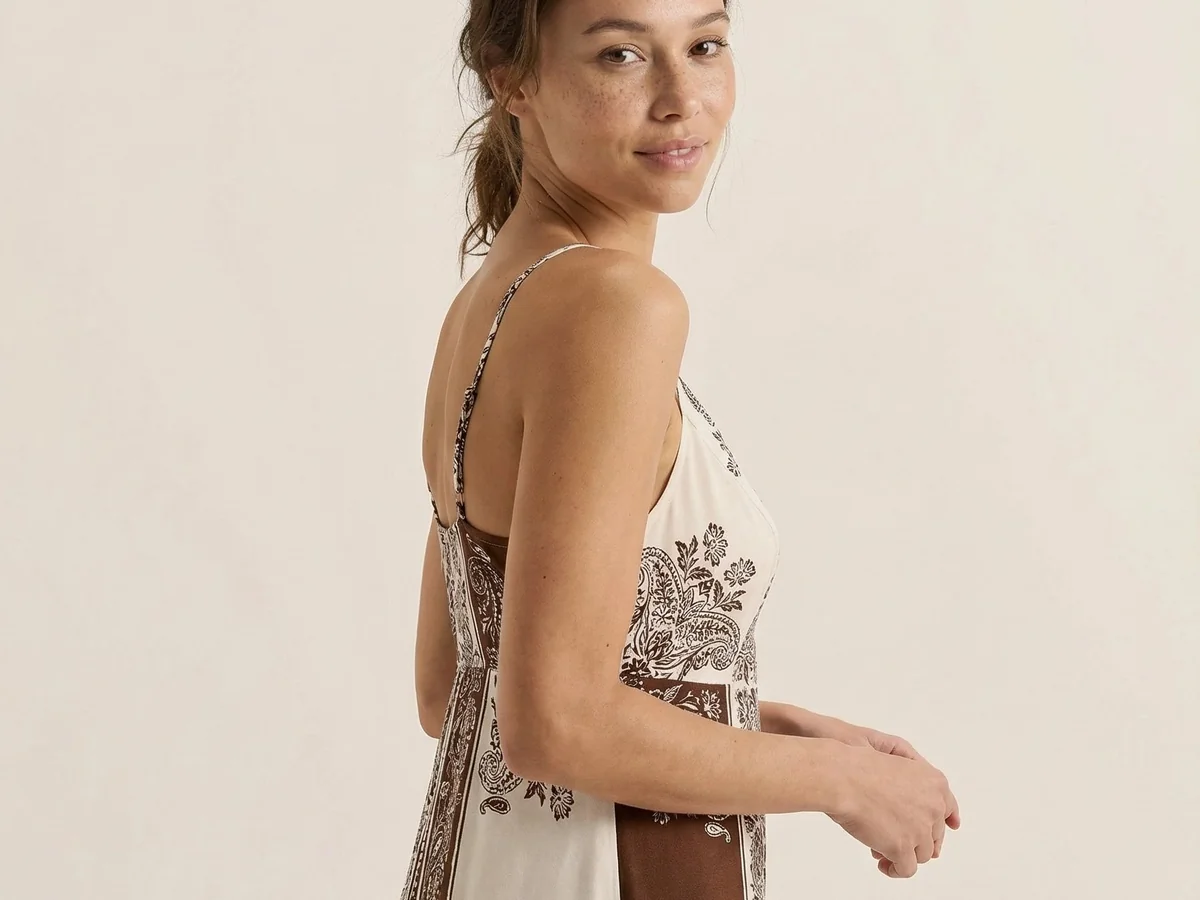
Upload a flat lay, ghost mannequin, or hanger shot and get studio-quality AI virtual models wearing your product. Skip castings and studio days, refresh your catalogue in minutes, and ship on-model imagery before the drop window closes.
Start freeMost AI fashion tools just generate pretty pictures. Picjam is visual merchandising: it scores every listing against imagery that drives sales, then fills the gaps with consistent AI virtual models — same lighting, framing, and brand tone across your site, Amazon, and lookbooks.
Start free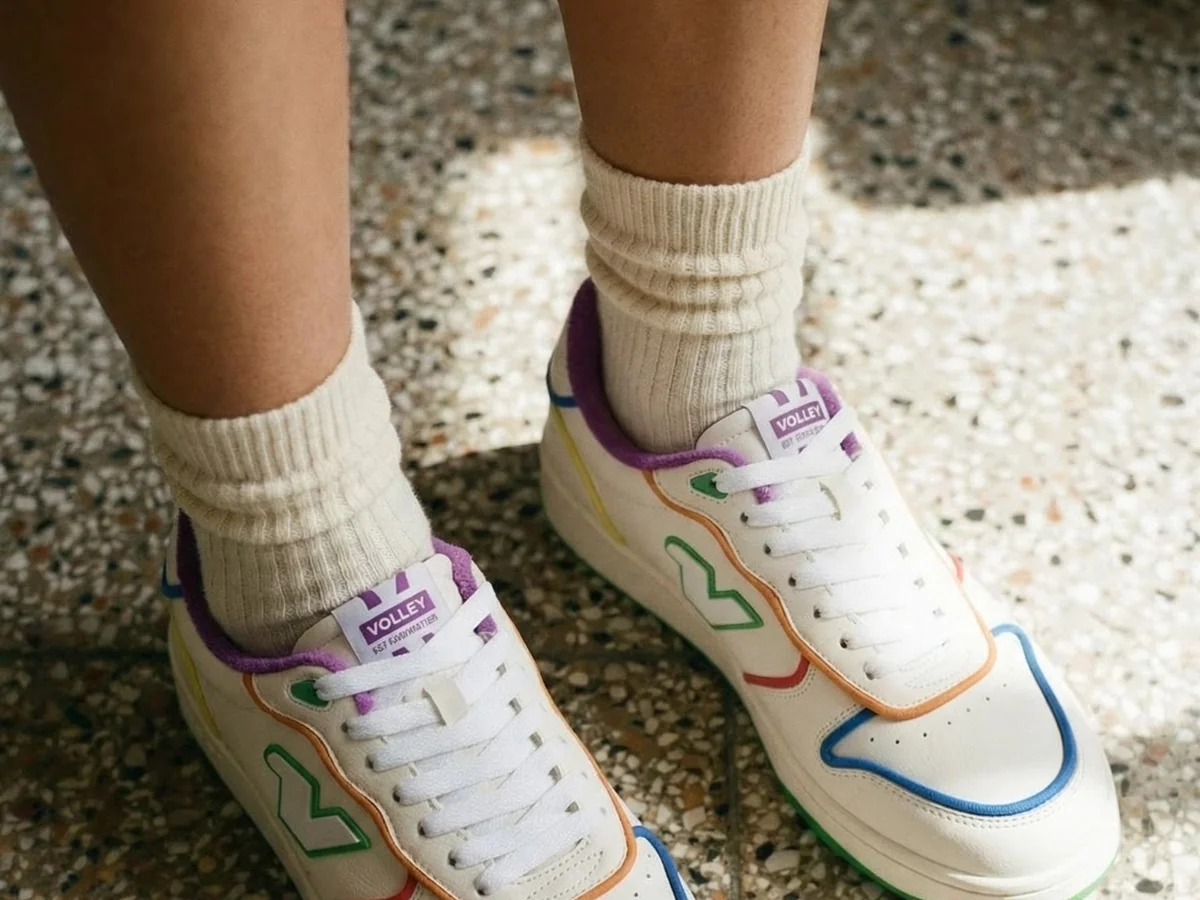
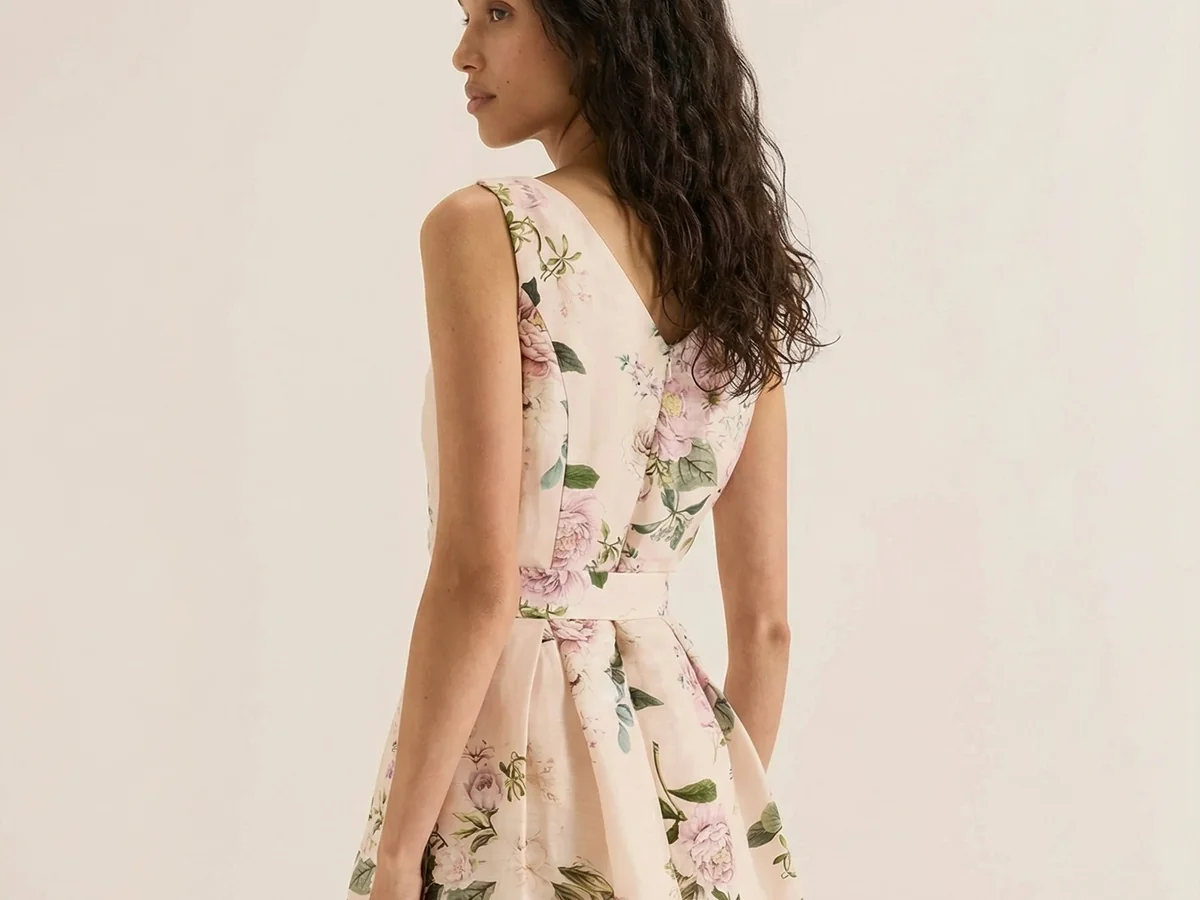
Shoppers buy when they can picture fit, drape, and fabric on someone like them. Show body types, ages, ethnicities, and genders with AI virtual models — no casting delays, no model availability gaps — ready for Shopify PDPs, marketplaces, and ads.
Start freeGenerate AI virtual models in batches, apply brand-consistent backgrounds, and ship a complete catalogue in a fraction of the time. BrandDNA keeps looks consistent across SKUs, with unlimited commercial licensing for ecommerce brands.
All models have an unlimited commercial license, with maximum flexibility.
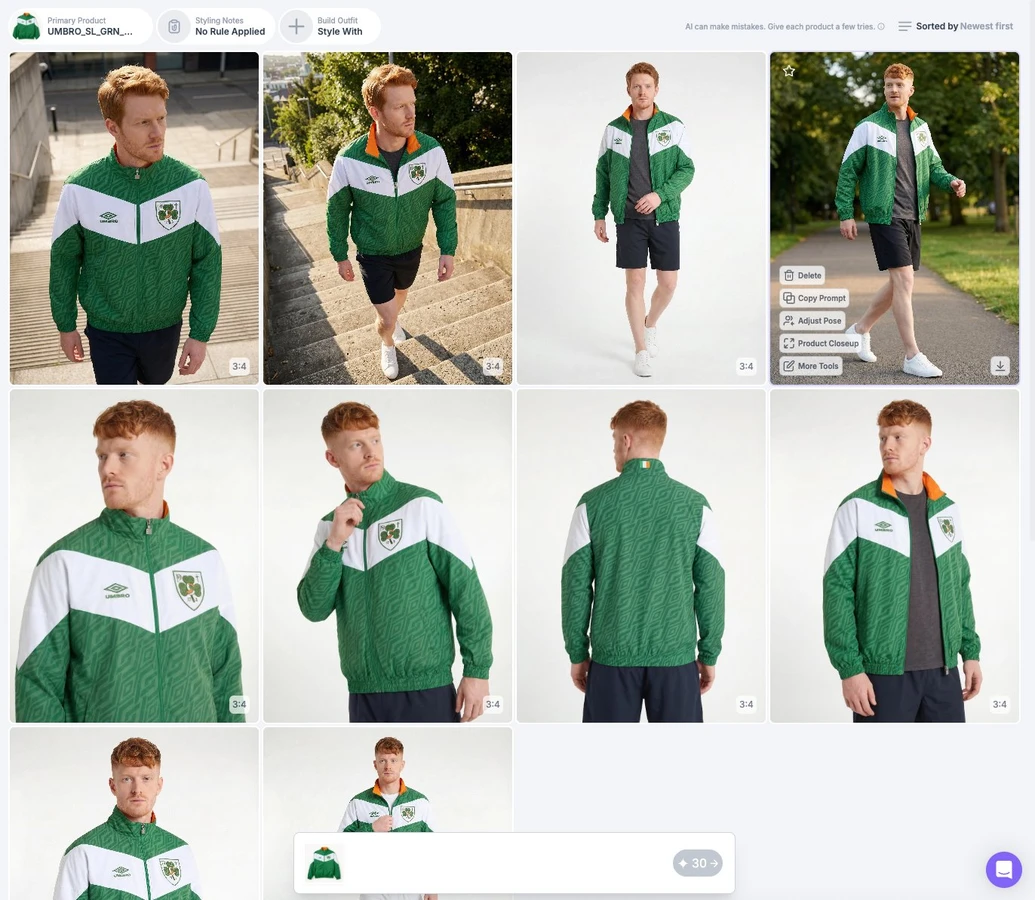
Reuse the same faces and BrandDNA across every SKU so your Shopify and Amazon PDPs look like one brand, not a random cast. Build a model roster once, then apply it to new drops without reshoots.
Export on-model images sized for product pages, ads, and marketplaces. Commercial-ready files for the channels fashion brands already sell on — not just a pretty feed post.
From dresses to denim to accessories — generate on-model shots that match the garment, not a generic pose. Dresses · Denim · Activewear · Outerwear · Accessories · Footwear
Traditional on-model shoots often run tens to hundreds of dollars per look once you count studio, model, and retouching. Picjam brands cut photo spend dramatically — including cases of ~92% less spend and images from about $60 down to a few dollars — while shipping catalogue updates in hours instead of weeks.
See how fashion brands are using Picjam to ship faster, cut costs, and compete with bigger players.
“Picjam has leveled the playing field between us and our bigger, more established competitors.”
Steven Walsh
Founder, Twelve Twenty Eight
Reduction in annual photography spend
Faster time-to-catalogue
Cost of visual production per garment, before and after
Select a flat lay, ghost mannequin, or hanger shot of the item you want on a model. Picjam works with any clothing category — tops, dresses, denim, activewear, accessories.
Pick from our diverse library of AI virtual models across body types, ages, and ethnicities. Then select your preferred pose, background, and scene. You can also generate your own unique model.
Specify portrait, landscape, or square dimensions and let Picjam's AI fashion model generator do the rest. Export in 2K, ready for your store, marketplace listings, or ad campaigns.
What is an AI Virtual Model?
An AI virtual model is a photorealistic digital human that wears and showcases your clothing or accessories. With Picjam, you control body type, pose, lighting, and background — and generate on-model product imagery in seconds from a flat lay or mannequin shot, without a studio shoot.
How does an AI Virtual Model generator work?
Upload a flat lay or mannequin shot, choose your virtual model, pose, and background, and Picjam generates studio-quality on-model photography with natural fabric drape and lighting. Brands that use listing scoring first can prioritize the SKUs and image types that move the needle, then generate at scale.
Are AI Virtual Models realistic enough for fashion e-commerce?
Yes. Modern AI Virtual Models are trained on professional fashion photography — accurate poses, natural lighting, correct fabric drape, and realistic skin texture. Picjam outputs are used by apparel brands in live product detail pages and marketing campaigns every day. Available in resolutions up to 4K for print and premium e-commerce use.
Can I create diverse AI Virtual Models to represent my customers?
Absolutely. Picjam's AI Virtual Model library includes a wide range of body types, ages, ethnicities, and genders, so you can show your products on models that genuinely reflect your customer base. You can also save custom model presets in your Brand Kit and reuse them across future collections for visual consistency.
How much does AI Virtual Model photography cost compared to a traditional shoot?
Traditional on-model photography typically costs $40–$100 per garment once you factor in model, photographer, studio, stylist, and editor. AI Virtual Model generation with Picjam can bring that down to just a few dollars per image — and many of our customers report 90%+ reductions in annual photography spend while actually increasing output.
How is Picjam different from other AI fashion model tools?
Most AI fashion tools only generate images. Picjam is half production tool, half CRO for ecommerce: it scores your listings against imagery that drives sales, then fills the gaps with AI virtual models, product photography, video, and mannequin imagery — so you make more of what already converts on Shopify, Amazon, and eBay.
What’s the difference between an AI virtual model and virtual try-on?
+An AI virtual model turns your product photo into professional on-model catalogue imagery for PDPs and ads. Virtual try-on usually puts clothes on a shopper’s own body for fit preview. Picjam is built for catalogue and listing imagery first — score what sells, then generate the gaps.
Can I batch a whole catalogue with the AI virtual model generator?
+Yes. Upload product photos at scale, apply consistent models via BrandDNA, and generate on-model sets for new SKUs without booking another shoot.
Do I own commercial rights to the images?
+Yes — images you generate with Picjam are for commercial ecommerce use on your storefronts and ads, subject to your Picjam plan terms.
How is Picjam different from AI generate model or AI female model tools?
Most AI generate model or AI female/woman model tools are creative toys — they make pretty people, not catalogue merchandising. Picjam is built for ecommerce: score which listing images already sell on Shopify and Amazon, then generate on-model catalogue photos from your flat lays, ghost mannequins, or hanger shots. Same BrandDNA across SKUs, commercial licensing, and exports sized for PDPs — not a one-off fashion render.
When should I use on-model AI vs flat-lay or ghost mannequin?
Use on-model AI when fit, drape, or proportion is the buying risk (dresses, denim, tailored pieces). Use flat-lay for fast grid coverage and detail-friendly categories. Use ghost mannequin / hollow-body when marketplaces or wholesale expect packshot-style 3D shape without a visible model. Score the listing first, then generate the gaps.
Keep your brand looking sharp and consistent with PicJam's AI product photography tools.
Generate realistic on-model photos from flat-lay or mannequin shots — no photoshoot needed.
Automatically remove mannequins from clothing photos for a clean, hollow-man effect.
Turn basic product images into studio-quality fashion photography in seconds.
Create diverse, customizable AI models to showcase your clothing line.
Swap or generate studio, lifestyle, or seasonal backgrounds for any product shot.
Enhance any product photo with professional lighting, shadows, and color correction.
Instantly remove backgrounds and replace them with clean white or custom backdrops.
Produce a full lookbook of model shots from a single garment photo.
Show customers how clothes look on different body types and sizes.
Apply edits, backgrounds, and model swaps across hundreds of SKUs at once.
Upscale resolution, fix lighting, and sharpen details on low-quality product photos.
Place products in real-world scenes — street, studio, café — to drive engagement.
Instantly adapt images for every marketplace and channel (Amazon, Shopify, Instagram, etc.).
Generate styled flat-lay compositions from individual product shots.
Store your logos, fonts, colors, and templates to keep every image on-brand.
Connect PicJam to your e-commerce platform for automated image workflows at scale.
Start generating studio-quality AI Virtual Models today. No studio, no shoot, no minimum catalogue size.
