eBay Image Size (2026): Photo Requirements and Tips
eBay needs photos of at least 500 px on the longest side and recommends about 1600 x 1600 px. File types, 24 photos, video, rules. Verified 21 Oct 2026.
Short answer: eBay requires at least one photo per listing that is 500 pixels or more on its longest side, and recommends about 1600 x 1600 pixels. You can add up to 24 photos of up to 12 MB each. A 1:1 or 16:9 ratio looks best. No borders, added text or watermarks, and photos must accurately show the item.
Last verified 21 Oct 2026 against eBay's own help pages (US site). Sources are linked in the table and at the end of this guide.
eBay Image Size and Photo Requirements at a Glance
| Spec | What eBay says |
|---|---|
| Minimum size | At least one photo of 500 pixels or more on the longest side (required) |
| Recommended size | About 1600 x 1600 pixels |
| Aspect ratio | No fixed ratio. 1:1 or 16:9 generally looks best in listings and search |
| File types | JPEG, PNG, GIF, TIFF, BMP, WEBP, HEIC, AVIF |
| File size | Up to 12 MB per photo |
| Number of photos | At least 1, up to 24 per listing |
| Video | 1 per listing, .mp4 or .mov, up to 150 MB, ideally one minute or less |
| Background | Not required. eBay says white is generally best; a darker backdrop can suit shiny items |
| Not allowed | Added borders, added text or marketing, watermarks, placeholder images, photos that do not accurately show the item, stock photos for used items |
| Sources | Picture policy, Adding pictures to your listings, Images, videos and text policy, Adding a video. Last verified 21 Oct 2026. |
Two numbers matter. The 500 pixel figure is the rule in eBay's picture policy: every listing needs at least one photo that size or larger on its longest side. The 1600 x 1600 figure is eBay's recommendation in its photo tips, so buyers can zoom in without the image going soft.
You may see "1600 px minimum", "9000 x 9000 max" or "12000 px max" quoted as eBay rules on other sites. eBay's help pages call 1600 a recommendation, and the limit they state is 12 MB per file, not a pixel maximum. Very large files are slow to upload, so export at around 1600 to 2000 pixels.
Why 1600 Pixels Matters
eBay notes that small photos get blurry when enlarged. Buyers zoom in to check condition, labels, stitching and scratches, so a sharp 1600 pixel image does more selling than a 500 pixel one that only passes the rule. Enlarging a small photo in an editor does not add detail, so shoot or export at full size and keep the original.
Your main photo also appears small in search results. eBay says the standard search size is 96 pixels, and its Gallery Plus option shows a larger picture of up to 400 x 400 pixels on hover. Fill the frame with the item so it reads at thumbnail size.
The Main Photo
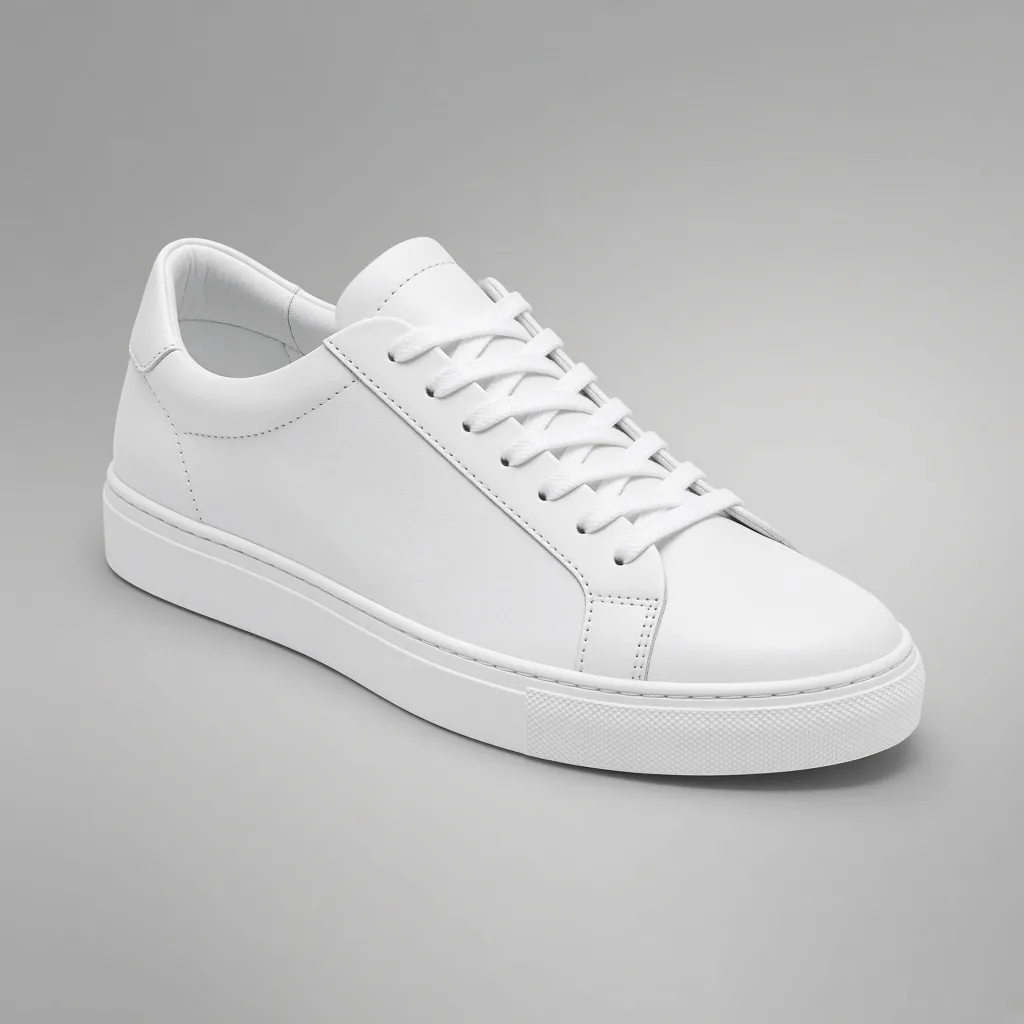
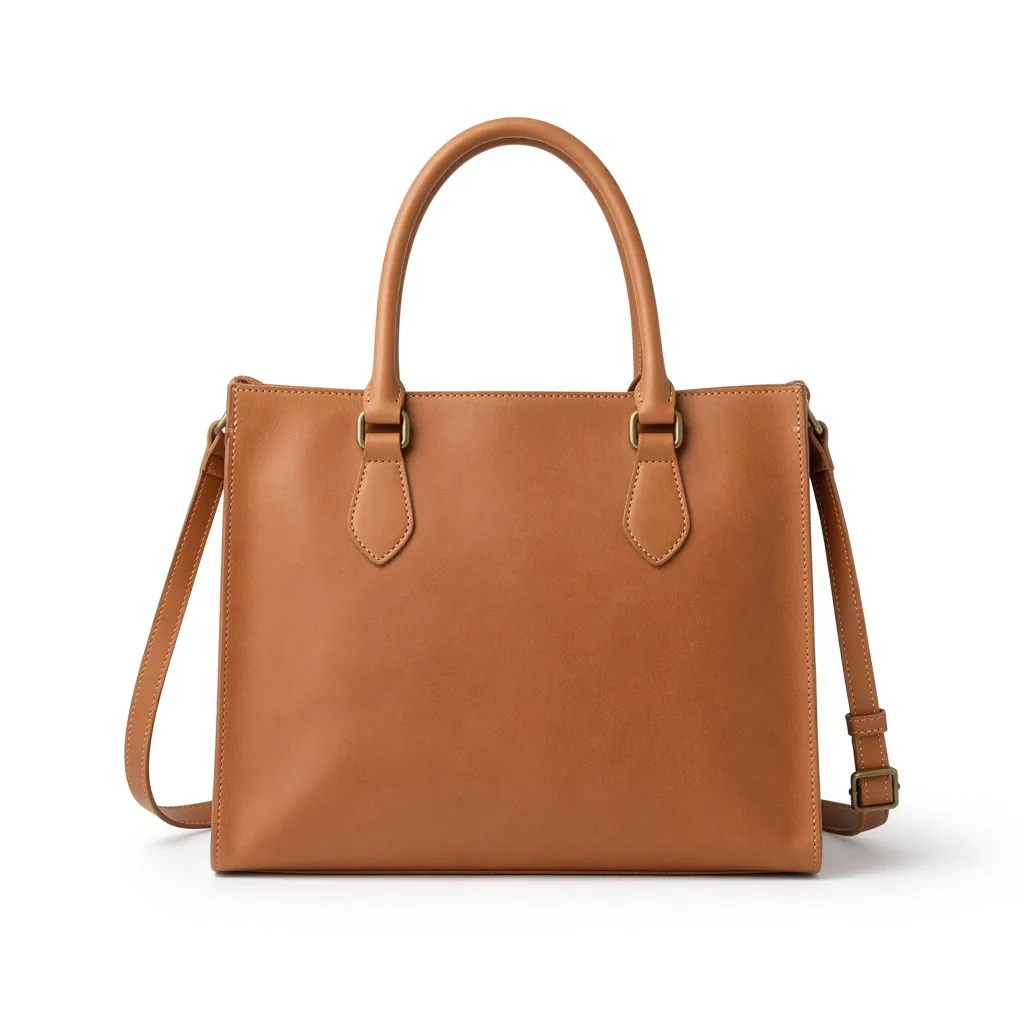
- Show the whole item, face-on. eBay says the main photo should show the whole item and is the one that appears in search results.
- One item, no variations. For a single item, the main photo should not include other colours or versions. For a bundle, show every item in the bundle.
- Keep it clean. No borders, badges, logos, text or watermarks. eBay says added graphics can affect your placement in search.
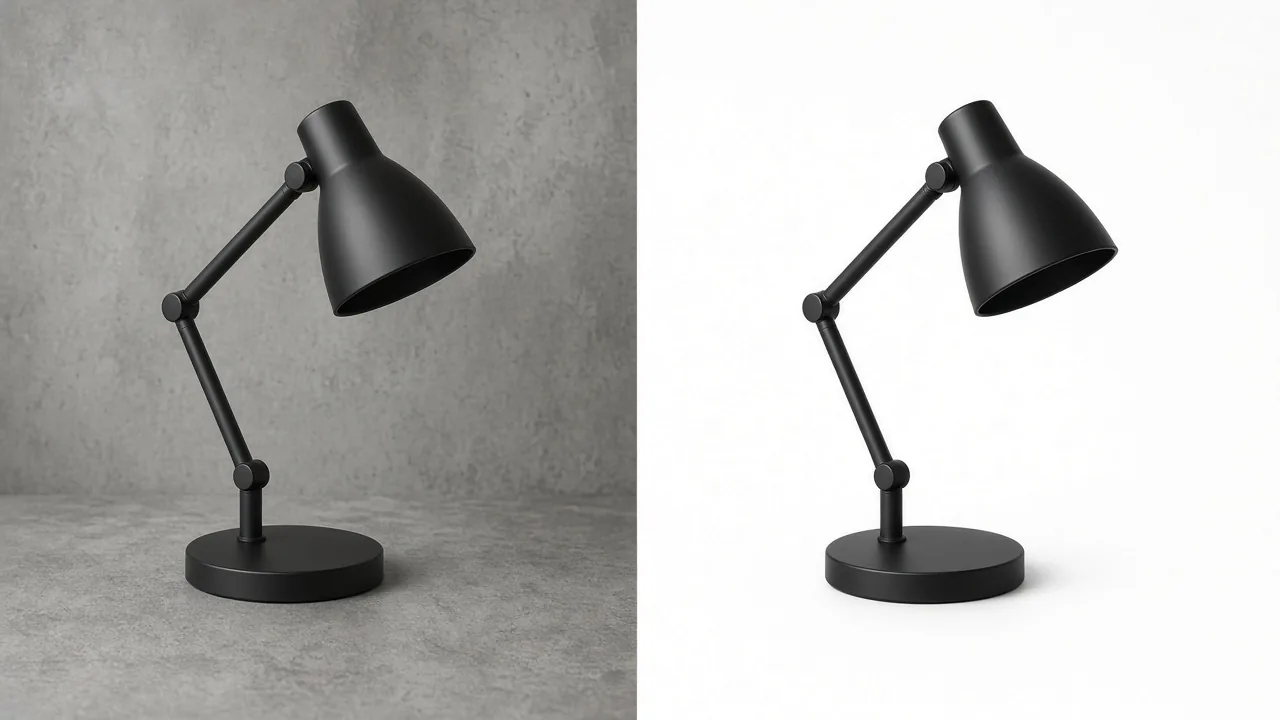
- Use a plain, uncluttered backdrop. White is generally best. For jewellery or chrome, a darker background may show the item better.
- Square or wide. Use 1:1 or 16:9 so the item is not cropped awkwardly.
Real-Item Photos, Stock Photos and AI Edits
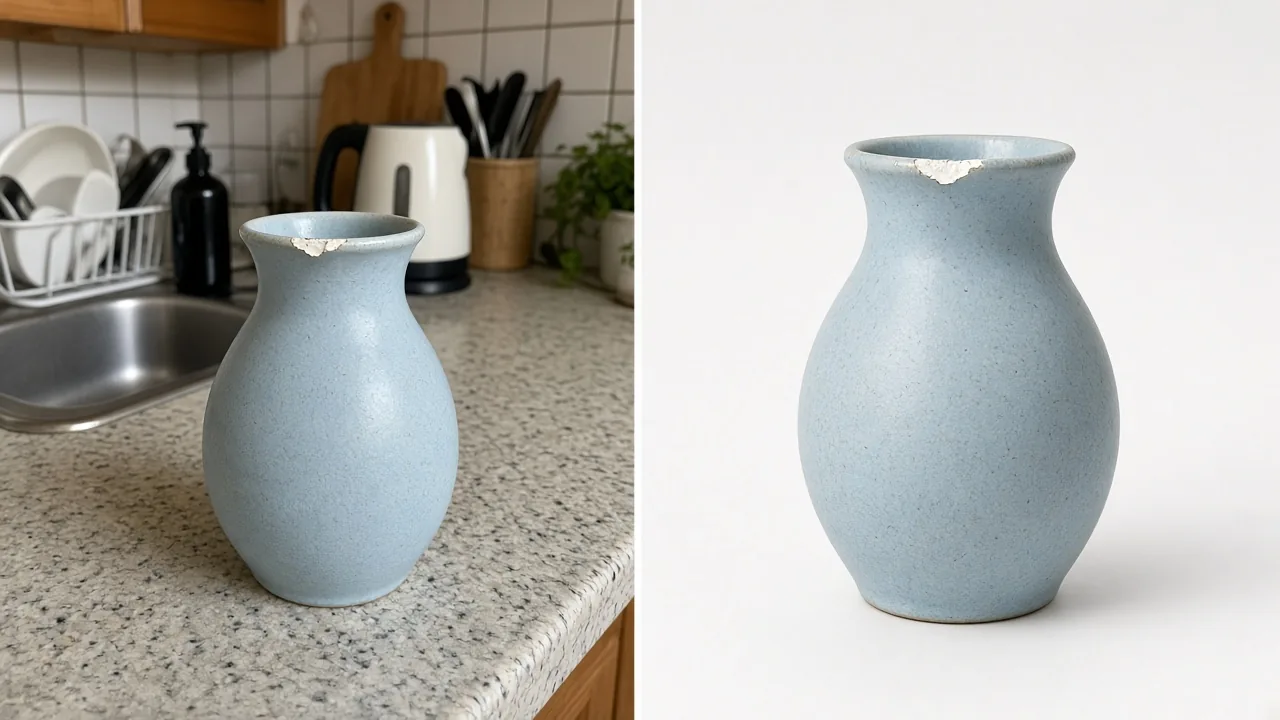
eBay's rules lean hard on accuracy. Its picture policy bans photos that do not accurately represent the item and stock photos for used, damaged or defective items. Its images, videos and text policy says sellers should take their own photos, and that you cannot copy images from a manufacturer's website, even if they are public. For new items, you can use images from eBay's own product catalog.
eBay's listing tool includes a background tool that swaps the background for solid white, and its app also offers AI-generated backgrounds. So cleaning up a background is normal photo work on eBay. In practice: photograph the actual item you are selling, keep its condition, colour and flaws exactly as they are, and only change what is around it. For used items, the real photo is the listing. Check eBay's policies before using any generated scene in a listing.
Common Upload Problems and Rejections
| Problem | Likely cause | Fix |
|---|---|---|
| Photo will not upload | File over 12 MB or an unsupported format | Export as JPEG, PNG or WEBP under 12 MB |
| Photo or listing removed | Borders, text, watermark or a placeholder image | Upload the clean original photo |
| Photo removed for copyright | Image copied from a brand or retailer website | Take your own photo or use eBay's catalog image (new items) |
| Blurry when buyers zoom | Image under about 1600 px, or enlarged in an editor | Re-shoot or re-export at about 1600 x 1600 |
| Item looks tiny in search | Too much empty background | Crop so the item fills most of the frame |
| Uploader does not appear | Pop-up blocker or an old browser cache | Disable the blocker for eBay and clear the cache |
eBay Listing Video Specs
eBay allows one video per listing, and you can reuse the same video on other listings. Upload .mp4 or .mov files up to 150 MB, at up to 1080p. eBay recommends keeping videos to one minute or less. Videos are moderated before they show, usually within 48 hours, and links to YouTube or other platforms are not supported. Videos follow the same policies as photos, so no contact details, web links or calls to action that send buyers off eBay.
eBay Photo Checklist
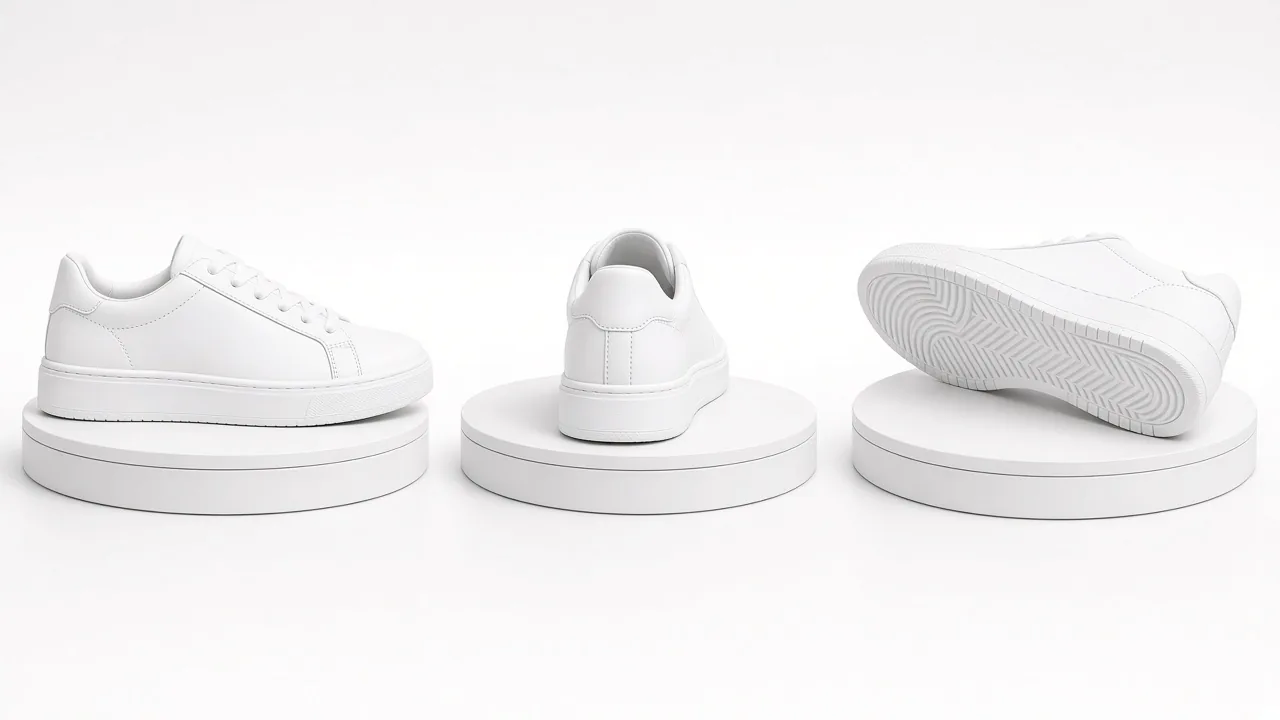
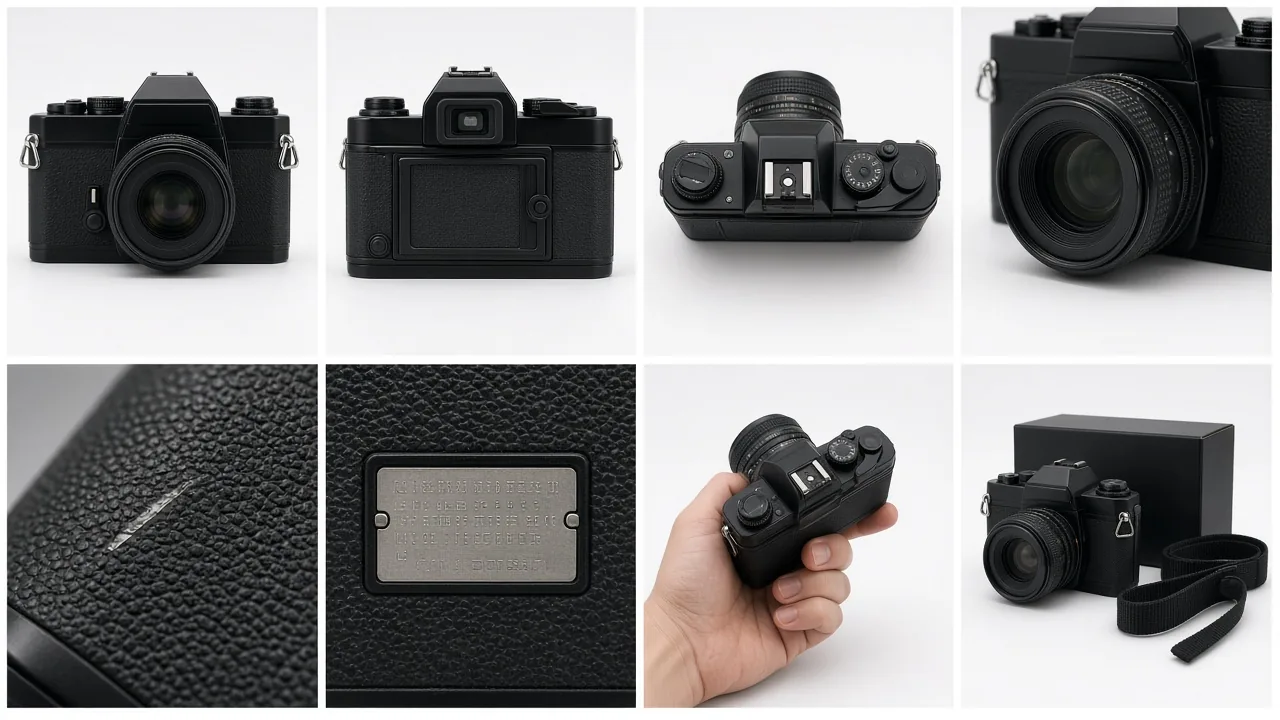
eBay suggests several angles, close-ups of any flaws, and a size reference. With 24 slots, a practical gallery looks like this:
- Main photo: the whole item, face-on, on a plain background.
- Back, sides and a three-quarter angle.
- Labels, tags, brand marks, serial or model numbers where relevant.
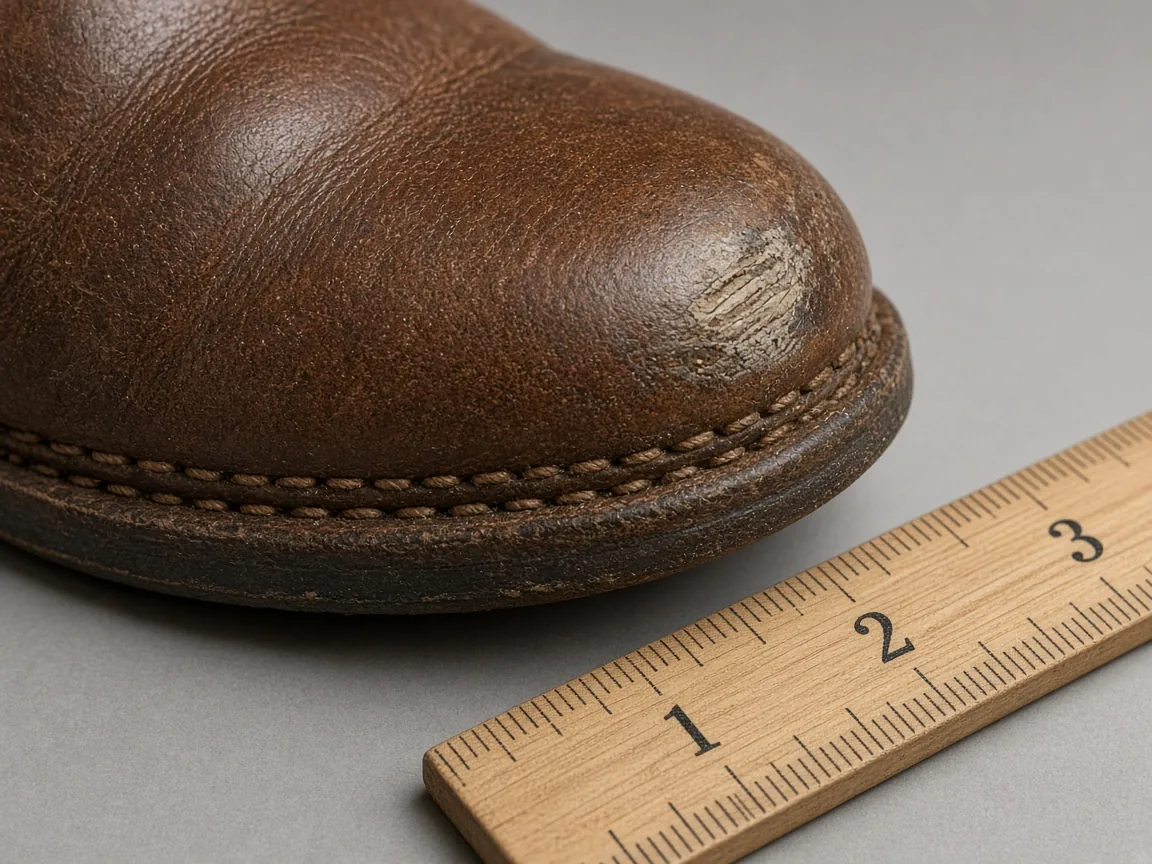
- Close-ups of wear, scratches, marks or repairs, so buyers know exactly what they get.
- Scale: next to a ruler, a coin or in a hand.
- Details: stitching, hardware, soles, ports, the inside of a bag.
- Everything included: box, cables, dust bag, papers.
- A short video for items that move, fold or light up.
For a clean main photo, see our guide to white background product photography. Selling pre-loved clothing? Our guide on how to take pictures of clothes to sell covers flat lays, hangers and condition shots.
Check What Your Listing Is Missing
Meeting eBay's size rules keeps photos from being rejected. It does not tell you which shots your gallery lacks. Run a listing through the Listing Image Score to see where it is thin. Scoring is optional; you can go straight to creating images.
If you sell new stock across eBay, your own store and ads, the AI product photography and packshot generator turns your own product photos into clean packshots and channel-ready crops, plus lifestyle scenes and video for ads, social and your own site. There are no prompts to learn: Picjam suggests the shots each product needs, based on large volumes of product images and sales data. For eBay listings, keep the real item as the subject and check eBay's policies.
Frequently Asked Questions
What is the best image size for eBay?
eBay recommends photos of about 1600 x 1600 pixels. The minimum is 500 pixels on the longest side for at least one photo per listing. Larger photos stay sharp when buyers zoom in.
What is the minimum photo size on eBay?
Every eBay listing needs at least one photo that is 500 pixels or more on its longest side. That is the rule in eBay's picture policy. eBay recommends about 1600 x 1600 pixels for better quality.
How many photos can I add to an eBay listing?
eBay lets you add up to 24 photos to a listing, and at least one photo is required. You can also add one video per listing.
What file types and file sizes does eBay accept?
eBay accepts JPEG, PNG, GIF, TIFF, BMP, WEBP, HEIC and AVIF files. Each photo can be up to 12 MB. Videos can be .mp4 or .mov up to 150 MB.
Does eBay require a white background?
No. eBay says white backgrounds are generally best and recommends a neutral, uncluttered backdrop, but it does not require white. For shiny or reflective items such as jewellery, a darker background may work better.
Can I use stock photos or AI images on eBay?
eBay does not allow stock photos for used, damaged or defective items, or images copied from other websites. Photos must accurately show the item. Use your own photo of the actual item and check eBay's policies before using generated scenes.
Last verified 21 Oct 2026 against eBay Help (US): Picture policy, Adding pictures to your listings, Images, videos and text policy and Adding a video to your listing. eBay can change its requirements, and some categories (such as vehicles) have extra rules, so check eBay Help before a large upload.

Picjam team
The Picjam team blends AI, product, and creative expertise to eliminate the cost and delay of traditional photography for modern eCommerce brands.