Pixelcut Review (2026): Pricing, Features and Alternative
Pixelcut review: pricing and plans checked 21 Oct 2026, what it does well, a Pixelcut vs Picjam table, who each suits and how to switch.
Short answer: Choose Pixelcut if you want an affordable, all-in-one AI photo and video editor with strong background removal, upscaling and a Product Studio where you pick scenes or type prompts. Choose Picjam if you run a catalogue and want the full gallery for every SKU, with no prompts to learn: Picjam suggests the shots each product needs.
Pixelcut features and pricing checked 21 Oct 2026 on pixelcut.ai, its pricing page and help center. Prices change, so confirm on their site before you buy.
Pixelcut Review: What It Does Well
Pixelcut describes itself as an AI video and image platform. It combines a photo editor with AI product photos, video, AI actors and an API. It runs in the browser and on iPhone and Android. What stands out:
- Editing tools. Background removal for images and video, upscaling, a magic eraser, generative fill, expand and shadows. Paid plans list unlimited background removal and upscaling.
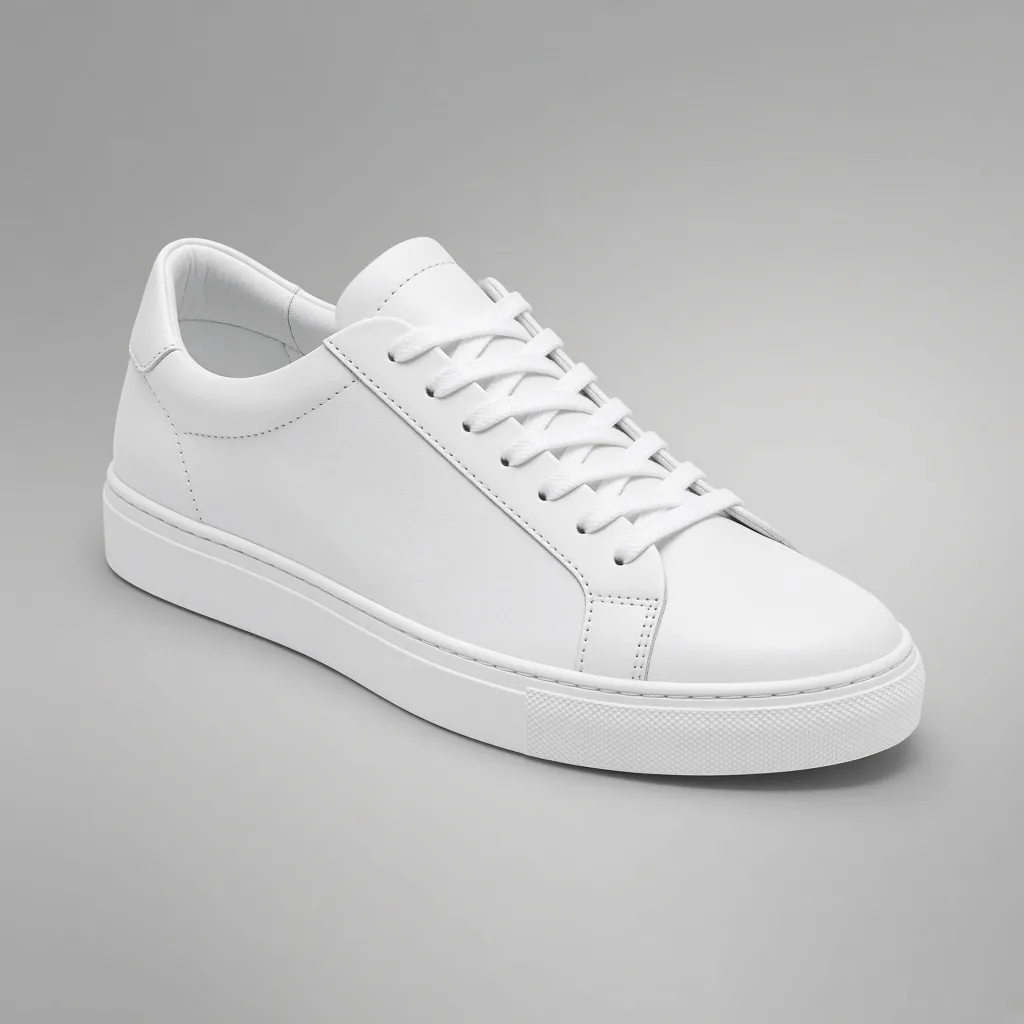
- Product Studio. Upload one product photo, pick a scene format (studio, lifestyle, on-model, ghost mannequin, flat lay and more), set the angle and background, add a prompt if you want, and generate variations at up to 4K.
- Many AI models. Credits unlock third-party image and video models, which you choose in a model picker.
- Batch and API. Bulk tools for background removal, resizing and upscaling across folders, plus an API for developers.
- Video. An AI video generator and AI UGC ads (talking videos).
Its homepage says "no special prompting required", and its Product Studio page says the uploaded product is treated as the fixed part of the image so shape, label and colours stay true. Its Virtual Try-On page says that tool works on tops, with other garments "coming soon", while Product Studio offers a separate on-model format.
Pixelcut Pricing (Checked 21 Oct 2026)
| Plan | Price | Listed features |
|---|---|---|
| Free | US$0 | Limited background removal and upscaling, exports without a watermark |
| Pro | US$10 a month, or US$8 a month billed yearly | 600 AI credits a month, unlimited background removal and upscaling, 3-person team, 1,000 batch exports a month |
| Business | US$30 a month, or US$24 a month billed yearly | 3,600 AI credits a month, unlimited background removal and upscaling, 10-person team, 2,000 batch exports a month |
The pricing page says a yearly plan saves 20%. Credits are used by the more advanced, mostly third-party AI models, and the cost per image or per second of video depends on the model. Extra credits can be bought or topped up automatically. Pixelcut's credits help article also lists weekly billing and Pro+ and Max tiers, which may apply in the mobile apps. Source: pixelcut.ai/pricing, checked 21 Oct 2026.
Pixelcut vs Picjam: Side by Side
| Pixelcut | Picjam | |
|---|---|---|
| Core job | All-in-one AI photo and video editor for creators and sellers | Full ecommerce galleries for every SKU in a catalogue |
| Input | A photo, plus a chosen scene format or a text prompt | The photos you already have: phone, supplier, mannequin or flat lay shots |
| Background removal and upscaling | Yes, a core strength | Clean packshots on white, neutral or brand backgrounds |
| Packshots and lifestyle | Yes, Product Studio scenes | Yes |
| On-model apparel | Yes, on-model format and Virtual Try-On (tops, per its page) | Yes, virtual models for clothing |
| Ghost mannequin | Yes, Product Studio format | Yes |
| Product video | Yes, AI video and UGC ads (credit-based) | Yes, from the same stills |
| Who decides the shots | You pick the format, angle, background and model | Picjam suggests the shots each product needs, based on product images and sales data |
| Batch | Bulk edits and batch exports; API | Batch across a whole drop, with brand presets |
| Listing audit | Not listed | Optional Listing Image Score |
| Pricing | Free plan; paid from US$8 to US$30 a month, checked 21 Oct 2026 (see their pricing page) | Picjam Studio: $99 a month billed monthly, or $79 a month billed annually |
Features are taken from Pixelcut's own pages as of 21 Oct 2026. "Not listed" means we did not find it on those pages. Check Pixelcut's site if a feature matters to you.
Who Each Tool Suits
Pixelcut suits solo sellers, resellers, creators and small teams who want one low-cost app for everyday edits: removing backgrounds, upscaling, quick product scenes and social video, on the phone or in the browser. If you enjoy choosing scenes and models yourself, it gives you a lot of control.
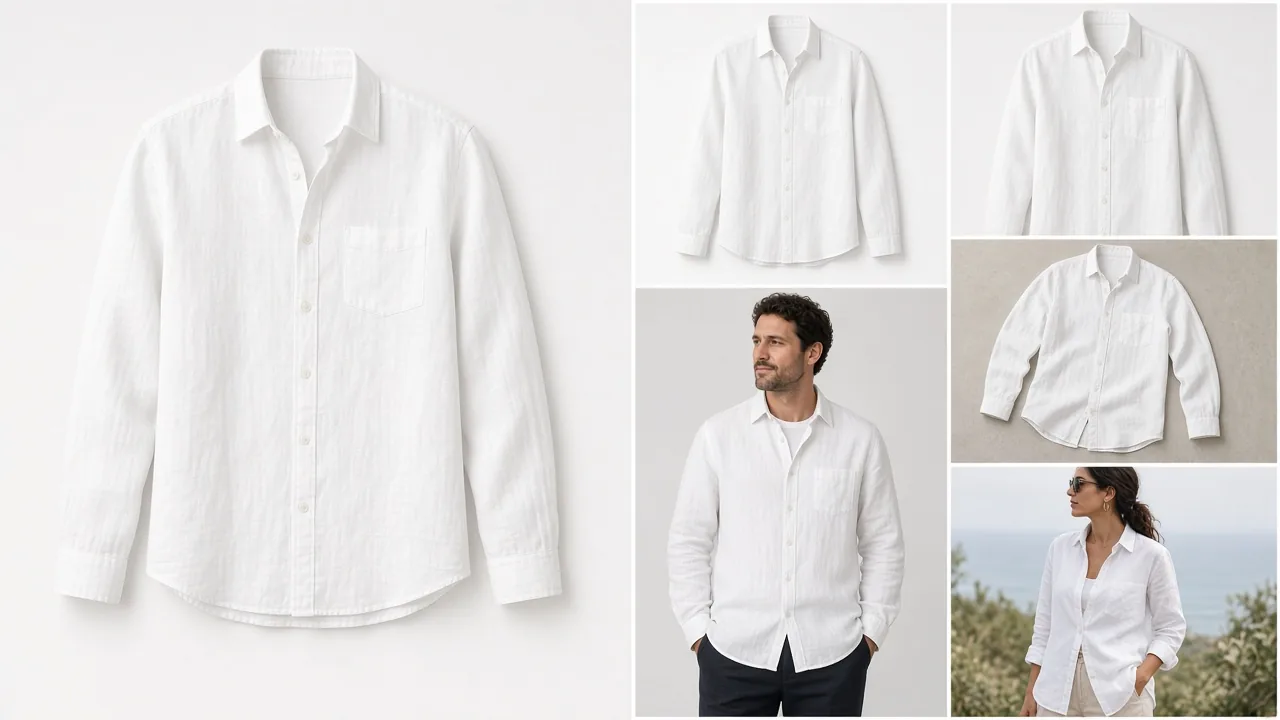
Picjam suits ecommerce teams with a catalogue, especially fashion and apparel, who need the whole gallery rather than one edited image: packshots, on-model, ghost mannequin, flat lay, lifestyle and video, consistent across every SKU. There are no prompts to learn. Picjam suggests the shots each product needs, based on large volumes of product images and sales data, and you can score a listing first to see the gaps; scoring is optional.
Switching From Pixelcut to Picjam
- Keep Pixelcut for quick edits if you like it. Many teams use a phone editor for one-off fixes.
- Export your source photos. Original product photos and clean cut-outs make good inputs.
- Start with one range where the gallery is thin, such as a new drop with only supplier shots.
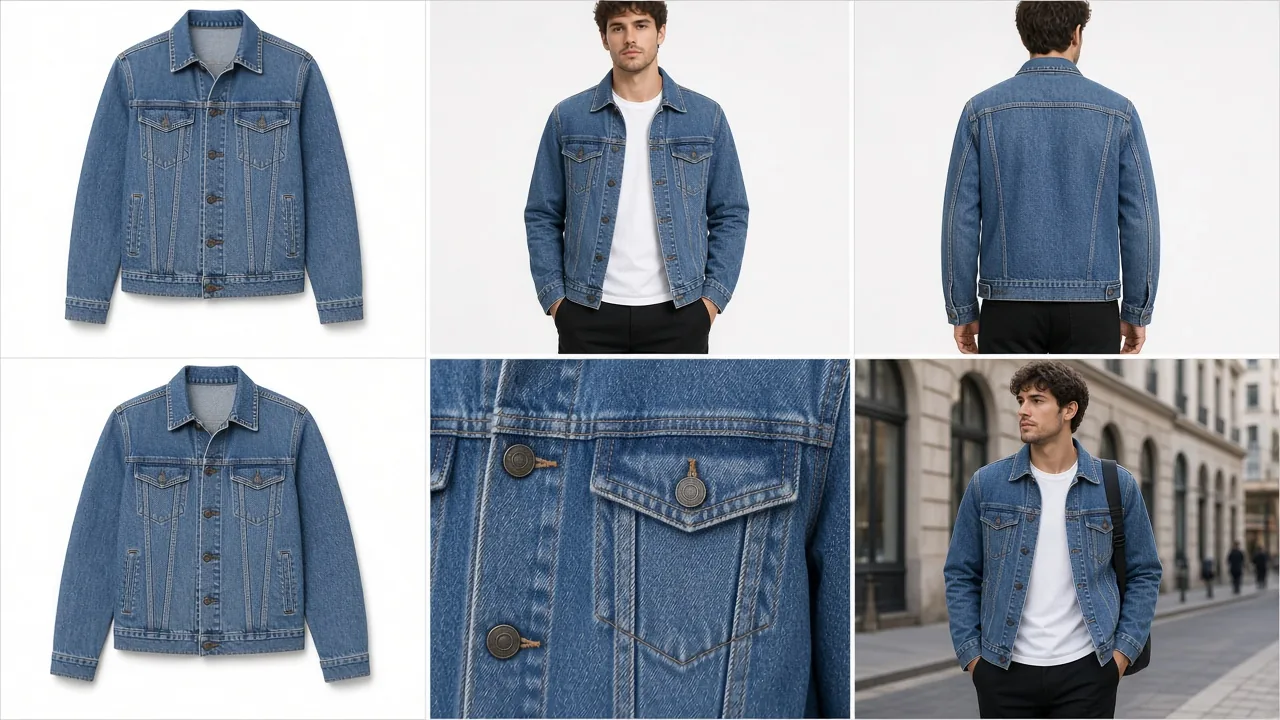
- Let Picjam suggest the shots. Upload the photos and generate the packshot, on-model, ghost mannequin and lifestyle images it recommends. Run a Listing Image Score first if you want to see the gaps; scoring is optional.
- Add video from the same stills, then batch the rest of the catalogue with the same brand presets.
Start with the AI product photography and packshot generator, or go straight to the AI virtual model for apparel. Comparing more tools? See our roundup of the best product photography apps and our PhotoRoom alternative guide.

Frequently Asked Questions
How much does Pixelcut cost?
As checked on 21 Oct 2026, Pixelcut has a free plan, Pro at US$10 a month or US$8 a month billed yearly, and Business at US$30 a month or US$24 a month billed yearly. Paid plans include monthly AI credits. Check pixelcut.ai/pricing for current prices.
Is Pixelcut free?
Pixelcut has a free plan with limited background removal and upscaling and exports without a watermark. Pro and Business add AI credits, unlimited background removal and upscaling, team seats and batch exports.
What is the best Pixelcut alternative for ecommerce catalogues?
If you need full galleries across a catalogue rather than one-off edits, Picjam is built for that. It generates packshot, lifestyle, on-model, ghost mannequin and video from your product photos and suggests the shots each product needs, with no prompts to learn.
Is Pixelcut or Photoroom better?
Both are AI photo editors with background removal, product scenes and batch tools. The better choice depends on your workflow and budget, so compare their current plans. If you need complete catalogue galleries with suggested shots, consider Picjam.
Do I need to write prompts in Picjam?
No. Picjam suggests the shots each product needs, based on large volumes of product images and sales data, so there are no prompts to learn. In Pixelcut you pick a scene format and can add a text prompt.
Sources: pixelcut.ai, pixelcut.ai/pricing, Product Studio, ghost mannequin, Virtual Try-On and the credits help article, all checked 21 Oct 2026. Competitor details can change; confirm on their site.

Picjam team
The Picjam team blends AI, product, and creative expertise to eliminate the cost and delay of traditional photography for modern eCommerce brands.