WeShop AI Review (2026): Pricing, Features and Alternative
WeShop AI review: pricing and points checked 2 Nov 2026, AI fashion models, try-on and video, a WeShop vs Picjam table, who each suits and how to switch.
Short answer: Choose WeShop AI if you want a low-cost, points-based studio for AI fashion models, virtual try-on, pose changes and AI video, with access to many third-party image and video models. Choose Picjam if you run a catalogue and want full galleries for every SKU, with no prompts to learn: Picjam suggests the shots each product needs.
WeShop AI features and pricing checked 2 Nov 2026 on weshop.ai, its pricing page, its FAQ and its AI Fashion Model page. Prices change, so confirm on their site before you buy.
WeShop AI Review: What It Does Well
WeShop AI calls itself an AI creative studio for ecommerce. Its homepage says it is backed by MOGU, a company listed on the New York Stock Exchange. It runs in the browser and as a mobile app. What stands out:
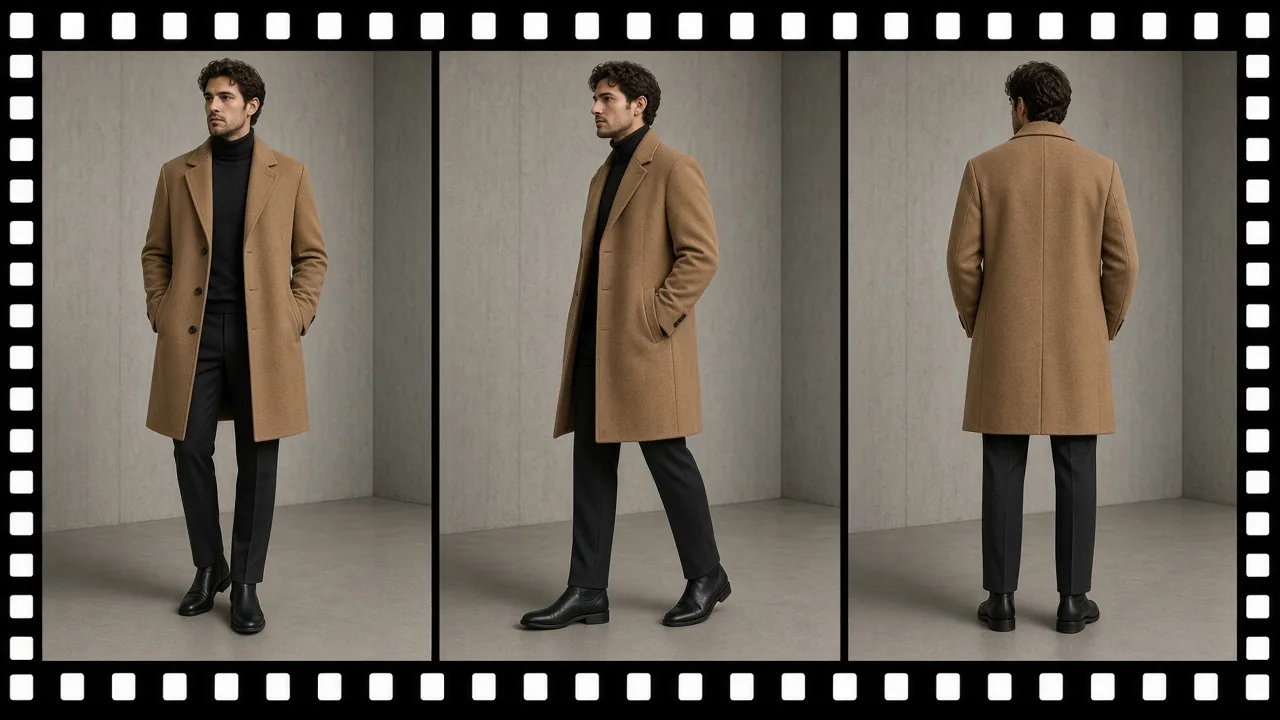
- AI Fashion Model. Upload clothing photos, in batches of up to 9 at a time, and show them on AI models. You can pick from a library of preset models or create your own model from at least one image.
- Virtual Try-On. Put clothes onto a model photo, with a choice of WeShop's own models or third-party ones.
- AI Product and editing tools. Product scenes, Change Pose, background removal, relighting, image expansion, a photo enhancer and a magic eraser.
- AI video. Image-to-video and a Video Agent, plus access to third-party video models such as Kling, Seedance, Veo and Hailuo.
- Many image models in one place. Its pricing page lists models such as Nano Banana, Midjourney, Seedream and Qwen Image Edit.
- Batch output. Its FAQ says you can generate from 1 to 16 images at a time and download in 4K.
WeShop works with prompts. Its FAQ explains positive prompts (what you want) and negative prompts (what you do not want), and says most of its tools include built-in prompt templates.

WeShop AI Pricing (Checked 2 Nov 2026)
| Plan | Price | Listed features |
|---|---|---|
| Free Trial | $0 | 200 points on registration, selected models only, 1 concurrent job |
| Pro | $9.99 a month, or $7.99 a month billed annually | 1,000 points a month (12,000 a year on annual), all models, 16 concurrent jobs |
| Ultra | $45 a month, or $36 a month billed annually | 6,000 points a month (72,000 a year on annual), all models, 48 concurrent jobs, high-priority queue |
| Enterprise | $457 a month, or $365.60 a month billed annually | 15,000 points a month (180,000 a year on annual), all models, 48 concurrent jobs, full API access |
Everything costs points. WeShop's FAQ says 10 points is roughly one generated image, and lists 10 points per image for AI Fashion Model and AI Product, 10 to 55 points for Virtual Try-On depending on the model, and 500 points or more for the Video Agent. So 1,000 Pro points could cover about 100 AI Fashion Model images. Points do not roll over, and only Ultra and Enterprise users can buy extra point packs. The pricing page shows prices in dollars without naming the currency. Note that the site banner also offers 50 points for signing up on the web and 150 for signing up in the app, so check the current offer. Source: weshop.ai/member and the WeShop FAQ, checked 2 Nov 2026.

WeShop AI vs Picjam: Side by Side
| WeShop AI | Picjam | |
|---|---|---|
| Core job | Points-based AI studio for fashion models, try-on, product images and video | Full ecommerce galleries for every SKU in a catalogue |
| How you direct it | Choose a tool and model, then write positive and negative prompts or use built-in templates | Picjam suggests the shots each product needs, based on product images and sales data |
| Input | Clothing or product photos, up to 9 per batch on AI Fashion Model | The photos you already have: phone, supplier, mannequin or flat lay shots |
| On-model apparel | Yes, AI Fashion Model and Virtual Try-On, with preset or custom models | Yes, virtual models for clothing |
| Packshots and lifestyle | Yes, AI Product and background tools | Yes |
| Ghost mannequin images | Not listed (it lists a model-to-mannequin tool) | Yes |
| Product video | Yes, Video Agent and third-party video models (points-based) | Yes, video and UGC on Studio and above |
| Third-party AI models | Yes, many image and video models in one account | Not listed |
| Listing audit | Not listed | Optional Listing Image Score |
| Shopify export | Not listed | Export images to Shopify |
| Pricing | Free Trial; paid from $7.99 to $457 a month, checked 2 Nov 2026 (see their pricing page) | Free to start. Starter US$19.99 a month, or US$16 a month billed annually; Studio US$99 a month, or US$79 a month billed annually |
Features are taken from WeShop AI's own pages as of 2 Nov 2026. "Not listed" means we did not find it on those pages. Check WeShop's site if a feature matters to you.

Who Each Tool Suits
WeShop AI suits sellers and creators who want a low entry price, pay-as-you-use points and lots of tools in one place: on-model fashion images, try-on, pose changes and access to popular third-party image and video models. If you are comfortable picking models and writing prompts, it gives you a wide toolbox for the price.
Picjam suits ecommerce teams with a catalogue, especially fashion and apparel, who need the whole gallery for every product rather than one image at a time: packshots, on-model, ghost mannequin, flat lay, lifestyle and video, consistent across every SKU. There are no prompts to learn. Picjam suggests the shots each product needs, based on large volumes of product images and sales data, and you can score a listing first to see the gaps; scoring is optional.

Switching From WeShop AI to Picjam
- Keep WeShop for one-off experiments with third-party models if you use them. Many teams use more than one tool.
- Export your source photos. Original product photos, flat lays and mannequin shots make good inputs.
- Start with one range where the gallery is thin, such as a new drop with only supplier shots.
- Let Picjam suggest the shots. Upload the photos and generate the packshot, on-model, ghost mannequin and lifestyle images it recommends. Run a Listing Image Score first if you want to see the gaps; scoring is optional.
- Add video from the same stills, then roll out to the rest of the catalogue with the same look.
Start with the AI virtual model for apparel, or the AI product photography generator for packshots and lifestyle scenes. Comparing more tools? See our roundup of the best AI fashion model generators, our FASHN AI alternative guide and our Raspberry AI review.
Frequently Asked Questions
How much does WeShop AI cost?
As checked on 2 Nov 2026, WeShop has a $0 Free Trial, Pro at $9.99 a month or $7.99 billed annually, Ultra at $45 or $36, and Enterprise at $457 or $365.60. Each plan includes a set number of points. Check weshop.ai/member for current prices.
Is WeShop AI free?
There is a $0 Free Trial plan. The pricing page lists 200 points on registration with access to selected models, and the site banner offers welcome points for signing up. Paid plans add more points, all models and more jobs at once.
How do WeShop AI points work?
Every generation costs points. WeShop's FAQ says 10 points is roughly one image, with 10 points per AI Fashion Model or AI Product image, 10 to 55 for Virtual Try-On and 500 or more for the Video Agent. Points do not roll over.
Do I need to write prompts in Picjam?
No. Picjam suggests the shots each product needs, based on large volumes of product images and sales data, so there are no prompts to learn. WeShop uses positive and negative prompts, with built-in templates for most tools.
What is the best WeShop AI alternative for ecommerce catalogues?
If you need full, consistent galleries across a catalogue rather than one image at a time, Picjam is built for that. It generates packshot, lifestyle, on-model, ghost mannequin and video from your product photos and suggests the shots each product needs.
Sources: weshop.ai, weshop.ai/member, WeShop FAQ and AI Fashion Model, all checked 2 Nov 2026. Competitor details can change; confirm on their site.

Picjam team
The Picjam team blends AI, product, and creative expertise to eliminate the cost and delay of traditional photography for modern eCommerce brands.