
Google Shopping Image Requirements 2026: Size, Rules & Fixes
Google Shopping image requirements: 500 x 500 px minimum, 1500 px recommended, 16 MB cap, disapproval rules, variants and AI metadata. Checked 27 Nov 2026.
Short answer: Google Merchant Center needs one main product image (image_link) of at least 500 x 500 px for all products from 31 Jan 2027, no larger than 64 megapixels or 16 MB, in JPEG, WebP, PNG, GIF, BMP or TIFF. Google recommends about 1500 x 1500 px or more. The main image must show the real product with no promotional text, watermarks, added logos or borders.
Google image rules checked 27 Nov 2026 on Google Merchant Center Help: Image link [image_link]. Google changes these rules (the 500 x 500 px minimum for all products starts on 31 Jan 2027), so confirm on Merchant Center Help before you rebuild a feed.
Google Shopping image problems usually show up as disapprovals in Merchant Center Diagnostics, or as listings that look soft next to competitors. This guide covers the Google Shopping image size and file rules, what gets an image disapproved, how to handle variants, additional and lifestyle images, the new AI image metadata rule, a simple export checklist and FAQs.
- Google Shopping image requirements at a glance
- What Google requires vs recommends
- What gets an image disapproved
- Framing and the 75-90% rule
- Variants, additional and lifestyle images
- AI-generated images and metadata
- A simple export checklist
- Skip the shoot
- FAQs
Google Shopping Image Requirements at a Glance
| Rule | What Google Merchant Center Help says (checked 27 Nov 2026) |
|---|---|
| Main image attribute | image_link, required for each product |
| Minimum size | At least 500 x 500 px; announced as a requirement for all products from 31 Jan 2027 |
| Recommended size | About 1500 x 1500 px or above for best performance in all listing formats |
| Maximum size | No image larger than 64 megapixels and no file larger than 16 MB |
| File formats | JPEG, WebP, PNG, GIF, BMP and TIFF; the file extension should match the real format |
| Image URL | http or https, ASCII characters only, up to 2,000 characters, crawlable by Googlebot and Googlebot-image |
| Extra images | additional_image_link for other angles and details; lifestyle_image_link for in-context images |
If you also sell on other channels, compare these with our Shopify product image size, eBay image size and Etsy listing photo size guides, and the Amazon spec in our Amazon product photo guide.
What Google Requires vs Recommends
| Topic | Google requirement | Our recommendation |
|---|---|---|
| Pixel size | 500 x 500 px minimum (all products from 31 Jan 2027) | Export 1500 x 1500 px or larger, square, so Google can crop and zoom without going soft |
| File size | 16 MB maximum | Keep files well under that, often 200 KB to 1 MB, so your store and feed stay fast |
| Format | JPEG, WebP, PNG, GIF, BMP or TIFF | JPEG or WebP for photos; make sure a .jpg link really is a JPEG |
| Background | No specific colour rule on the image_link page; no borders or single-colour images | Plain white or light grey for the main image keeps grids consistent; save scenes for lifestyle_image_link |
| URLs | Crawlable, encoded, ASCII | Use stable URLs without timestamps or session IDs so Google does not keep re-crawling |
The rows labelled "Our recommendation" are our advice for ecommerce catalogues, not Google rules.
What Gets an Image Disapproved
Google says a main image that breaks these rules will not appear on Google surfaces, and you will see a notice in Merchant Center Diagnostics. Avoid:
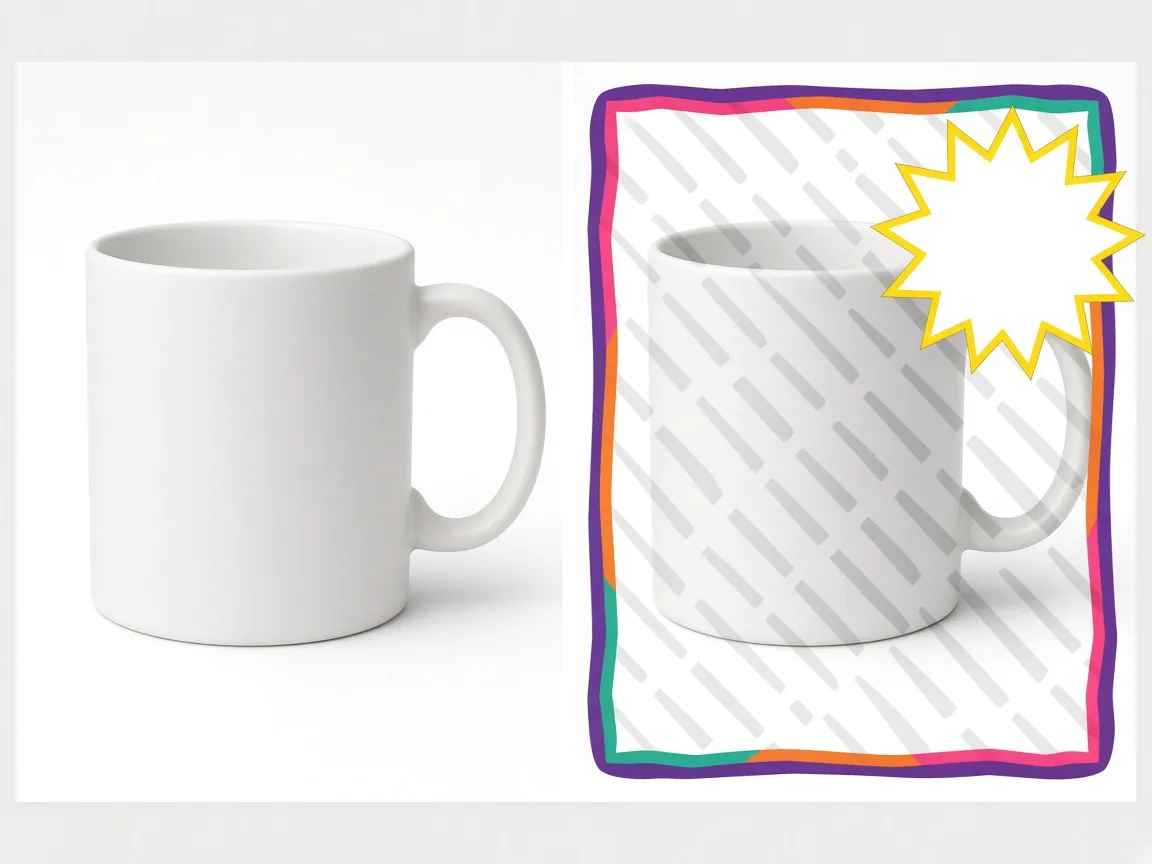
- Promotional overlays: calls to action such as "Buy" or "Shop now", prices, discounts, "Free shipping", warranty claims, promotional adjectives such as "Best", and condition text such as "New".
- Barcodes, QR codes, watermarks and copyright stamps added on top of the photo.
- Added brand, retailer or store logos placed in post-production. A logo that is physically part of the product is fine.
- Placeholders and generic images: "Coming soon" graphics, store logos instead of a product photo, or one shared photo reused across different products.
- Illustrations, line art or mockups that do not show the physical product (Hardware, Vehicles and Parts, and Computer Software are exceptions).
- Single-colour squares, borders, and other products that are not sold together with the main product.
Google also lets you turn on automatic image improvements in Merchant Center, which can fix some minor issues such as promotional overlays. Treat it as a safety net, not a workflow.
Framing and the 75-90% Rule
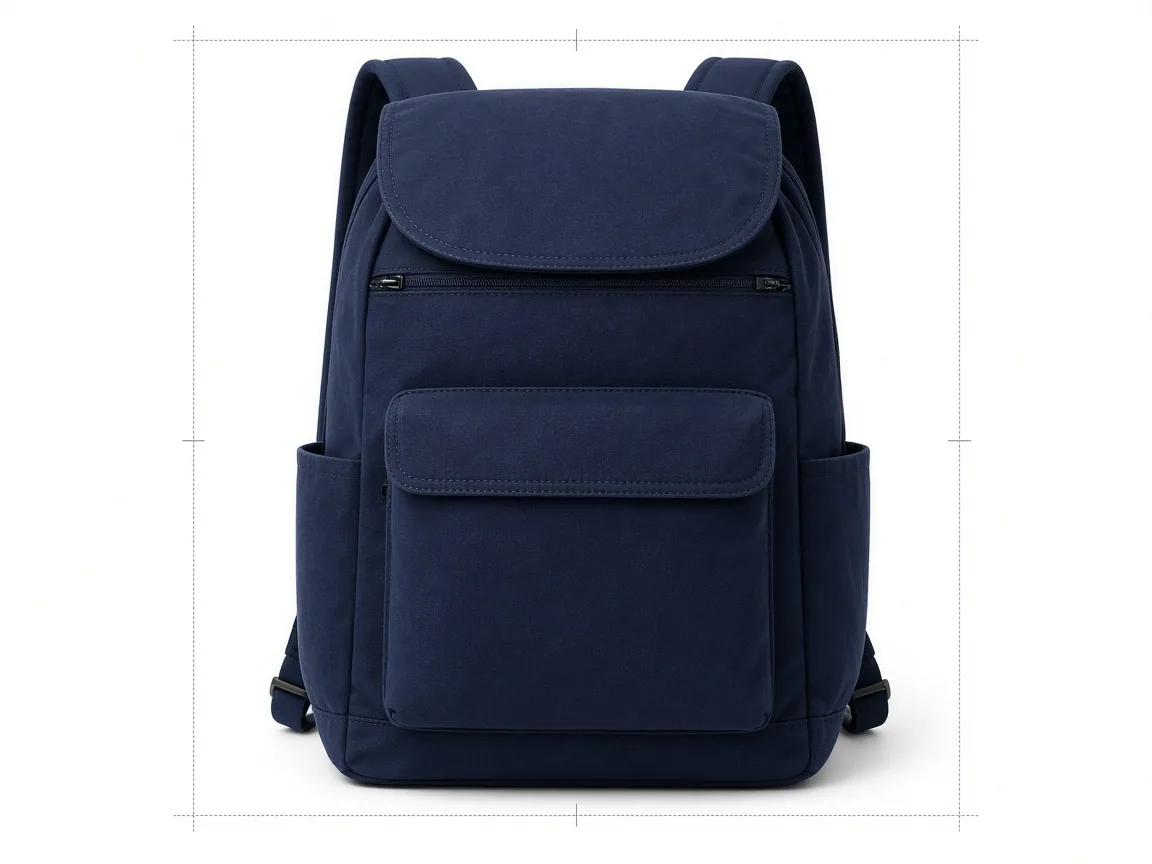
Google's best practice is to frame the product so it takes up no less than 75% and no more than 90% of the full image. In practice:
- Shoot or crop square and leave a small, even margin around the product.
- Do not crop into the product to fill the frame; Google may test subtle cropping of its own.
- Packaging: if you show a product in its box, Google asks for multidimensional packaging, not just a flat front panel. A three-quarter angle that shows two sides works.
- Keep one product per main image unless the items are sold together as a set.
Our white background product photography guide covers clean main images, and product photography angles covers the rest of the set.
Variants, Additional and Lifestyle Images
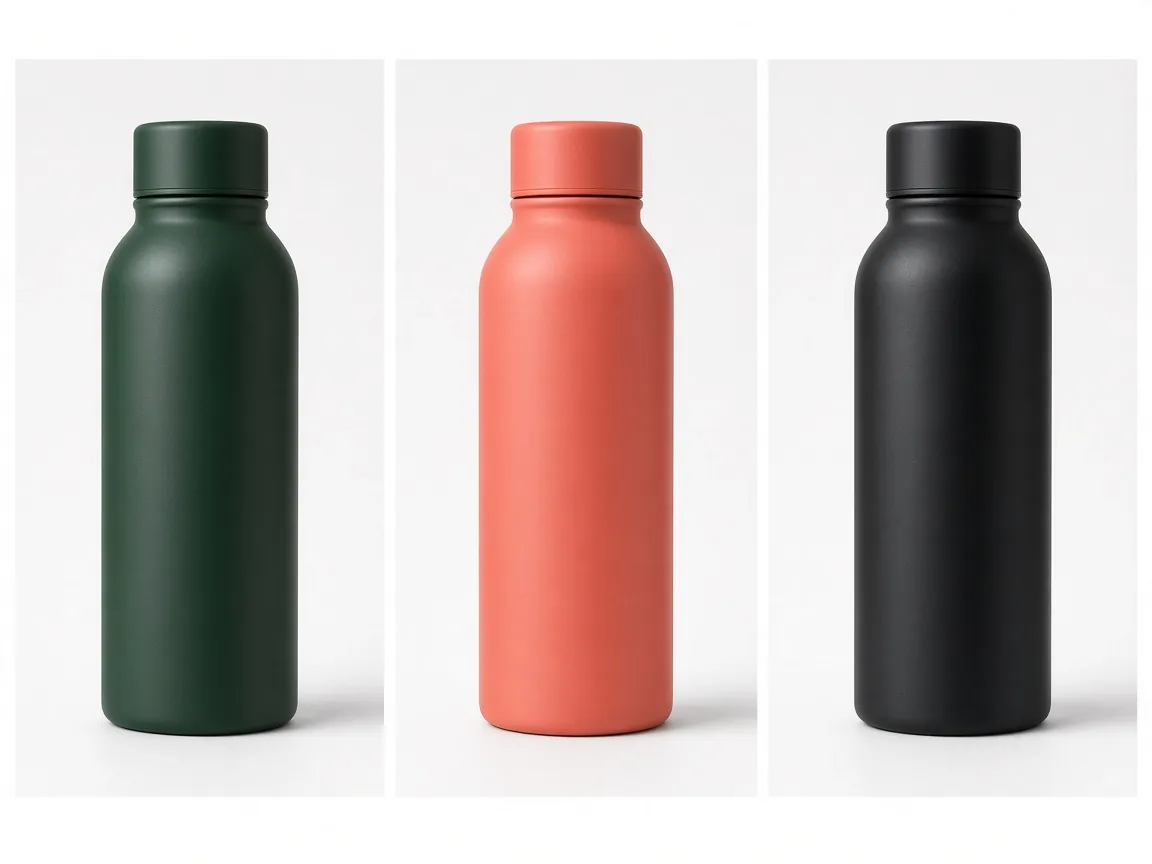
- One image per variant. Google asks for a distinct image for every variant (colour, pattern, finish or material) that matches the exact option being sold.
- One variant per image. Do not use a group shot of every colourway as the main image for one colour.
- Customised products: show the customisation if the listing is customised, and the plain product if it is not.
- additional_image_link holds other angles, details and highlighted features.
- lifestyle_image_link holds in-context images, such as the product in a room or in use.
Variant images are where most catalogues fall short, because every colourway needs its own clean shot. See our ecommerce image optimization guide for keeping file sizes and names tidy across a large range.

AI-Generated Images and Metadata
Merchant Center Help now says all images created with generative AI must contain metadata showing they were AI-generated, such as the IPTC DigitalSourceType value TrainedAlgorithmicMedia, and that you should not remove that embedded metadata. CompositeSynthetic covers composites with synthetic elements.
- Check your export path. Some resize, compression and CDN tools strip metadata. Test a file before you send a whole feed.
- Keep the product honest. AI images still need to show the exact product, colour and variant being sold.
- Keep a record of which feed images were generated or edited with AI, so you can answer a review quickly.
A Simple Export Checklist for Google Shopping Images
- Start from a sharp original at least 1500 px on the short side.
- Crop square with the product filling about 75-90% of the frame.
- Remove every overlay: text, badges, borders, watermarks and added logos.
- Export JPEG or WebP with an extension that matches the format, well under 16 MB.
- Give each variant its own image and map it to the right item in the feed.
- Keep AI metadata on any AI-generated image.
- Check robots.txt allows Googlebot and Googlebot-image, then watch Diagnostics after the next feed fetch.
Skip the Shoot
If a range is missing clean main images or variant shots, you can fill the gaps from photos you already have. Picjam turns one product shot into packshots, extra angles and lifestyle scenes, and for apparel, virtual model images, with no prompts to learn. Free to start, no card required. Start at the AI product photography and packshot generator, or check a live listing with the Listing Image Score to see the gaps first.
Frequently Asked Questions
What size should Google Shopping images be?
Google Merchant Center requires at least 500 x 500 px for all products from 31 Jan 2027 and recommends about 1500 x 1500 px or more. Images must be no larger than 64 megapixels and 16 MB.
What file types does Google Merchant Center accept?
JPEG, WebP, PNG, GIF, BMP and TIFF. The file extension should match the real format, or you may see an "Unsupported image type" error.
Can a Google Shopping image have text or a logo?
Not added on top. Promotional text, prices, badges, watermarks and logos added in post-production cause disapprovals. A logo that is physically printed on the product is allowed.
Does the main image need a white background?
The image_link help page does not set a background colour, but it bans borders, single-colour images and overlays. A plain white or light background is the safest choice for the main image; use lifestyle_image_link for scenes.
Do I need a separate image for each colour?
Yes. Google asks for a unique image for every variant, showing only that variant's colour, pattern, finish or material.
Can I use AI-generated product images on Google Shopping?
Merchant Center Help says AI-generated images must keep metadata showing they were made with generative AI, such as the IPTC TrainedAlgorithmicMedia tag, and must still show the real product being sold.

Picjam team
The Picjam team blends AI, product, and creative expertise to eliminate the cost and delay of traditional photography for modern eCommerce brands.

