Pebblely Alternative for Catalogues: Pricing and Review
Pebblely vs Picjam: Pebblely's pricing (checked 20 Oct 2026), what it does well, a side-by-side table, who each suits and how to switch.
Short answer: Choose Pebblely if you want quick, affordable AI backgrounds for single products and are happy to pick themes or write prompts. Choose Picjam if you need full ecommerce galleries across a catalogue, including on-model, ghost mannequin, packshot, lifestyle and video, with no prompts to learn: Picjam suggests the shots each product needs.
Pebblely features and pricing checked 20 Oct 2026 on Pebblely's pricing page and FAQ. Prices change, so confirm on their site before you buy.
Pebblely Review: What It Does Well
Pebblely is an AI tool for product photos. In its own words, it turns product images into marketing assets: the AI creates backgrounds based on your uploaded image and adds shadows and reflections to match. Its site shows scene templates such as products standing on wood, stone or silk, floating in water, or in a styled room, and it markets the output for marketplace listings, social, website imagery, email banners and ads.
- Fast background scenes. Upload a product, pick a theme or template, and get styled scenes in seconds.
- Themes and custom prompts. Every plan lists 40+ background themes and custom prompts.
- Reference images and resizing. Paid plans can use reference images and generate different sizes for social media.
- Bulk generation on the Basic and Pro plans.
- Ownership. Pebblely's FAQ says you own the images you generate (see its terms).

Pebblely Pricing (Checked 20 Oct 2026)
| Plan | Monthly price | Images per month | Listed features |
|---|---|---|---|
| Lite | US$9 | 30 | 40+ background themes, custom prompts |
| Basic | US$19 | 200 | Themes, custom prompts, bulk generate |
| Pro | US$39 | 500 | Themes, custom prompts, bulk generate |
The pricing page also offers yearly billing ("2+ months free"), and the FAQ lists annual prices of $179 a year and $379 a year for the Basic and Pro tiers. Plans renew automatically, and the FAQ says refunds are not offered, with a reminder email 7 days before renewal. Whether a free trial is offered was not shown in the page text we could read, so check the FAQ. Source: pebblely.com/pricing and pebblely.com/faq, checked 20 Oct 2026.
Pebblely vs Picjam: Side by Side
| Pebblely | Picjam | |
|---|---|---|
| Core job | AI backgrounds and scenes for a product photo | Full ecommerce galleries for every SKU in a catalogue |
| Input | A product image | The photos you already have: phone, supplier, mannequin or flat lay shots |
| Packshots | Backgrounds with shadows and reflections | Yes, on white, neutral or brand backgrounds |
| Lifestyle scenes | Yes, the core feature | Yes |
| On-model apparel | Not listed as a plan feature (necklace-on-model examples shown) | Yes, virtual models for clothing |
| Ghost mannequin | Not listed | Yes |
| Product video | Not listed | Yes, from the same stills |
| Prompts | Themes, templates and custom prompts | No prompts to learn; Picjam suggests the shots each product needs |
| Batch | Bulk generate on Basic and Pro | Batch across a whole drop, with brand presets |
| Listing audit | Not listed | Optional Listing Image Score |
| Pricing | US$9 to US$39 a month, checked 20 Oct 2026 (see their pricing page) | Picjam Studio: US$99 a month billed monthly, or US$79 a month billed annually |
"Not listed" means the feature does not appear on Pebblely's pricing or FAQ pages as of 20 Oct 2026. Check Pebblely's site if a feature matters to you.
Who Each Tool Suits
Pebblely suits small shops and creators who want attractive scenes for a handful of products, mainly hard goods such as skincare, candles, jewellery and homewares, and who are comfortable choosing themes or writing prompts. The entry price is low and the output is quick.
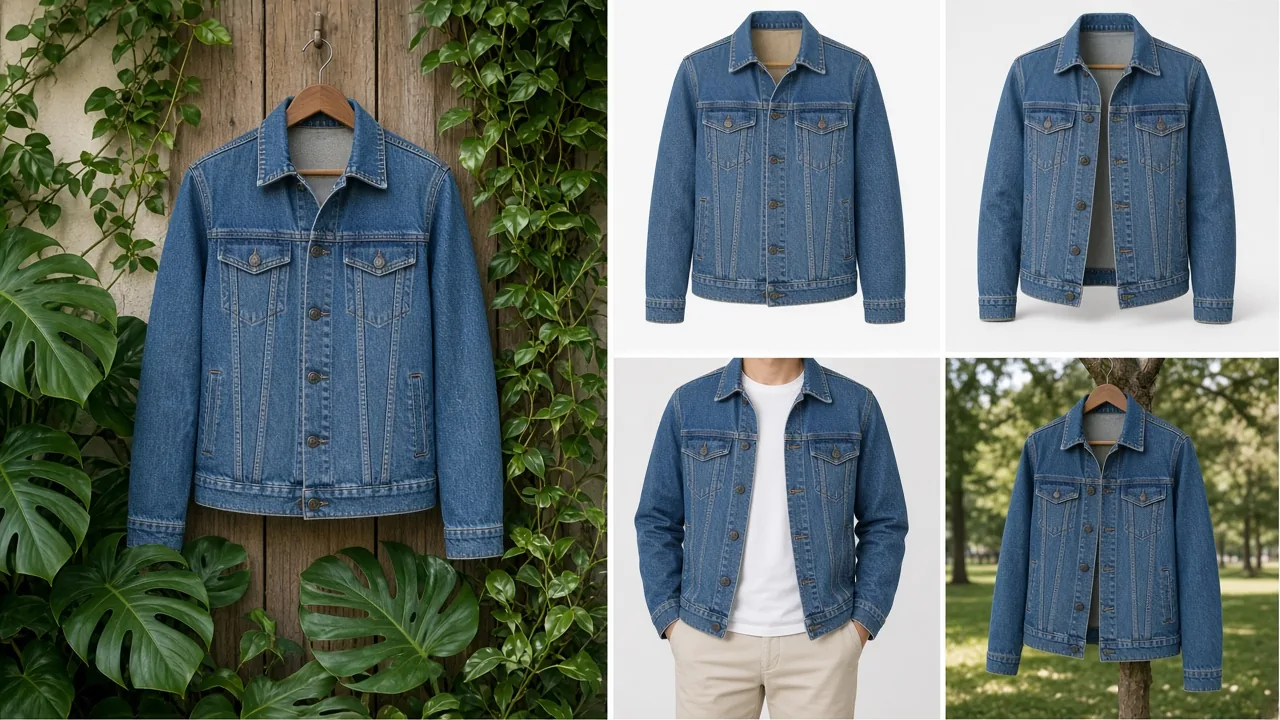
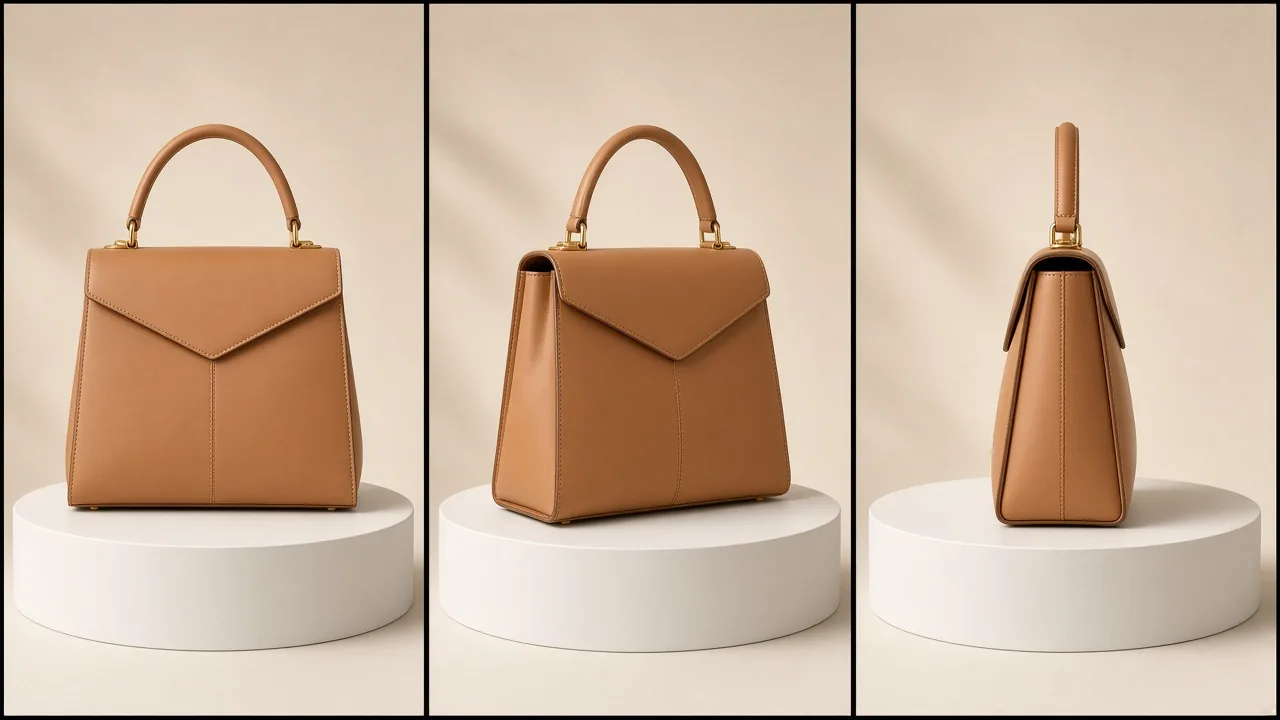
Picjam suits ecommerce teams with a catalogue, especially fashion and apparel, who need the whole gallery rather than one nice image: packshots, on-model, ghost mannequin, flat lay, lifestyle and video, consistent across every SKU. There are no prompts to learn. Picjam suggests the shots each product needs, based on large volumes of product images and sales data. Brands such as Yarra Trail, Jonzara and Julius Marlow have live products made with Picjam.


Switching From Pebblely to Picjam
- Export your best source photos. Clean product cut-outs and original photos are ideal inputs. Keep the scenes you like for social.
- Start with one range. Pick a category where your gallery is thin, such as a new drop with only supplier shots.
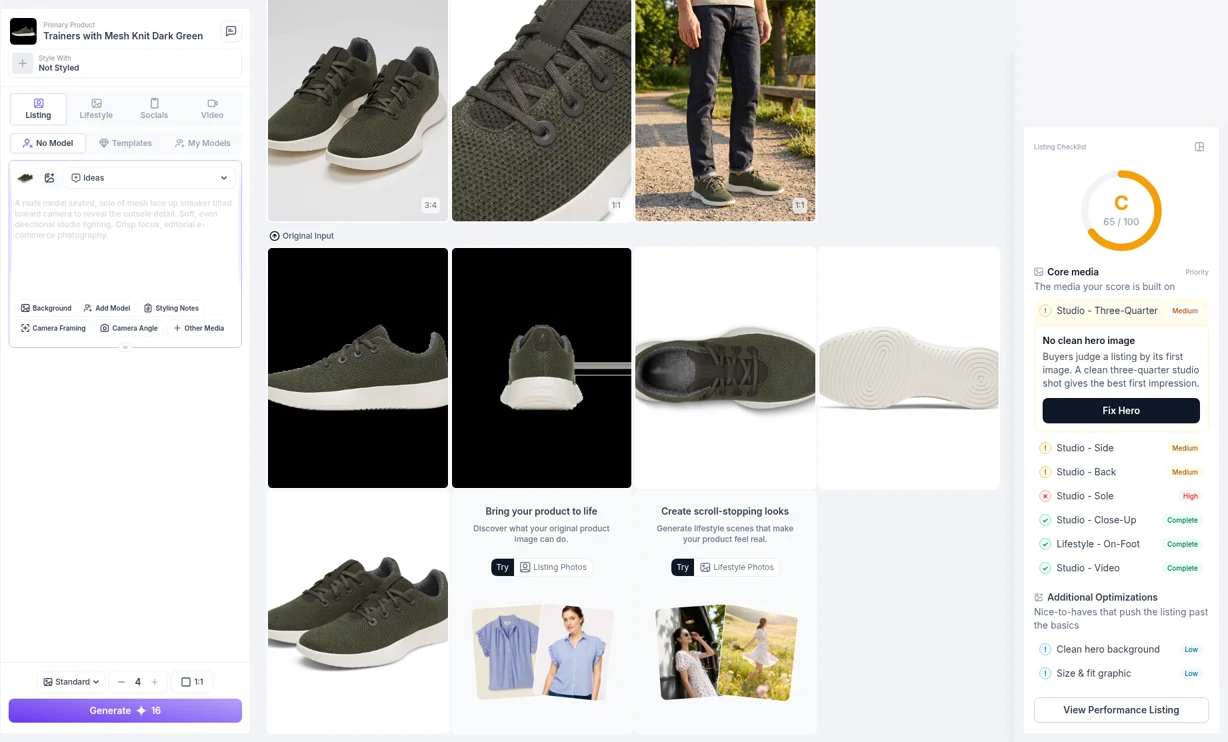
- Let Picjam suggest the shots. Upload the product photos and generate the packshots, lifestyle, on-model or ghost mannequin images it recommends. You can run a Listing Image Score first if you want to see the gaps; scoring is optional.
- Add video from the same stills where listings need motion.
- Batch the rest of the catalogue with the same brand presets so every SKU matches.
Start with the AI product photography and packshot generator, or go straight to the AI virtual model for apparel. Comparing more tools? See our roundup of the best product photography apps and our PhotoRoom alternative guide.
Frequently Asked Questions
How much does Pebblely cost?
As checked on 20 Oct 2026, Pebblely lists three monthly plans: Lite at US$9 for 30 images, Basic at US$19 for 200 images and Pro at US$39 for 500 images. Yearly billing is also offered. Check pebblely.com/pricing for current prices.
What is the best Pebblely alternative for ecommerce catalogues?
If you need full galleries across a catalogue rather than single background scenes, Picjam is built for that. It generates packshot, lifestyle, on-model, ghost mannequin and video from your product photos, with no prompts to learn.
Is Pebblely good for clothing?
Pebblely is strongest for background scenes around hard goods. Its pricing and FAQ pages do not list ghost mannequin or apparel virtual models as features. Clothing brands that need on-model or ghost mannequin images usually need a fashion-focused tool.
Do I need to write prompts in Picjam?
No. Picjam suggests the shots each product needs, based on large volumes of product images and sales data, so there are no prompts to learn. Pebblely offers themes, templates and custom prompts.
Can I use Pebblely and Picjam together?
Yes. Some teams use a background tool for quick social scenes and Picjam for the full product gallery, on-model and ghost mannequin images, and product video across the catalogue.
Sources: pebblely.com, pebblely.com/pricing and pebblely.com/faq, all checked 20 Oct 2026. Competitor details can change; confirm on their site.

Picjam team
The Picjam team blends AI, product, and creative expertise to eliminate the cost and delay of traditional photography for modern eCommerce brands.