Squarespace Image Size 2026: Width, Ratio & Product Limits
Squarespace image size: 2500 px width tip, 5 MB product limit, file types, aspect ratios, export steps and FAQs. Specs checked 7 Nov 2026.
Short answer: For Squarespace product images, upload JPG, GIF, PNG or WebP files under the product 5 MB limit, aim for about 2500 px wide so they stay sharp on large screens, and match the aspect ratio your store uses (often 1:1 for product grids). Squarespace converts uploads to WebP for display.
Squarespace image rules checked 7 Nov 2026 on Squarespace Help: Formatting images for display on the web, Add and style product images and Add products to your store. Squarespace can change these rules, so confirm on their Help Centre before you rebuild a catalogue.
If your Squarespace product photos look soft on desktop, or crop oddly in the store grid, the cause is usually width, aspect ratio or file size, not a missing filter. This guide covers the Squarespace image size and file rules, what is a requirement versus a recommendation, how to set product aspect ratios, a simple export workflow and FAQs.
- Squarespace image size at a glance
- What Squarespace requires
- Recommended width and sharpness
- Product images, featured images and limits
- Aspect ratios and cropping
- A simple export workflow
- Common mistakes
- Skip the shoot
- FAQs
Squarespace Image Size at a Glance
The middle column is what Squarespace publishes. The right column is our working target where Squarespace gives guidance rather than a hard product rule.
| Spec | What Squarespace says | Our working target |
|---|---|---|
| File types | JPG, GIF, PNG or WebP (no PDF, PSD, DOC; animated WebP not supported) | JPG or PNG for product photos; WebP is fine if your export tool supports it |
| Site-wide upload size | 20 MB or smaller; recommend 500 KB or less for faster loading | Keep each product photo under 1 MB when you can, without crushing detail |
| Product image size | Product images should be smaller than 5 MB | Under 5 MB per product image, hard limit from Add products to your store |
| Recommended width | About 2500 px wide is ideal for most images; under 1500 px may look blurry | Export product heroes at 2000 to 2500 px on the long side |
| Resolution cap | 120 megapixels or smaller | Normal phone and studio files are fine; skip huge camera RAW exports |
| Colour | RGB colour mode, sRGB profile | Convert CMYK files before upload |
| Images per product | Up to 100 images; keep the product page under about 5 MB total | 6 to 12 strong photos for most physical products |
| Aspect ratio | You set product image aspect ratio in store styles; start with matching shapes | Shoot or crop every SKU to one ratio (often 1:1) before upload |
Squarespace Help also notes that uploaded images are converted to WebP for display on the site, while the original stays in the asset library.

What Squarespace Requires vs Recommends
It helps to separate hard limits from best-practice guidance.
- Requirements (upload will fail or look wrong if ignored): allowed file types; 20 MB site-wide file size; product images under 5 MB; RGB/sRGB; 120 MP cap; file names limited to letters, numbers, underscores and hyphens.
- Recommendations (Squarespace's own wording): about 2500 px width for most images; keep images under about 500 KB when you can; keep product pages under about 5 MB total; edit images to the desired ratio before uploading.
There is no single official "product image must be exactly N x N pixels" rule on the Help pages checked on 7 Nov 2026. Width and ratio come from how your template crops the image container.
Recommended Width and Sharpness
Squarespace creates several resized versions of each upload. A width of about 2500 px gives you the full set of those versions and still uploads quickly. Images narrower than about 1500 px may look soft on larger screens. That is Squarespace's guidance for site images in general, and it is the best public number to use for product heroes as well.
If a photo is already soft, uploading a larger file will not invent detail. Retake the photo or generate a clean packshot from a sharp original, then export at the target width.
Product Images, Featured Images and Limits
On a Squarespace product you can add a featured image, additional images, variant images and an alternate social sharing image. The featured image is what shoppers usually see first in the store and collections.
- Featured image: the clean hero that represents the product across the site.
- Additional images: angles, details, lifestyle and in-use shots.
- Variant images: colour or size variants after you add product options.
- Count: up to 100 images per product, but Squarespace warns that too many images slow the page and recommends keeping pages under about 5 MB.
For most catalogues, a short, consistent set beats a long, uneven gallery.

Aspect Ratios and Cropping
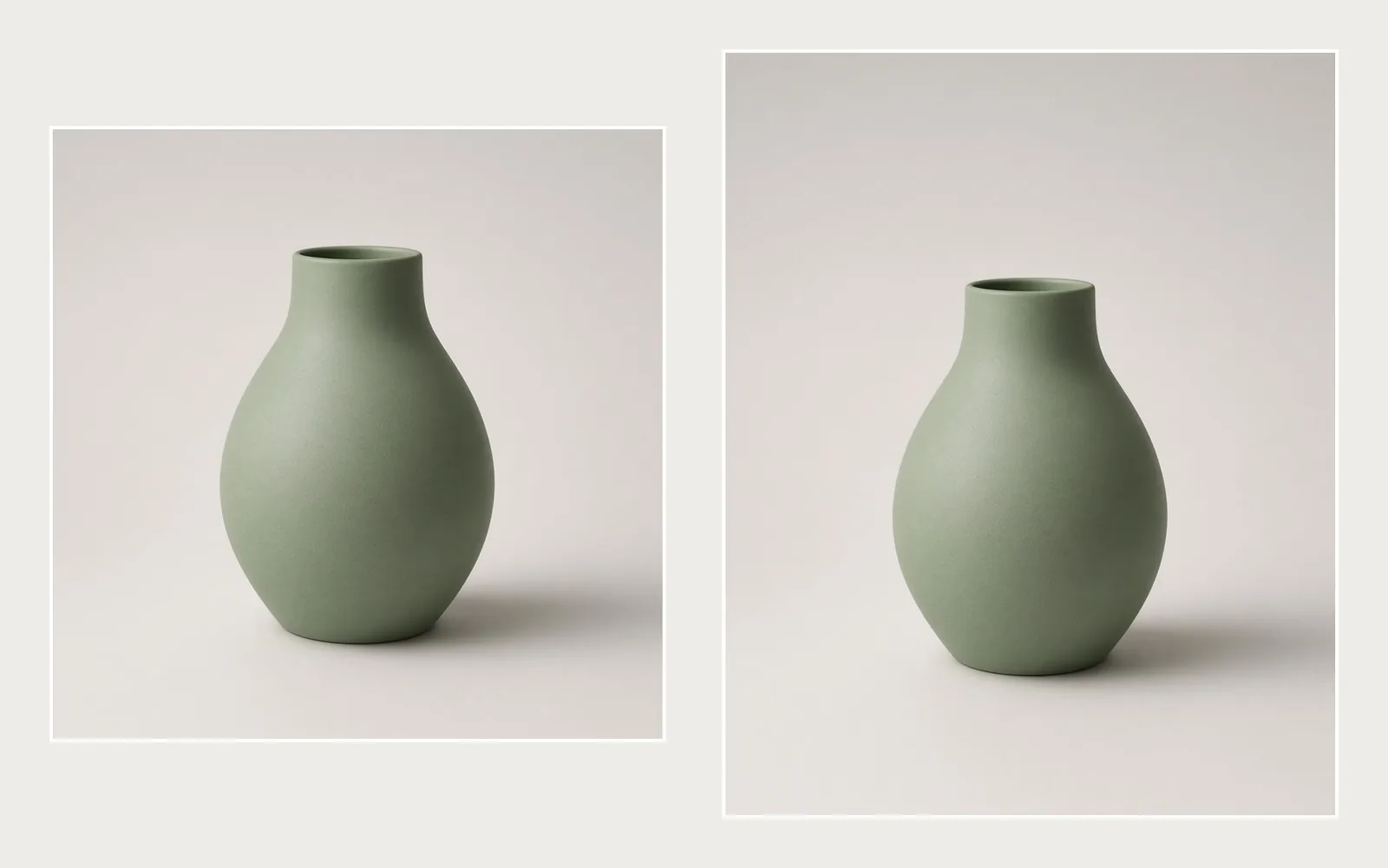
Squarespace lets you set the aspect ratio for product images on store pages and product details pages. If your photos do not match that ratio, the theme crops them to fill the container. Squarespace's aspect-ratio guide and product-image guide both say to edit images to the desired ratio before upload when you want predictable crops.
- Pick one ratio for the whole store, often 1:1 for grids, or 4:5 / 2:3 if your products are tall.
- Crop every SKU to that ratio with the same padding around the product.
- Check the store page and the product page after upload, because each can use different style settings.
- Watch auto-crop toggles in classic and modern store styles so backgrounds do not get trimmed unevenly.
For more on clean packshots, see our white background product photography guide. Selling on other platforms too? See Shopify product image size, Etsy listing photo size and eBay image size.
A Simple Export Workflow for Squarespace Product Photos
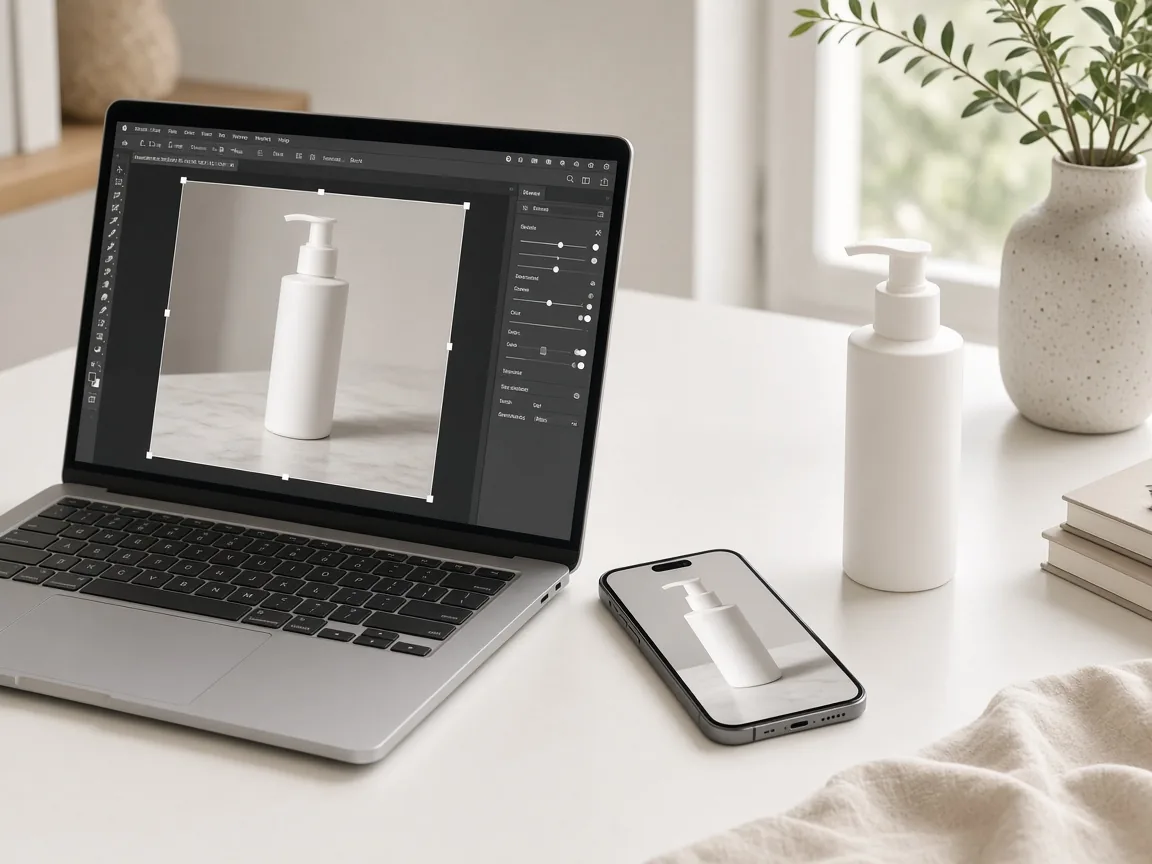
- Shoot or generate a sharp original with the product filling most of the frame and space for a crop.
- Convert to RGB / sRGB if the file came from print or a CMYK design tool.
- Crop to your store ratio with consistent margins.
- Resize the long side to about 2000 to 2500 px.
- Export JPG or PNG under 5 MB (aim under 1 MB when detail allows).
- Use a clean file name with letters, numbers, hyphens or underscores only.
- Upload, set the featured image, then check the collection grid and the product page on desktop and phone.
Common Squarespace Image Mistakes
- Uploading under 1500 px wide and wondering why desktop looks soft.
- Mixing ratios so the grid crops some products through the middle.
- Dumping 30 soft phone snaps onto one product and blowing past the page weight tip.
- Leaving CMYK files that shift colour on mobile.
- Meeting the file-size limit while ignoring merchandising gaps such as missing backs, details or variants.
Skip the Shoot
If you already have a clean product photo, you can build the rest of the gallery without another studio day. Picjam turns one product shot into packshots, lifestyle scenes and, for apparel, virtual model images, with no prompts to learn. Free to start (two free turns). Start at the AI product photography and packshot generator, or score a live listing with the Listing Image Score first if you want to see the gaps.

Frequently Asked Questions
What size should Squarespace product images be?
Squarespace does not publish one fixed product pixel size. Use JPG, PNG, GIF or WebP under 5 MB per product image, aim for about 2500 px wide so photos stay sharp, and crop every SKU to the aspect ratio your store uses.
What is the maximum file size for Squarespace product images?
Product images should be smaller than 5 MB. Site-wide image uploads can be up to 20 MB, but Squarespace recommends smaller files for faster loading.
What file types does Squarespace accept?
JPG, GIF, PNG and WebP. PDF, PSD and DOC files are not supported for image uploads, and animated WebP is not supported.
Why do my Squarespace images look blurry?
Images narrower than about 1500 px may look blurry on larger screens. Re-export closer to 2500 px wide from a sharp original, then check that your theme is not upscaling a small file.
Should Squarespace product photos be square?
Only if your store's product image aspect ratio is set to square. Squarespace lets you choose the ratio in store styles; matching that ratio before upload prevents awkward crops.
How many images can one Squarespace product have?
Up to 100, but Squarespace recommends keeping product pages under about 5 MB so the page stays fast. Most products sell better with a short, consistent set than a long gallery.

Picjam team
The Picjam team blends AI, product, and creative expertise to eliminate the cost and delay of traditional photography for modern eCommerce brands.